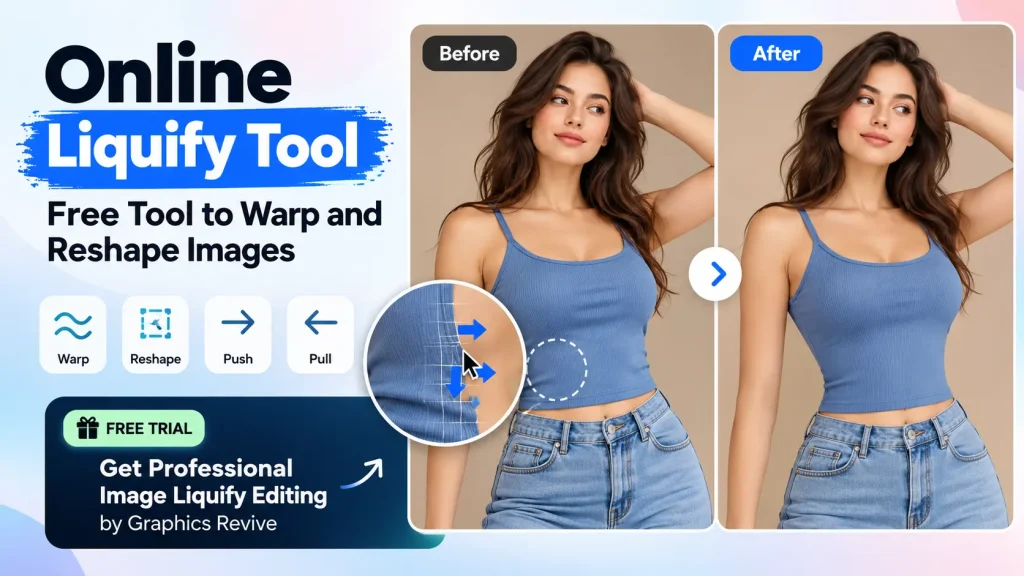
Looking for an Online Liquify Tool to quickly warp, reshape, or adjust part of an image? A liquify tool can be useful when you need to make small changes to a photo without changing the entire image. You can use it to push, pull, expand, shrink, or reshape specific areas of a photograph.
But what if you don’t want to spend time learning an editing tool yourself? What if you simply want someone to do the liquify editing for you?
That’s where Graphics Revive can help. We are a professional image editing service provider, and you can send us your image and request a liquify edit through our free trial. Instead of learning how to use an Online Liquify Tool, you can let our editors handle the editing for you and see the quality before deciding whether you want to work with us regularly.
What Is an Online Liquify Tool?
An Online Liquify Tool is a browser-based image editing tool that allows you to manipulate specific areas of an image. Unlike cropping or resizing, liquify editing lets you change the shape of selected parts while keeping the rest of the photograph relatively unchanged.
For example, you might want to slightly adjust the shape of clothing in a fashion photograph, correct the shape of a product, or make a small adjustment to an object.
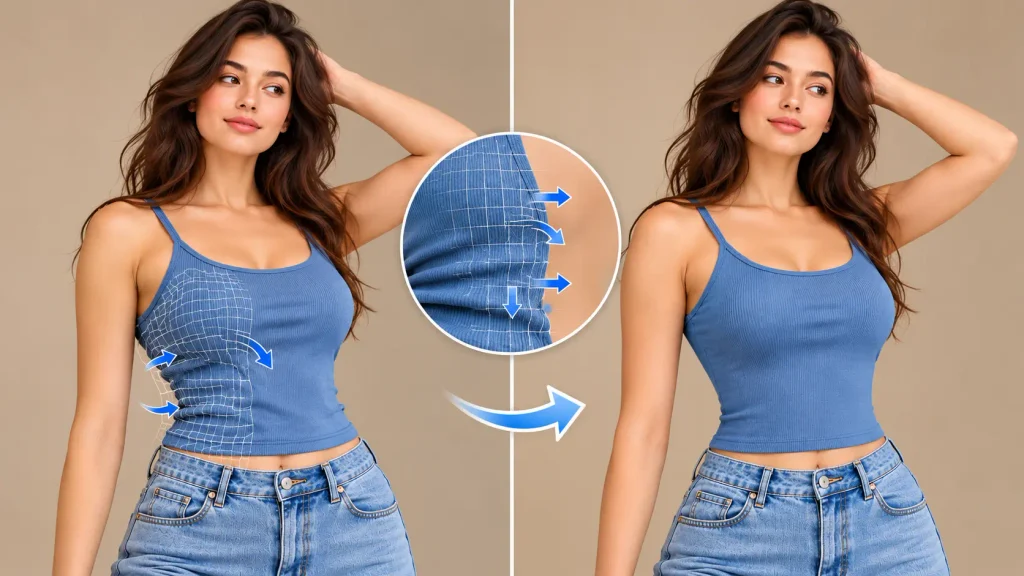
Most liquify tools work with a brush. You select the area you want to modify and then push or pull the pixels in the direction you want. The strength and size of the brush usually determine how much of the image is affected.
The technique sounds simple, but getting a natural result can take practice.
What Can You Do With a Liquify Tool?
An Online Liquify Tool can be useful for many different types of images. Photographers may use liquify editing for fashion and portrait photographs, while e-commerce businesses may need it for product images.
It can be used to correct minor shape problems, improve clothing contours, adjust product edges, or make subtle creative changes.
The important word here is subtle. If you push or pull an image too much, you can easily create unnatural curves, distorted patterns, or strange-looking backgrounds.
Professional liquify editing is usually about making a change without making the editing obvious.
Do You Really Need an Online Liquify Tool?
Not necessarily.
If you have one image and enjoy editing photographs yourself, an Online Liquify Tool can be a convenient option. You can upload your image, experiment with the controls, and make the changes yourself.
However, things become different when you have dozens or hundreds of images to edit.
Imagine you are an e-commerce business owner with 200 product photographs. You don’t just need liquify editing. You may also need background removal, color correction, image cleanup, resizing, shadow creation, and other adjustments.
Doing everything yourself can take a lot of time.
This is where outsourcing your image editing can make things much easier.
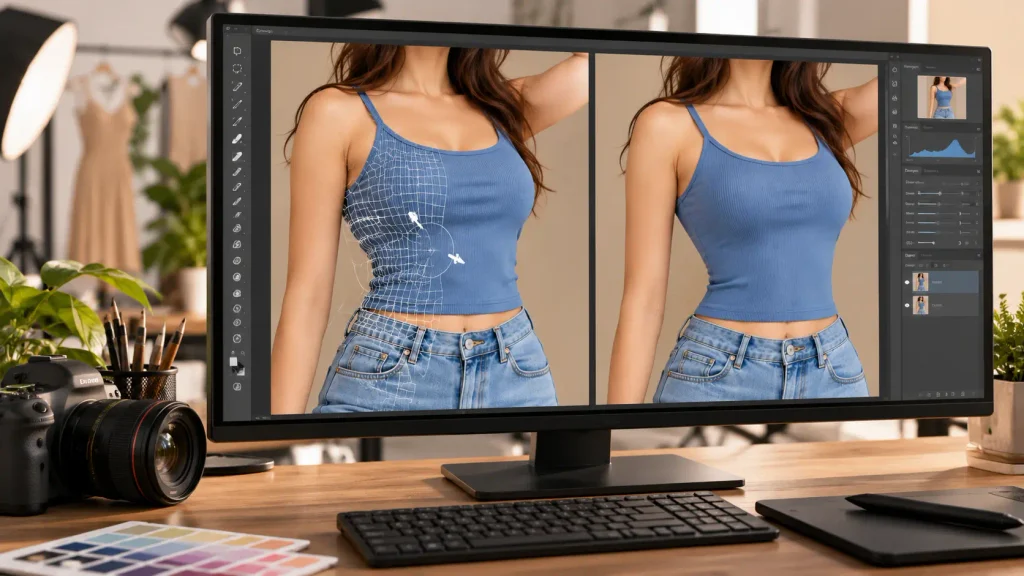
Get Your Image Liquify Editing Done for Free
If you came here looking for an Online Liquify Tool, you may actually not need to edit the image yourself.
Graphics Revive offers a free trial for image editing services.
You can send us your image and tell us what you want to be liquified or reshaped. Our professional editors can work on the image for you, so you don’t have to spend time learning an online editing tool.
The free trial gives you an opportunity to see how we handle your images before making a long-term commitment.
Whether you need a subtle adjustment to a product, clothing, portrait, or another type of image, simply provide your requirements and let our editing team take care of the work.
Why Choose Graphics Revive Instead of Editing It Yourself?
An Online Liquify Tool gives you the controls, but you still have to do the editing.
That means choosing the right brush size, controlling the strength, protecting important details, checking the background, and making sure the final result looks natural.
With Graphics Revive, you can simply explain what needs to be changed.
Our editors can handle the technical side of the editing while following your instructions. This can be especially useful when you have a large number of photographs or need consistent results across an entire project.
You also don’t have to stop at liquify editing. If your image needs additional retouching, we can work on those areas as part of a broader image editing workflow.
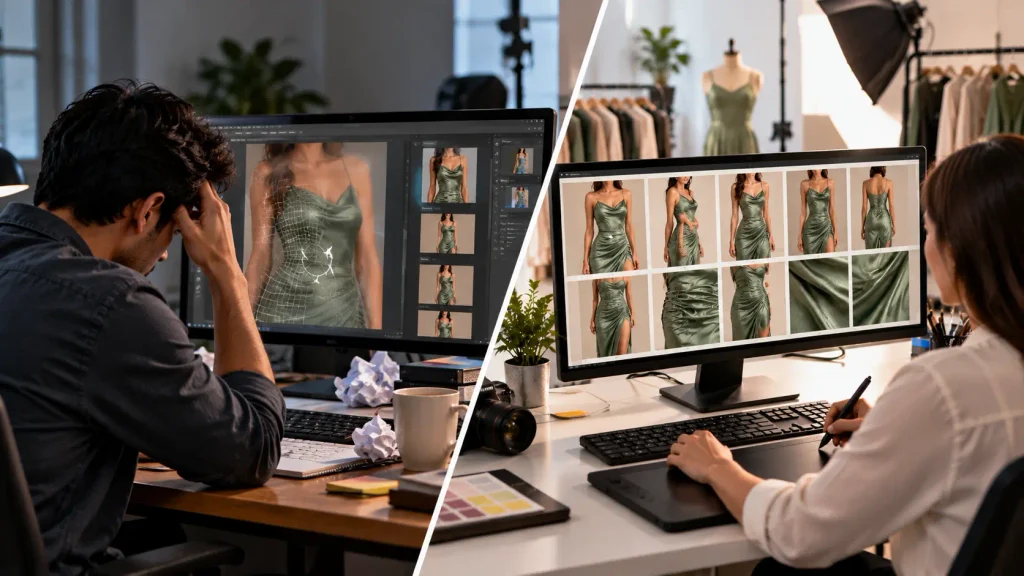
More Than Just Liquify Editing
Graphics Revive is an image editing service provider, not simply an alternative to an Online Liquify Tool.
We provide a wide range of professional image editing services for photographers, e-commerce businesses, retailers, agencies, and other businesses.
Our services include product photo editing, background removal, clipping path, image masking, photo retouching, ghost mannequin editing, jewelry retouching, real estate photo editing, color correction, and other specialized image editing solutions.
This means you can send us an image that needs liquify editing and also ask us to take care of other editing requirements.
For example, a product image may need its shape corrected, background removed, colors improved, and final dimensions prepared for an online store. Instead of using several different tools yourself, you can have the editing handled by one professional service.
Liquify Editing for E-Commerce Images
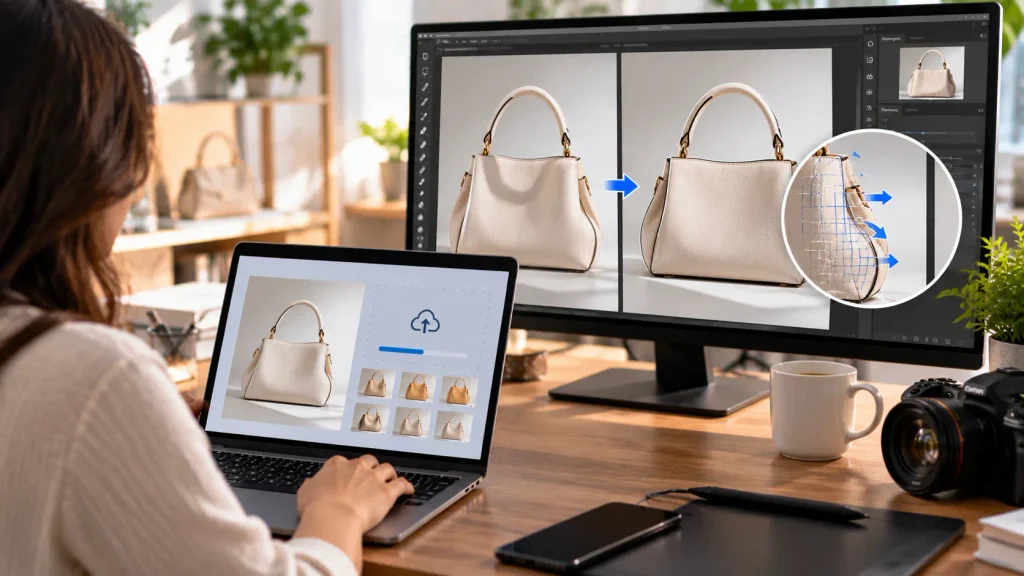
E-commerce businesses rely heavily on product photography. Your product images need to look clean, accurate, and professional because customers often make purchasing decisions based on what they see.
Sometimes a product doesn’t look perfectly shaped in the original photograph. Lighting, camera angles, positioning, or the product itself can create small visual problems.
Liquify editing can help correct certain issues while preserving the overall appearance of the product.
If you have many product photographs that need this type of work, Graphics Revive can help you process them professionally. You can start with our free trial and see how our editors handle your images before moving forward with a larger project.
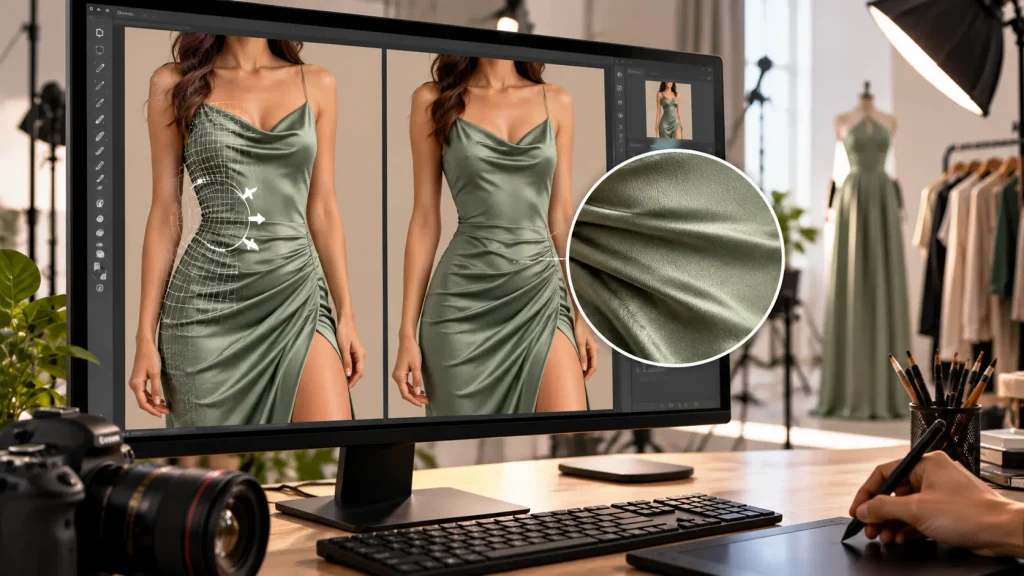
Liquify Editing for Fashion Photography
Fashion photographers and clothing brands can also benefit from professional liquify editing.
Clothing can sometimes appear uneven because of folds, positioning, movement, or the angle of the photograph. Small adjustments can improve the overall appearance while keeping the image realistic.
However, fashion retouching requires care. Over-editing can make clothing patterns look stretched or backgrounds appear distorted.
Our editors focus on maintaining a natural appearance while making the requested adjustments.
If you are a photographer or fashion business looking for an Online Liquify Tool, you can also consider sending your images to Graphics Revive and trying our free image editing service first.
Who Can Use Graphics Revive?
Our service can be useful for photographers, e-commerce sellers, fashion brands, advertising agencies, retailers, product photographers, real estate professionals, and businesses that regularly work with images.
You don’t need to be an expert in Photoshop or spend hours learning an Online Liquify Tool.
Simply send your images, provide your instructions, and let our editors handle the technical work.
For businesses with recurring image editing requirements, this can also save considerable time and make the editing process easier to manage.
How the Graphics Revive Free Trial Works
Getting started is simple.
Send us the image you want edited and explain what you need. If your requirement is liquify editing, tell us which part of the image you want adjusted and what type of result you are looking for.
Our editing team can then work on the image according to your instructions.
The free trial gives you a chance to evaluate the quality of our work before deciding whether Graphics Revive is the right image editing partner for your business.
There’s no need to commit to a large order just to find out what our editors can do. Start with the free trial, review the result, and then decide what you want to do next.
Online Liquify Tool or Graphics Revive?
An Online Liquify Tool can be a good option if you want to edit your own images and have the time to do it yourself.
Graphics Revive can be a better fit when you want someone else to handle the editing.
If you only have one personal photograph, doing it yourself may be perfectly reasonable. But if you’re a photographer, online seller, agency, or brand dealing with many commercial images, outsourcing can save you time and provide more consistent results.
You can also try Graphics Revive without immediately committing to a large project because our free trial allows you to test our image editing service.
Final Thoughts
An Online Liquify Tool can be useful when you want to warp and reshape an image yourself. It gives you direct control and can be convenient for quick editing jobs.
But you don’t always have to do the editing yourself.
If you need professional liquify editing, send your image to Graphics Revive and try our free image editing trial. Our editors can handle the liquify work for you and can also help with other image editing requirements.
Whether you need to edit one image or have a larger commercial project, you can start by testing our service and seeing the result for yourself.
Looking for an easier alternative to an Online Liquify Tool? Send your image to Graphics Revive and try our free image editing service today.
