
Real estate photography has become more competitive than ever. In 2026, buyers often decide whether they want to view a property within seconds of seeing its photos online. Bright, clean, professionally edited images can generate more interest, increase property inquiries, and even help homes sell faster. Because of this, choosing the right Real Estate Photo Retouching Software has become an important decision for photographers, real estate agencies, and property marketing companies.
The market now offers dozens of editing tools, each promising AI-powered enhancements, faster workflows, and professional-quality results. While many of these programs are excellent, not every software fits every workflow. Some are built for beginners who want one-click improvements, while others are designed for experienced editors who need complete control over every adjustment.
If you’re comparing the best Real Estate Photo Retouching Software, you’re in the right place. This guide explains what each software does well, where it falls short, and who should use it. By the end of this comparison, you’ll have a much clearer idea of which solution matches your editing needs and budget.
However, before comparing software, it’s worth remembering one important fact. Even the most advanced editing tools still require experience to produce consistent, high-quality real estate images. That’s why thousands of photographers and agencies combine professional software with expert editing services from companies like Graphics Revive.
At Graphics Revive, we specialize in professional real estate image enhancement for photographers, real estate businesses, Airbnb hosts, architects, interior designers, and property marketing companies worldwide. Instead of spending hours editing every image yourself, our experienced editors deliver natural-looking results while maintaining realistic colors, straight lines, balanced lighting, and stunning interiors. Whether you need HDR blending, sky replacement, window masking, object removal, lawn enhancement, perspective correction, or luxury real estate retouching, we help you save valuable time without compromising quality.
Many professionals use Real Estate Photo Retouching Software for basic adjustments but outsource complex editing projects to Graphics Revive. This combination helps them increase productivity, meet tight deadlines, and deliver premium images to clients consistently.
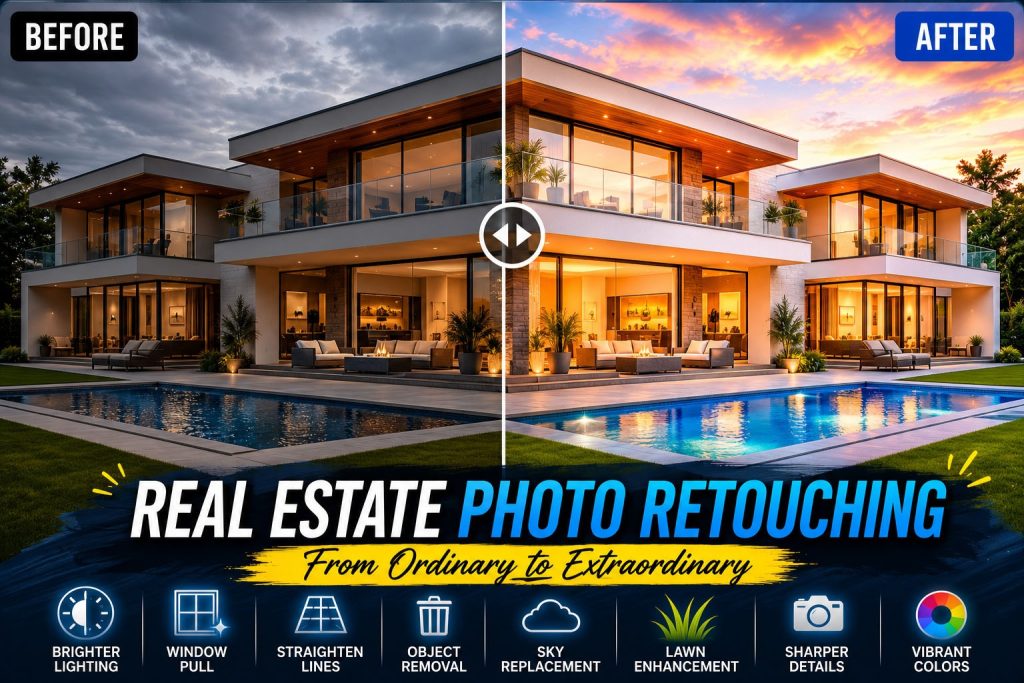
Why Choosing the Right Real Estate Photo Retouching Software Matters
Every property tells a story. The photographs should help buyers imagine themselves living there rather than distracting them with poor lighting, crooked walls, dull skies, or unwanted objects.
A good Real Estate Photo Retouching Software helps photographers improve exposure, enhance colors, remove distractions, straighten perspectives, reduce lens distortion, sharpen details, and create inviting interiors without making images appear unrealistic.
The best editing software also saves hours of manual work by automating repetitive tasks while still allowing enough creative control for professional-quality editing.
Let’s compare the leading options available today.
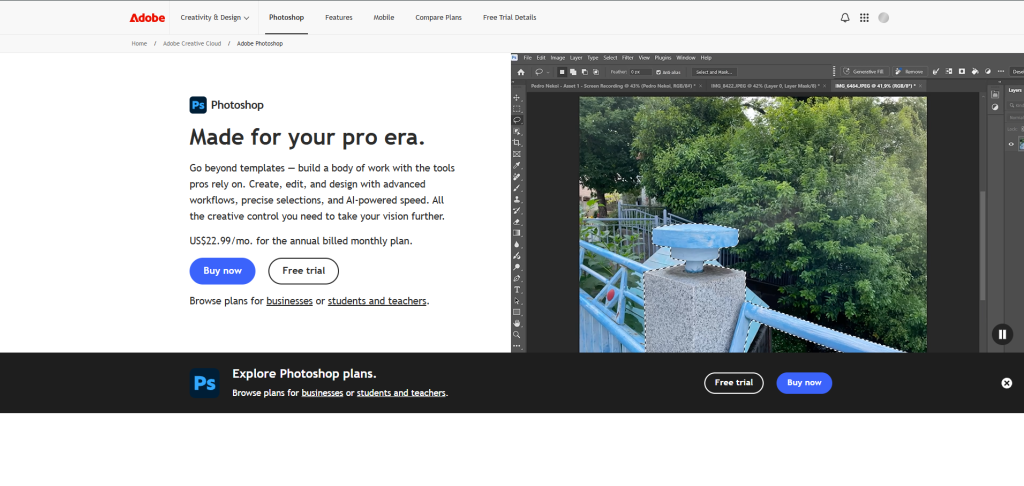
Adobe Photoshop
Adobe Photoshop remains the industry standard for professional image editing. Nearly every experienced real estate photo editor has used Photoshop at some point because of its unmatched editing capabilities.
When discussing Real Estate Photo Retouching Software, Photoshop almost always appears at the top of the list. It gives users complete control over every pixel. Whether you’re replacing skies, combining multiple exposures, correcting perspective, removing unwanted objects, adjusting colors, or creating advanced masks, Photoshop can handle virtually every editing task.
Its newest AI-powered features have made complex edits significantly faster than in previous years. Generative Fill, Object Selection, Neural Filters, and AI-powered masking have transformed many time-consuming editing tasks into quick workflows.
Professional photographers appreciate Photoshop because it doesn’t limit creativity. If you know how to use it properly, the possibilities are almost endless.
For beginners, however, Photoshop can feel overwhelming. Learning layers, masks, adjustment layers, blend modes, and smart objects requires patience and practice. It also works best alongside Adobe Lightroom for photo organization.
Pros
- Industry-leading editing capabilities
- Excellent AI-powered editing tools
- Advanced masking and compositing
- Perfect for HDR blending
- Supports plugins and automation
- High-quality perspective correction
- Ideal for professional workflows
Cons
- Monthly subscription required
- Steep learning curve
- Can be resource-intensive
- Overkill for simple editing tasks
Adobe Lightroom Classic
Adobe Lightroom Classic focuses on efficient photo management and batch editing rather than advanced manipulation. For photographers processing hundreds of property photos every week, Lightroom can dramatically reduce editing time.
As a Real Estate Photo Retouching Software, Lightroom shines because of its excellent catalog system. Photographers can import thousands of RAW files, organize projects, apply presets, synchronize edits across multiple photos, and export finished images quickly.
The latest AI masking tools allow users to brighten windows, improve skies, enhance interiors, and selectively edit different parts of an image with impressive accuracy.
Lightroom works especially well when paired with Photoshop. Many professionals begin their workflow in Lightroom and move selected images into Photoshop only when advanced retouching becomes necessary.
Its editing interface is much easier to learn than Photoshop, making it a great choice for photographers who primarily need exposure adjustments, color correction, lens correction, and basic retouching.
Pros
- Excellent batch editing
- Easy photo organization
- Fast RAW processing
- AI-powered masking
- Great preset support
- Beginner-friendly interface
Cons
- Limited advanced editing
- Subscription required
- Complex object removal still requires Photoshop

Luminar Neo
Luminar Neo has become increasingly popular because it combines artificial intelligence with an intuitive interface. Unlike traditional editors, it automates many editing tasks that normally require manual adjustments.
Many photographers looking for beginner-friendly Real Estate Photo Retouching Software appreciate Luminar Neo because of its AI-powered enhancements. Features like Sky AI, Structure AI, Relight AI, Atmosphere AI, and Enhance AI allow users to transform property photos in just a few clicks.
Sky replacement is particularly impressive. Outdoor property photos with dull skies can quickly become bright and inviting without looking fake when used carefully.
The software also includes portrait tools, making it useful for lifestyle real estate marketing photos featuring homeowners or real estate agents.
While Luminar Neo is powerful, it still doesn’t provide the same level of detailed control as Photoshop. Professional retouchers often use it as a supporting tool rather than their primary editing software.
Pros
- Excellent AI automation
- Very beginner friendly
- Fast sky replacement
- Attractive interface
- One-click enhancements
- Good performance
Cons
- Limited precision editing
- Fewer advanced masking options
- Some AI results need manual correction
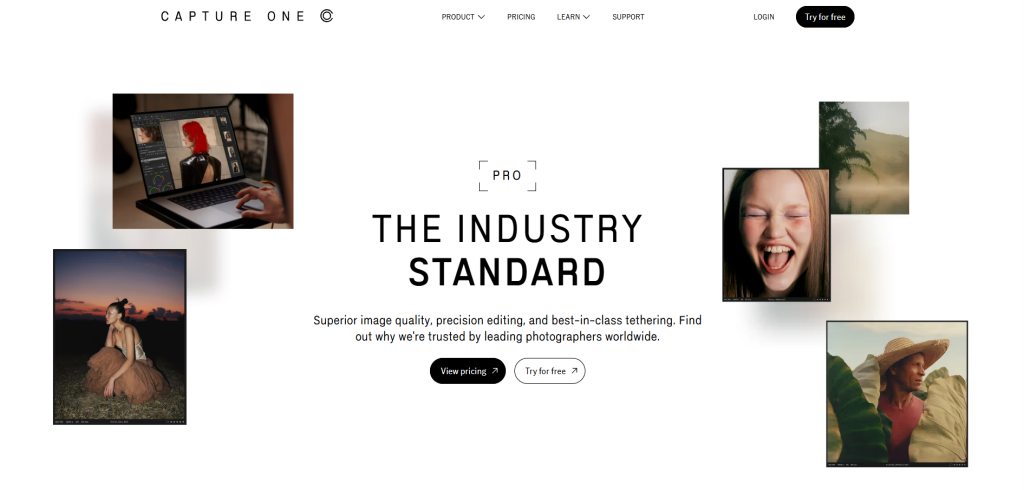
Capture One Pro
Capture One Pro has earned an excellent reputation among professional photographers because of its exceptional RAW processing and color accuracy.
As a premium Real Estate Photo Retouching Software, Capture One excels at preserving image quality throughout the editing process. Interior photographs often contain difficult lighting conditions with mixed color temperatures, and Capture One handles these situations extremely well.
The software offers advanced tethering, customizable workspaces, layers, local adjustments, and highly accurate color grading.
Many architectural photographers prefer Capture One because it delivers outstanding detail while maintaining realistic colors.
However, its interface may take time to master, and some editing features aren’t as extensive as Photoshop’s advanced compositing capabilities.
Pros
- Outstanding RAW processing
- Exceptional color accuracy
- Excellent image quality
- Professional workflow tools
- Fast performance
Cons
- Higher learning curve
- Premium pricing
- Fewer advanced manipulation tools than Photoshop
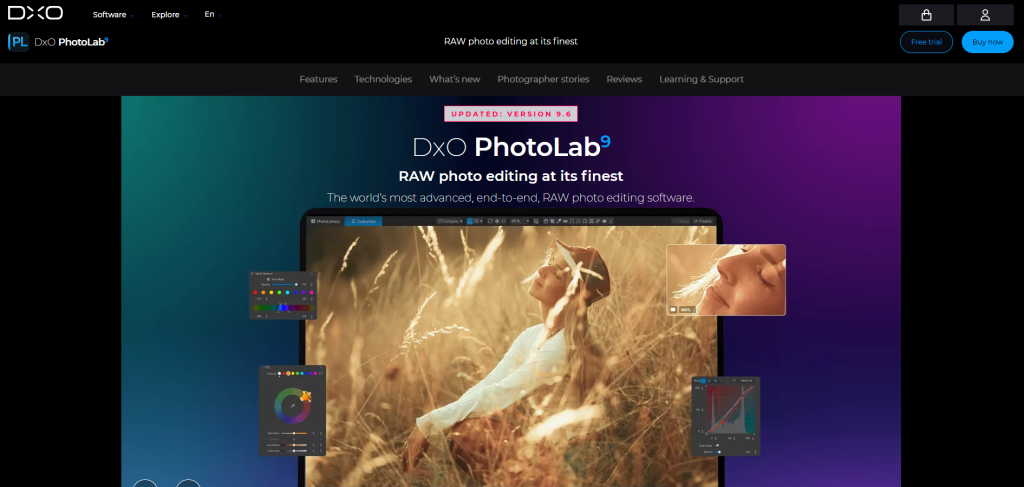
DxO PhotoLab
DxO PhotoLab has built a strong reputation among photographers who care about image quality. While it may not be the first name that comes to mind when people search for Real Estate Photo Retouching Software, it offers some of the best RAW processing and lens correction technology available today.
One of its biggest strengths is its automatic optical corrections. The software uses a large database of camera bodies and lenses to fix distortion, chromatic aberration, vignetting, and softness with remarkable accuracy. These corrections are especially useful in real estate photography, where straight walls, clean edges, and natural-looking rooms are essential.
Another standout feature is DeepPRIME noise reduction. Interior photos taken in low light often contain visible digital noise, especially when photographers avoid using flash. DxO PhotoLab removes that noise while preserving sharp details, making interior spaces appear cleaner and more professional.
Although DxO PhotoLab excels in image quality, it isn’t designed for heavy compositing or advanced object removal. Many professionals use it to process RAW files before moving images into Photoshop for more detailed editing.
Pros
- Outstanding RAW image quality
- Excellent automatic lens corrections
- Industry-leading noise reduction
- Fast processing performance
- Natural color rendering
- Great detail preservation
Cons
- Limited advanced retouching tools
- Smaller plugin ecosystem
- Less suitable for complex compositing
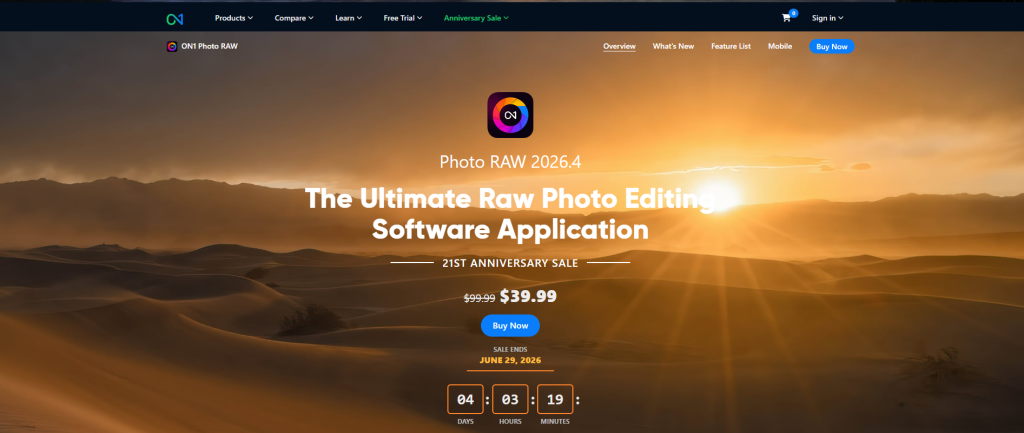
ON1 Photo RAW
ON1 Photo RAW combines photo organization, RAW processing, AI-powered editing, and layer-based editing into one package. It appeals to photographers who want an alternative to Adobe’s subscription model.
As a Real Estate Photo Retouching Software, ON1 Photo RAW provides a balanced workflow. Users can organize photos, apply presets, make local adjustments, replace skies, remove distractions, and perform detailed edits without switching between multiple applications.
The software has continued improving its AI features in recent years. Automatic masking, portrait enhancements, sky replacement, and intelligent selections save time while still giving photographers manual control when needed.
Another advantage is its flexible licensing. Many users prefer buying a perpetual license rather than paying a monthly subscription.
The interface can feel slightly crowded at first, but after a short learning period, photographers usually find the workflow efficient and practical.
Pros
- One-time purchase available
- Good balance of AI and manual editing
- Layer-based editing
- Built-in photo organizer
- Regular feature updates
- Strong batch processing
Cons
- Interface may feel overwhelming initially
- Performance depends on hardware
- Some AI tools are less refined than competitors
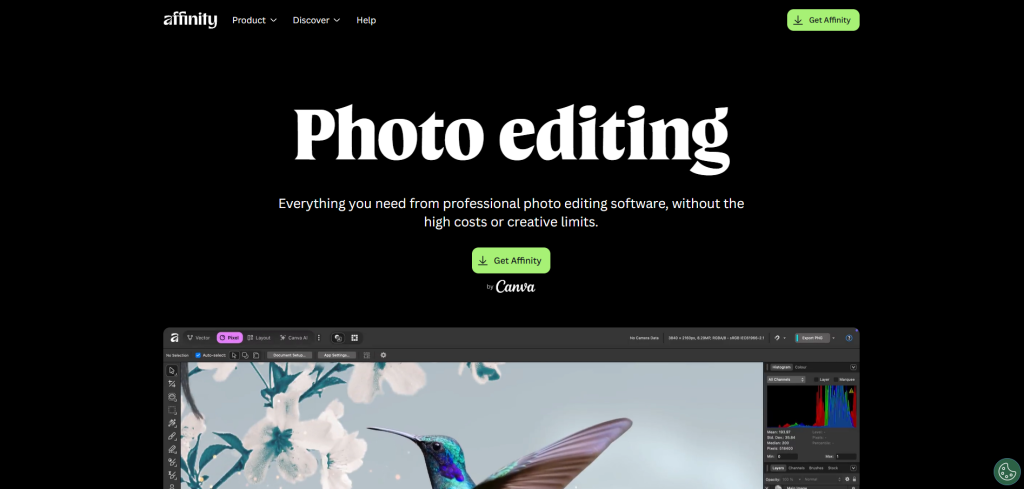
Affinity Photo
Affinity Photo has become one of the most popular alternatives to Photoshop. It offers many professional editing features without requiring a subscription.
For photographers searching for affordable Real Estate Photo Retouching Software, Affinity Photo delivers excellent value. It supports layers, masks, HDR merging, panorama stitching, advanced selections, frequency separation, and professional retouching tools.
The software performs well even with large image files and continues adding new features through major updates.
One reason photographers appreciate Affinity Photo is its familiar interface. Those with previous Photoshop experience can usually adapt quickly without starting from scratch.
Although it lacks Adobe’s AI ecosystem and extensive plugin library, Affinity Photo remains an impressive choice for photographers who want professional capabilities at a lower long-term cost.
Pros
- Affordable one-time purchase
- Professional editing features
- Excellent performance
- HDR merging included
- No subscription required
- Familiar interface
Cons
- Fewer AI-powered tools
- Smaller third-party ecosystem
- Less industry adoption than Photoshop
Comparing the Best Real Estate Photo Retouching Software
Every photographer has different needs, which means there is no single solution that works for everyone. The best Real Estate Photo Retouching Software depends on your experience level, editing style, workload, and budget.
Adobe Photoshop remains the most powerful choice for complete creative control. Lightroom is ideal for photographers managing large batches of property images. Luminar Neo is perfect for users who want AI-powered editing with minimal effort. Capture One Pro stands out for exceptional RAW processing and color accuracy. DxO PhotoLab excels at lens correction and noise reduction. ON1 Photo RAW offers an all-in-one workflow with flexible licensing, while Affinity Photo provides professional editing capabilities without an ongoing subscription.
If your business handles only a few listings each month, almost any of these programs can meet your needs. However, photographers editing hundreds or even thousands of property images every month often discover that software alone cannot solve every challenge. Time quickly becomes the biggest limitation.
Should You Edit Everything Yourself?
Many photographers start by editing every image themselves. It seems like the most affordable option at first, but as business grows, editing can consume evenings, weekends, and valuable client time.
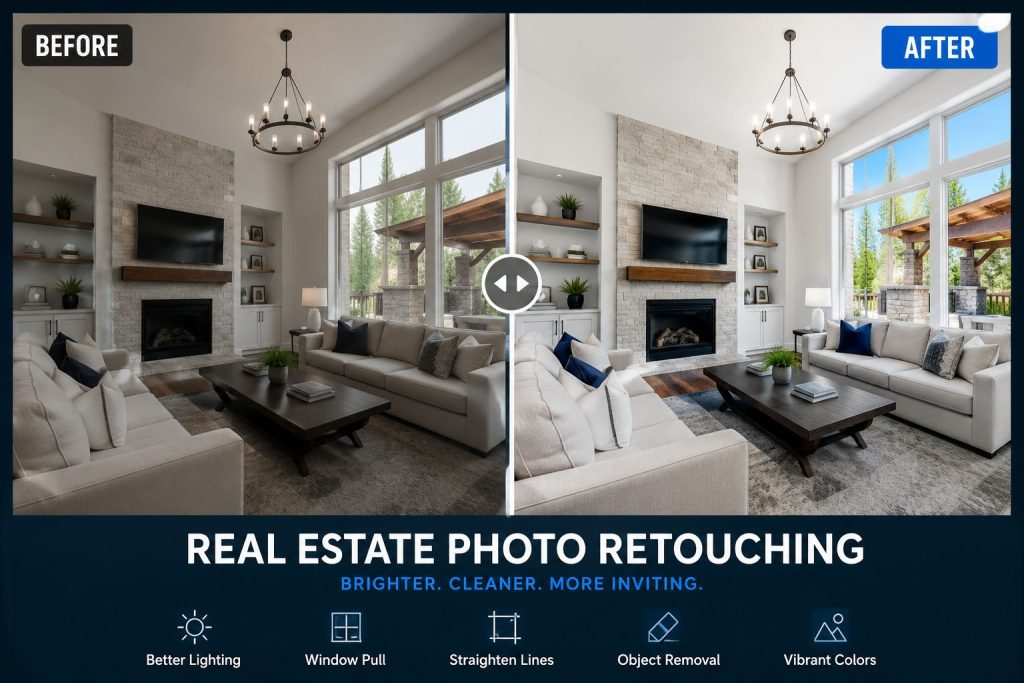
Learning advanced Real Estate Photo Retouching Software also requires significant practice. While AI tools continue improving, they still struggle with complex window pulls, realistic sky replacements, mixed lighting corrections, advanced object removal, and luxury property retouching. Human expertise remains essential for achieving consistent, natural-looking results.
Professional outsourcing allows photographers to focus on what they do best—capturing beautiful properties and serving clients—while experienced editors handle the time-consuming post-production work.
Why Graphics Revive Is the Smart Choice
While choosing the right Real Estate Photo Retouching Software is important, many professionals achieve even better results by partnering with an experienced editing company. Graphics Revive has become a trusted image editing partner for photographers, real estate agencies, interior designers, architects, and marketing professionals who need reliable, high-quality edits without sacrificing valuable time.
At Graphics Revive, every image is edited by skilled professionals rather than relying solely on automated AI tools. We understand that real estate photography requires a natural appearance. Buyers should see bright, inviting spaces that accurately represent the property, not overprocessed images that create unrealistic expectations.
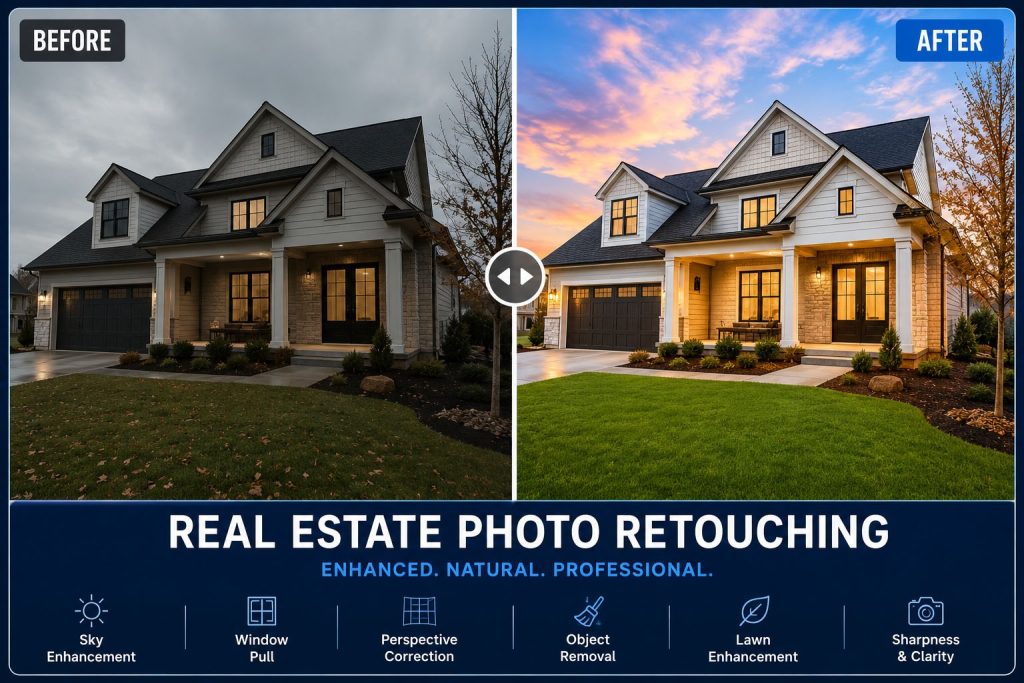
Our team carefully enhances exposure, balances white balance, improves contrast, straightens vertical lines, removes distractions, replaces dull skies, enhances lawns, sharpens architectural details, and creates polished images that help listings stand out in competitive markets.
One of our biggest advantages is consistency. Whether you send five images or five thousand, our quality control process ensures every photo meets the same professional standard. This consistency helps photographers build stronger reputations while reducing editing time dramatically.
We also understand the importance of deadlines. Real estate listings often need to go live quickly, and delayed editing can slow the entire marketing process. Graphics Revive offers fast turnaround times without compromising image quality, allowing you to deliver projects on schedule.
Another benefit is scalability. As your photography business grows, your editing workload grows as well. Instead of hiring in-house editors or spending long nights behind a computer, you can simply send your projects to Graphics Revive and let our experienced team handle the post-production process.
Our services include HDR blending, window masking, perspective correction, virtual staging support, object removal, TV screen replacement, lawn enhancement, virtual dusk conversion, sky replacement, color correction, image sharpening, exposure balancing, and complete real estate photo enhancement tailored to your specific requirements.
By combining professional expertise with industry-standard editing tools, Graphics Revive helps photographers produce premium-quality images while saving both time and money.
How to Choose the Right Real Estate Photo Retouching Software
Before investing in any Real Estate Photo Retouching Software, think carefully about your workflow rather than simply choosing the most popular option.
If you are new to editing, software with AI-assisted tools and an intuitive interface may help you achieve better results more quickly. If you already have professional editing experience, advanced programs with layer-based editing and detailed masking capabilities will offer greater creative flexibility.
Budget also plays an important role. Subscription software provides continuous updates but creates ongoing costs, while one-time purchase options may be more economical over several years.
You should also consider your editing volume. Photographers handling large numbers of listings benefit from software with strong batch processing and catalog management. Those specializing in luxury homes may prioritize advanced retouching capabilities instead.
Finally, remember that software is only one part of the editing process. Knowledge, experience, and attention to detail have a much greater impact on the final image than the editing program itself.
Final Verdict
Choosing the best Real Estate Photo Retouching Software in 2026 depends on your goals, experience, and workload. Adobe Photoshop remains the most comprehensive solution for professionals who need maximum control. Lightroom continues to lead in workflow efficiency. Luminar Neo offers impressive AI-powered automation for beginners, while Capture One Pro delivers exceptional image quality. DxO PhotoLab excels in RAW processing, ON1 Photo RAW provides a versatile all-in-one experience, and Affinity Photo remains one of the best value-for-money alternatives.
No matter which Real Estate Photo Retouching Software you choose, remember that professional editing is about much more than clicking a few AI buttons. Consistent quality, realistic enhancements, and attention to detail are what truly make property photos stand out.
If you want to save time, increase productivity, and deliver consistently stunning real estate images, Graphics Revive is here to help. Our experienced editing team combines professional expertise with the latest editing technologies to produce high-quality results that impress both photographers and property buyers.
Whether you’re editing a single listing or managing thousands of property photos every month, Graphics Revive provides dependable, affordable, and professional real estate image editing services that help your business grow. Partner with us and spend less time editing while delivering exceptional images that leave a lasting impression.

Pingback: Professional Real Estate Photo Editing Services in Canada
Pingback: Best Flambient Real Estate Photo Editing Services | Graphics Revive