
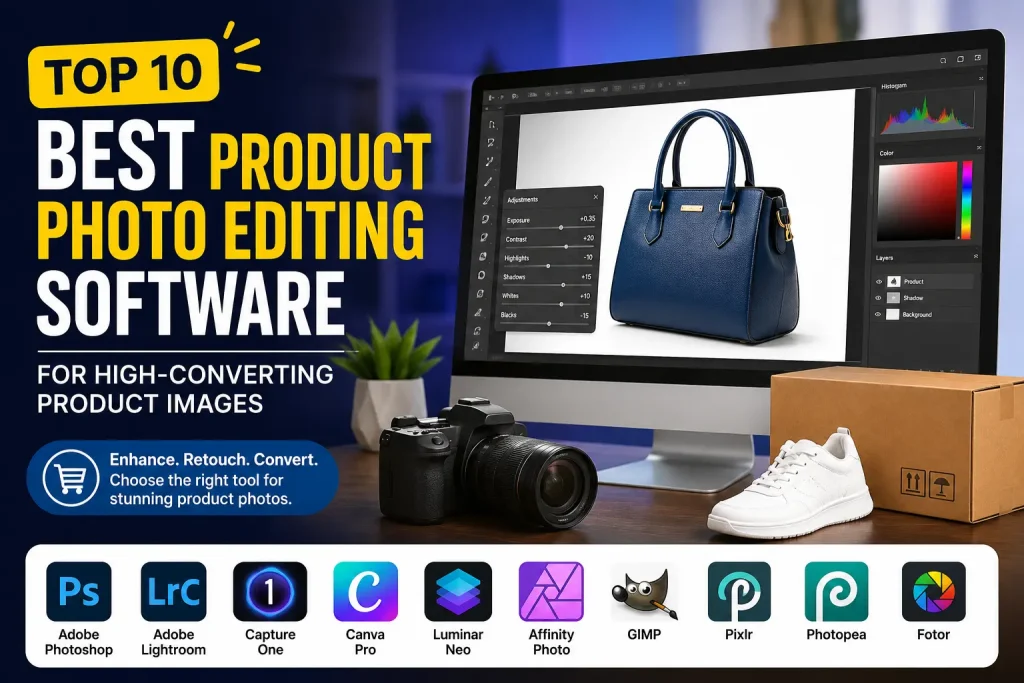
If you sell products online, your images are often the first thing potential customers notice. Before they read a product description, check specifications, or compare prices, they look at the product photos. A clean, professional image immediately creates trust and encourages visitors to keep exploring.
That is why choosing the right Product Photo Editing Software is one of the most important decisions for eCommerce sellers, photographers, marketers, and brands. Great editing software helps remove distractions, improve colors, create clean backgrounds, and present products in a way that makes them look more appealing.
We have seen how powerful professional editing can be for online stores. Even small improvements in image quality can increase customer confidence and improve conversion rates. High-quality visuals help products stand out on marketplaces, social media platforms, and business websites.
At Graphics Revive, we work with product images every day. We understand how important it is to create images that look clean, professional, and ready to sell. While many businesses use Product Photo Editing Software to edit images themselves, others prefer to save time by outsourcing the work to experienced image editing specialists. Both approaches can be effective depending on your goals, budget, and workload.
In this guide, we will explore the best Product Photo Editing Software options available today. We will discuss their strengths, weaknesses, and ideal use cases so you can make a confident buying decision.
How to Choose the Best Product Photo Editing Software
With so many options available, choosing the right Product Photo Editing Software depends largely on your specific needs.
If you require maximum control and professional-grade retouching, Photoshop remains difficult to beat. It offers the most comprehensive toolkit and continues to dominate professional image editing workflows.
If you frequently edit large numbers of product images, Lightroom may provide a more efficient workflow. Its batch processing capabilities save considerable time while maintaining consistency across image collections.
Businesses that prioritize color accuracy often prefer Capture One. Fashion, cosmetics, and jewelry brands frequently choose this software because color precision directly affects customer expectations.
For beginners and small businesses, Canva Pro, Pixlr, and Fotor offer simpler solutions that require less technical knowledge. These platforms help users create attractive product images quickly.
Budget-conscious users may find Affinity Photo, GIMP, or Photopea particularly appealing because they provide strong editing capabilities without expensive subscriptions.
The ideal Product Photo Editing Software is not necessarily the most expensive option. It is the one that best matches your workflow, skill level, image volume, and business goals.
Key Features to Look for in Product Photo Editing Software
When comparing any Product Photo Editing Software, several features deserve special attention.
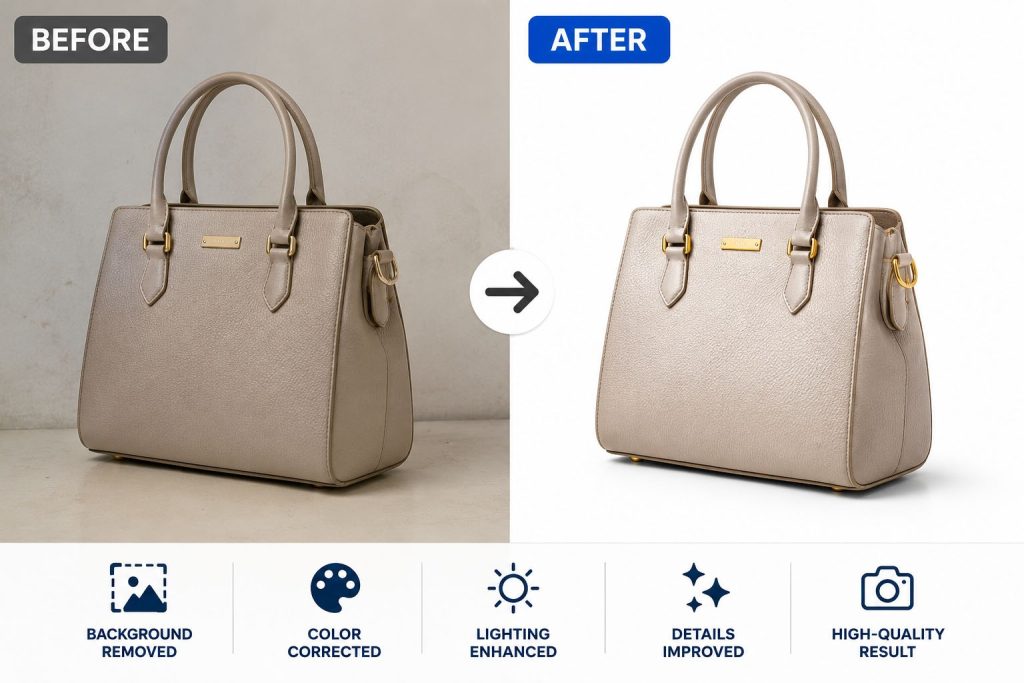
Background removal is one of the most important capabilities. Clean backgrounds help products stand out and comply with marketplace requirements.
Color correction tools are equally valuable because accurate colors reduce customer disappointment and product returns.
Layer-based editing allows non-destructive adjustments, making it easier to experiment without permanently altering original files.
Batch processing capabilities become essential for businesses handling large product catalogs. Editing hundreds of images individually can quickly become inefficient.
AI-powered features are increasingly common and can significantly speed up routine editing tasks. However, human oversight remains important to ensure professional-quality results.
Export flexibility also matters. Different platforms often require different image dimensions, resolutions, and file formats. Good software should support a wide range of export options.
Adobe Photoshop
Adobe Photoshop remains the most popular Product Photo Editing Software in the world. For years, it has been the industry standard for professional image editing, retouching, and photo manipulation.
When it comes to product photography, Photoshop offers almost unlimited editing possibilities. You can remove backgrounds, correct colors, create shadows, retouch imperfections, and prepare images for any eCommerce platform. The software provides advanced tools that allow users to make extremely detailed adjustments.
One reason many professionals choose Photoshop is its flexibility. Whether you are editing jewelry photos, clothing images, electronics, furniture, or cosmetics, Photoshop provides tools that can handle almost any editing challenge.
The software also integrates with other Adobe products, making it a complete solution for businesses that manage large amounts of visual content.
Pros
- Industry-leading editing capabilities
- Advanced retouching tools
- Excellent background removal features
- Supports layers and non-destructive editing
- Suitable for all product categories
Cons
- Monthly subscription cost
- Learning curve for beginners
- Requires a reasonably powerful computer
Adobe Lightroom
Adobe Lightroom is another excellent Product Photo Editing Software solution, especially for users who work with large photo collections.
Unlike Photoshop, Lightroom focuses more on photo enhancement and workflow management. It is designed to help users organize, edit, and export large numbers of images quickly.
For product photographers who need consistent colors across hundreds of product photos, Lightroom is extremely useful. Features like batch editing allow adjustments to be applied to multiple images at once, saving significant time.
The software also offers powerful color correction tools that can make products appear more accurate and attractive.
Pros
- Excellent batch editing features
- Fast workflow management
- Strong color correction tools
- Easy image organization
- Cloud synchronization options
Cons
- Limited advanced retouching capabilities
- Not ideal for complex image manipulation
- Subscription-based pricing
Capture One
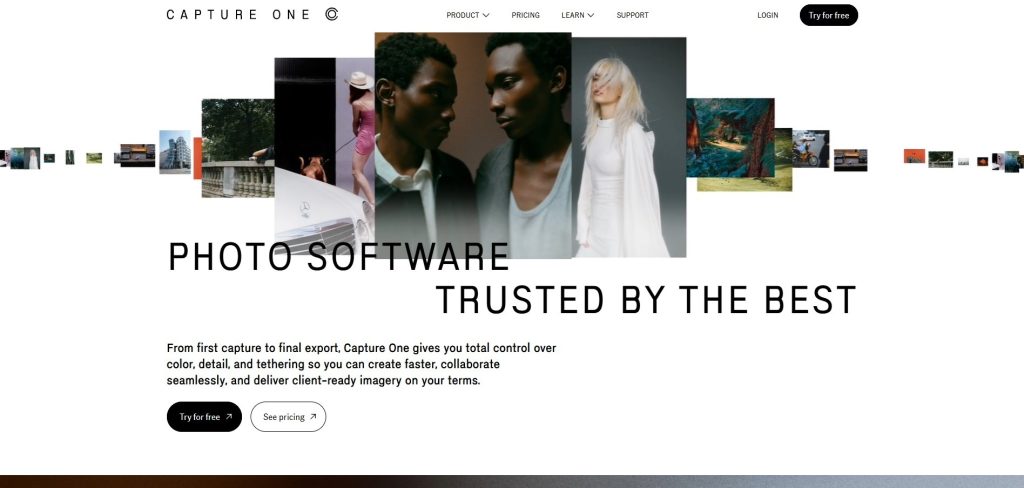
Capture One has become a favorite among professional photographers who demand exceptional color accuracy.
This Product Photo Editing Software is known for producing incredibly detailed images and outstanding color rendering. Many product photographers choose Capture One because it offers excellent tethered shooting capabilities, allowing images to appear instantly on a computer during photo sessions.
For businesses that require precise color matching, such as fashion brands and jewelry sellers, Capture One provides impressive results.
The interface may initially feel complex, but many professionals consider the learning investment worthwhile because of the software’s image quality and workflow efficiency.
Pros
- Exceptional color accuracy
- Powerful tethered shooting tools
- High-quality image processing
- Professional workflow features
- Excellent RAW file support
Cons
- Higher price compared to competitors
- Steeper learning curve
- Can feel overwhelming for beginners
Canva Pro
Many small businesses and online sellers prefer Canva Pro because it combines simplicity with useful editing tools.
Although Canva is not as advanced as Photoshop, it remains a practical Product Photo Editing Software option for users who need quick and easy edits.
Canva allows users to remove backgrounds, enhance images, resize graphics, and create promotional materials from a single platform. It is especially useful for entrepreneurs who manage their own product listings and social media marketing.
Because of its drag-and-drop interface, even beginners can create professional-looking visuals without extensive training.
Pros
- Extremely user-friendly
- Quick learning curve
- Built-in design templates
- Background removal tools
- Ideal for social media marketing
Cons
- Limited advanced editing features
- Less precise than professional software
- Subscription required for premium features

Luminar Neo
Luminar Neo has gained popularity because of its AI-powered editing tools. This modern Product Photo Editing Software uses artificial intelligence to simplify many editing tasks.
Users can enhance lighting, improve colors, remove distractions, and sharpen images with just a few clicks. The software reduces the amount of manual editing required, making it attractive for beginners and busy business owners.
Luminar Neo also provides creative editing options while maintaining a relatively simple interface.
For users who want professional-looking results without spending years learning advanced software, Luminar Neo offers a strong balance between power and simplicity.
Pros
- AI-powered editing tools
- Easy-to-use interface
- Fast workflow
- Good enhancement features
- Suitable for beginners
Cons
- Some advanced features lack precision
- Not as powerful as Photoshop
- Occasional performance issues
Affinity Photo
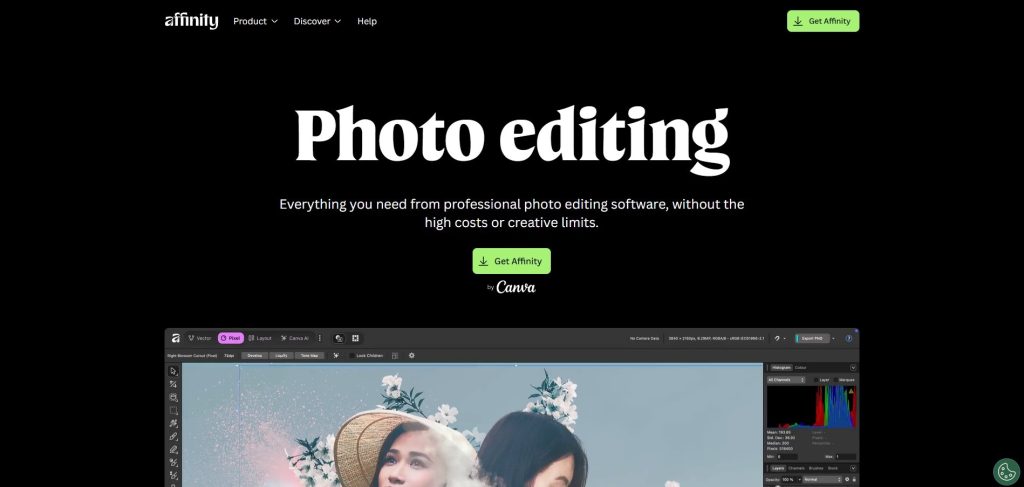
Affinity Photo has become one of the strongest alternatives to Photoshop.
This Product Photo Editing Software offers many professional features without requiring a monthly subscription. Instead, users pay a one-time fee, making it attractive for budget-conscious businesses.
Affinity Photo supports advanced retouching, layer-based editing, masking, and color correction. Many users appreciate its performance and extensive feature set.
For sellers who want professional tools without recurring costs, Affinity Photo represents excellent value.
Pros
- One-time purchase
- Professional editing capabilities
- Strong performance
- Advanced retouching tools
- Great value for money
Cons
- Smaller learning resources community
- Less industry adoption
- Interface may take time to master
GIMP
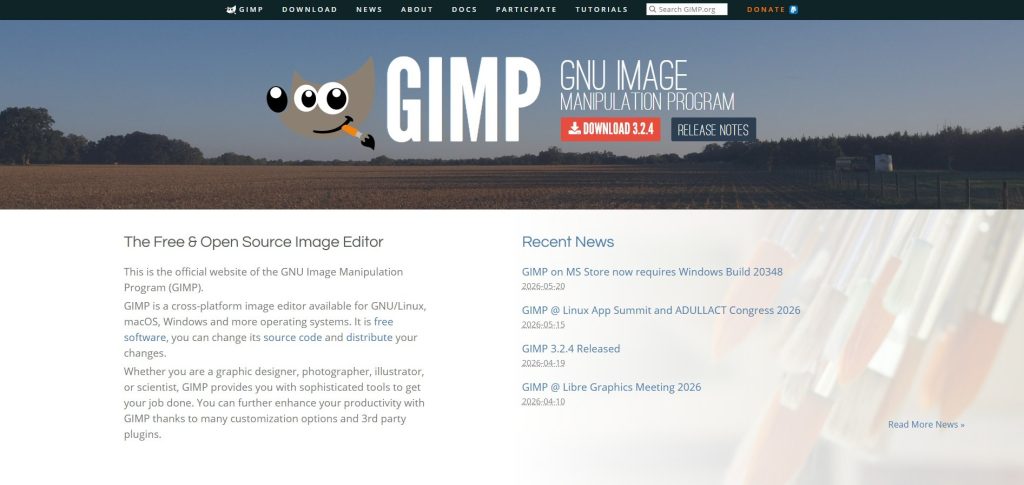
GIMP, which stands for GNU Image Manipulation Program, is one of the most popular free alternatives available today. For businesses that need a budget-friendly Product Photo Editing Software, GIMP is often one of the first options considered.
The biggest advantage of GIMP is that it is completely free. Despite having no licensing cost, it includes many professional-level editing features. Users can remove backgrounds, adjust colors, retouch images, and work with layers much like they would in premium software.
Many startups and small online stores begin their image editing journey with GIMP because it provides access to powerful tools without requiring an upfront investment. As a result, sellers can improve product photos while keeping operating costs low.
However, GIMP is not as polished as some commercial competitors. The interface can feel dated, and certain workflows require more steps compared to premium solutions. Still, for users willing to learn, it remains a capable Product Photo Editing Software option.
Pros
- Completely free
- Powerful editing features
- Supports layers and masks
- Large user community
- Cross-platform compatibility
Cons
- Less intuitive interface
- Slower workflow compared to premium software
- Limited professional support
Pixlr
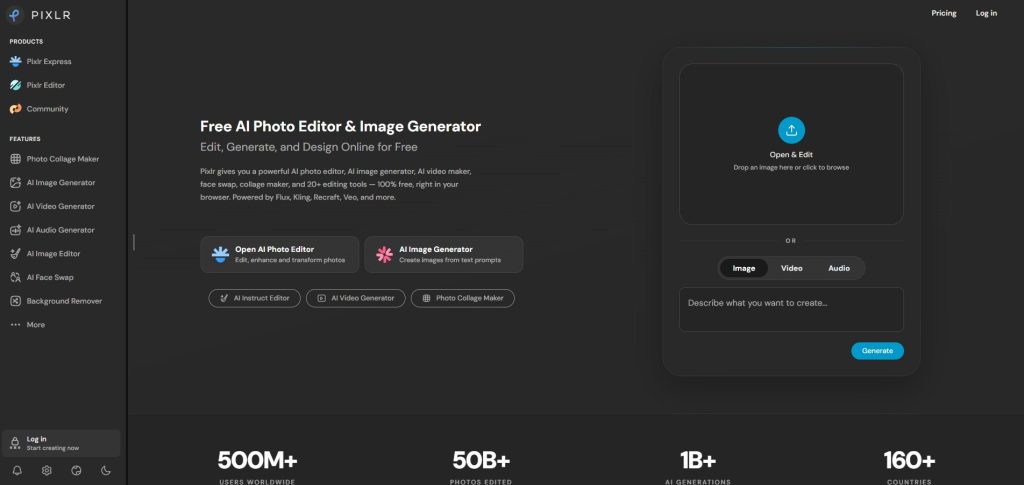
Pixlr has become increasingly popular among small businesses, marketers, and eCommerce sellers who need fast online editing tools.
Unlike traditional desktop applications, Pixlr operates primarily through a web browser. This means users can edit product images without installing large software packages.
As a Product Photo Editing Software, Pixlr provides useful tools for background removal, image enhancement, cropping, resizing, and color adjustments. Its AI-powered features help simplify common editing tasks, making it a good option for beginners.
Pixlr works particularly well for users who need quick edits rather than complex retouching projects. For social media content, marketplace listings, and basic product image improvements, it can be a practical solution.
Pros
- Browser-based editing
- Easy to use
- AI-powered tools
- Quick setup
- Affordable pricing
Cons
- Limited advanced features
- Internet connection required
- Not ideal for complex retouching
Photopea
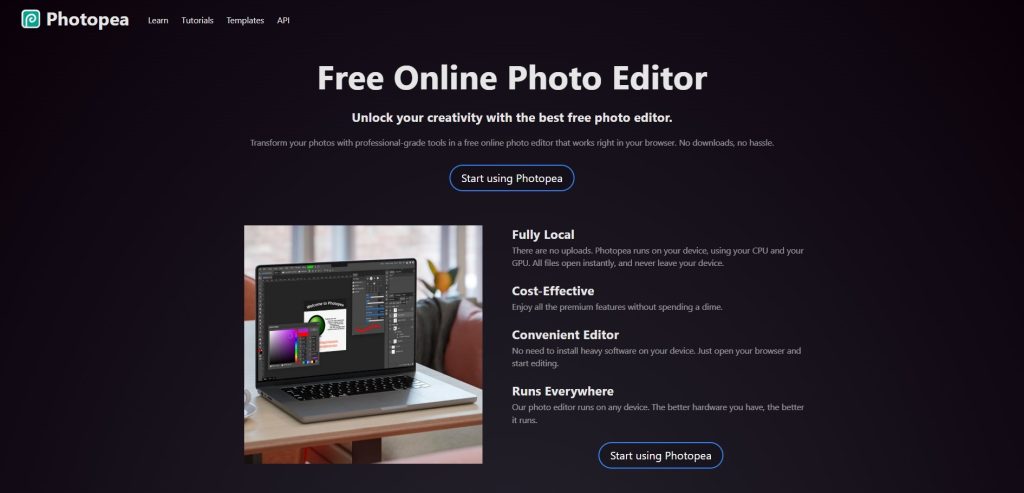
Photopea has earned a strong reputation because it closely resembles Photoshop while remaining accessible through a web browser.
This Product Photo Editing Software supports PSD files, layers, masks, and many professional editing functions. Users familiar with Photoshop often find Photopea easy to learn because of its similar interface.
One major advantage is accessibility. Whether you use Windows, Mac, Linux, or even a Chromebook, Photopea can run directly from your browser.
For businesses that occasionally edit product photos and do not want to invest in expensive software subscriptions, Photopea offers impressive functionality.
Pros
- Free version available
- Supports PSD files
- Browser-based access
- Familiar Photoshop-style interface
- No installation required
Cons
- Advertisements in free version
- Performance depends on browser
- Limited compared to full Photoshop
Fotor
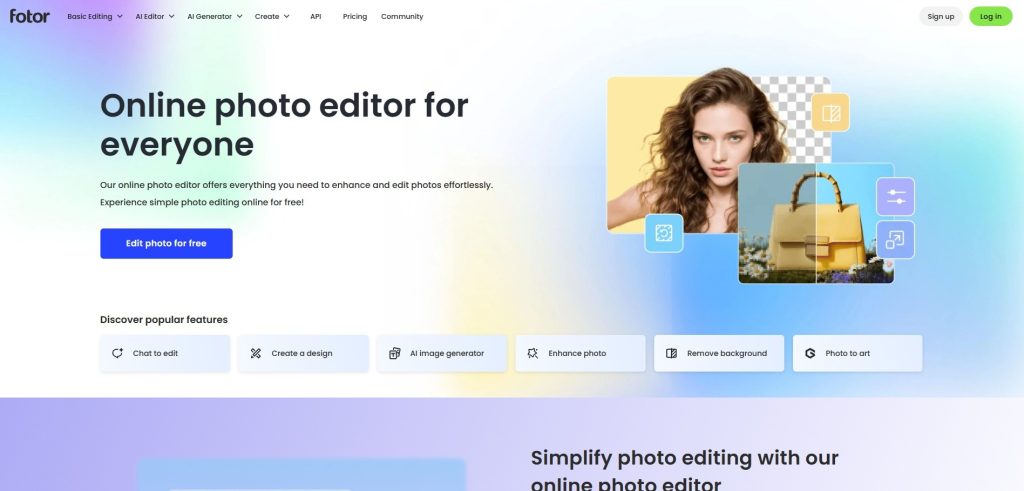
Fotor focuses on simplicity and speed. Many beginners appreciate its straightforward editing tools and clean interface.
As a Product Photo Editing Software, Fotor provides essential image enhancement capabilities that help products look more attractive online. Users can adjust brightness, contrast, saturation, sharpness, and other important image elements with minimal effort.
The platform also includes AI-powered features that automate many editing processes. This makes it attractive for entrepreneurs who need professional-looking results but have limited editing experience.
Fotor may not satisfy advanced retouchers, but it works well for basic product photography improvements.
Pros
- Beginner-friendly
- AI enhancement tools
- Fast editing workflow
- Online accessibility
- Affordable plans
Cons
- Limited advanced controls
- Not suitable for heavy retouching
- Some features locked behind premium plans
Corel PaintShop Pro
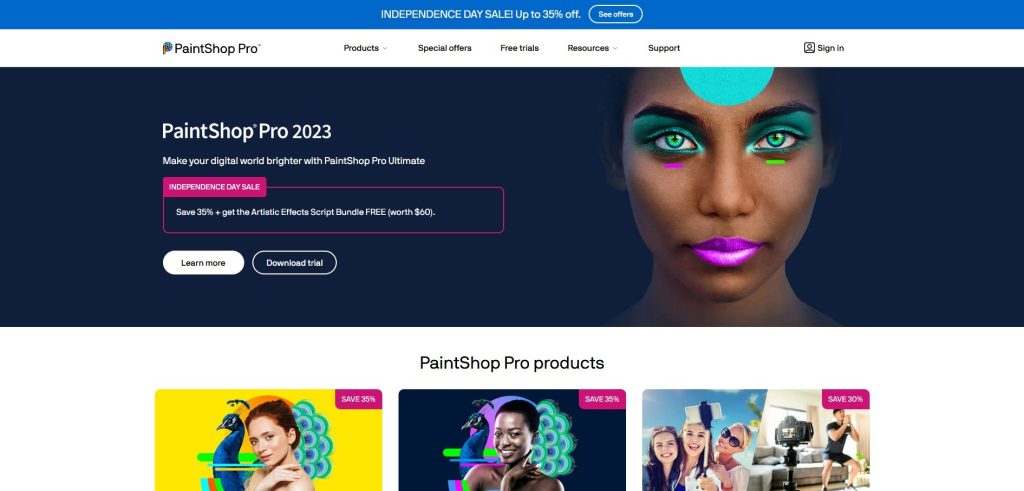
Corel PaintShop Pro has been a respected name in photo editing for many years. It offers a strong collection of editing tools at a lower cost than some major competitors.
This Product Photo Editing Software includes advanced retouching features, RAW image support, layer-based editing, and AI-powered enhancements. Many users appreciate the balance between professional functionality and affordability.
For businesses that need comprehensive editing capabilities without paying ongoing subscription fees, PaintShop Pro can be an attractive option.
The software provides enough power for most product photography workflows while remaining more affordable than some industry-standard alternatives.
Pros
- One-time purchase option
- Advanced editing tools
- AI-powered enhancements
- RAW file support
- Good overall value
Cons
- Windows-only
- Smaller ecosystem than Adobe
- Less common among professionals
Why Many Businesses Still Outsource Product Photo Editing
While the best Product Photo Editing Software can produce outstanding results, software alone does not guarantee professional images.
Learning advanced editing techniques requires time, practice, and experience. Many online sellers discover that editing hundreds or thousands of product photos internally can become expensive and time-consuming.
That is where Graphics Revive can help.
Instead of spending countless hours learning complicated software, many businesses choose to send their images to us and receive professionally edited results ready for online selling.
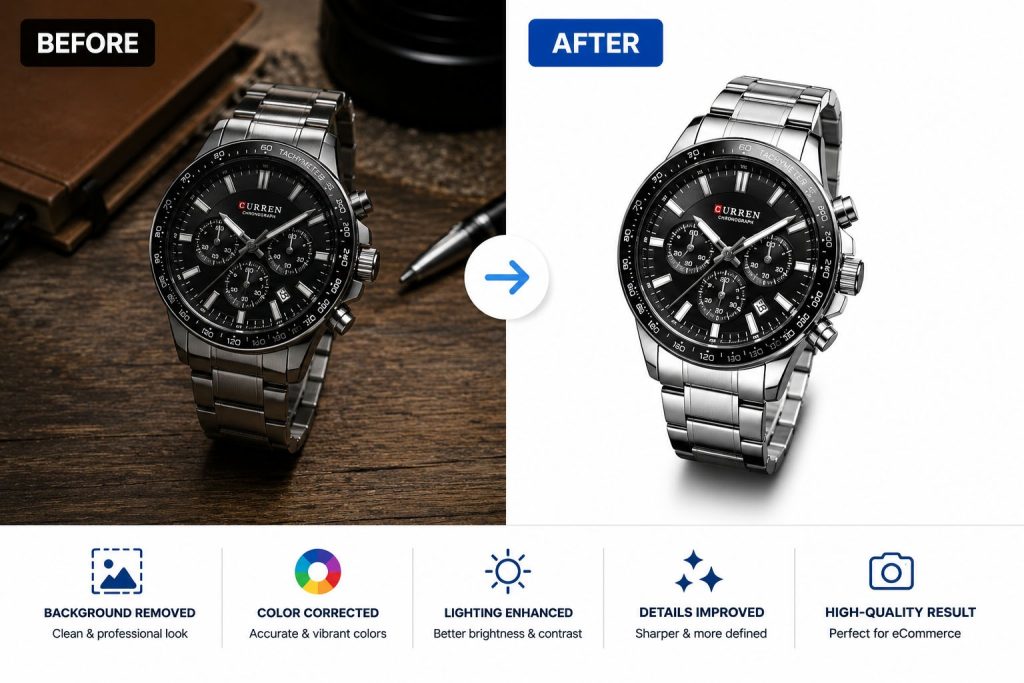
We specialize in background removal, clipping paths, product retouching, shadow creation, color correction, image enhancement, ghost mannequin editing, jewelry retouching, and advanced eCommerce image preparation. Our goal is simple: help businesses present products in the most attractive and professional way possible.
We focus on accuracy, consistency, fast turnaround times, and affordable pricing. Whether you need a handful of images or thousands of product photos, we ensure every image receives careful attention.
Many of our clients use Product Photo Editing Software for basic adjustments but rely on Graphics Revive when they need professional-quality editing that saves time and delivers consistent results.
Professional image editing allows you to focus on growing your business while ensuring your product photos maintain a high standard across every platform where they appear.
Why Professional Product Editing Still Makes a Difference
Even with powerful software, achieving truly professional results often requires experience.
Many online sellers discover that editing a few images is manageable, but maintaining consistent quality across hundreds or thousands of products becomes challenging. Every product category presents unique editing requirements.
Jewelry photography often requires precise reflections and sparkle enhancement. Clothing photography may need ghost mannequin editing. Furniture images frequently benefit from advanced shadow creation. Cosmetic products often require detailed retouching and color accuracy.
At Graphics Revive, we help businesses overcome these challenges by delivering professionally edited product images ready for eCommerce platforms, catalogs, advertisements, and social media campaigns.
We understand what makes product photos convert visitors into buyers. Our editing process focuses on clarity, consistency, realism, and visual appeal. Every image is carefully optimized to showcase products in their best possible light.
Many businesses use Product Photo Editing Software internally for routine tasks while relying on Graphics Revive for high-volume projects, advanced retouching, and marketplace-ready image preparation.
Our services help save time, reduce workload, and ensure every image maintains a professional standard that strengthens brand credibility.
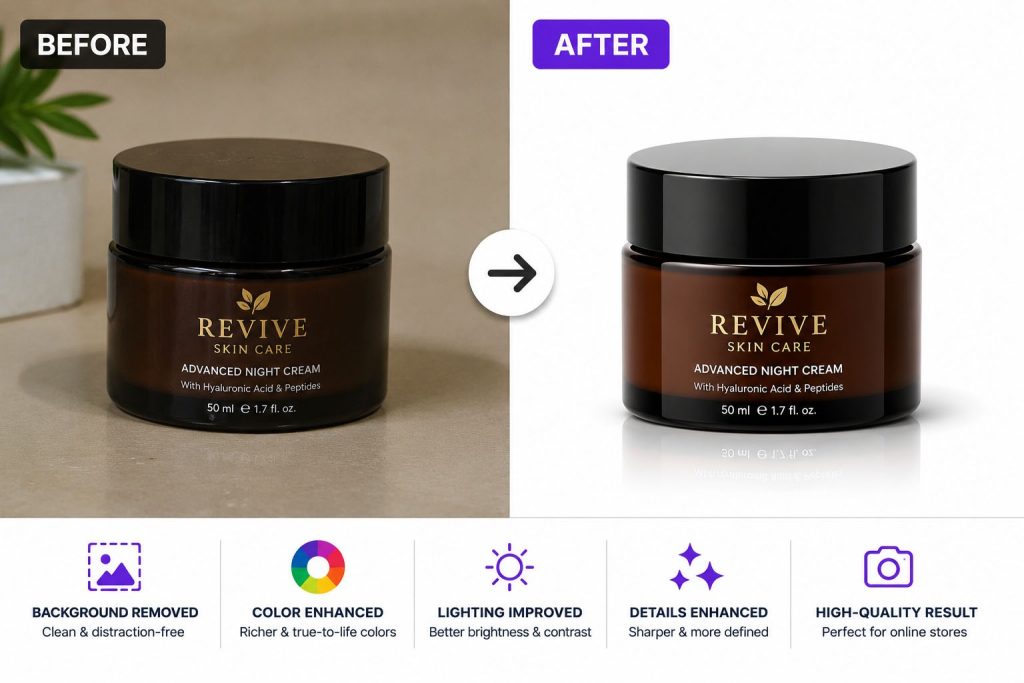
The Impact of High-Quality Product Images on Sales
Product photos do far more than make listings look attractive.
High-quality visuals increase trust, improve user engagement, and help customers make purchasing decisions. Clear, professional images reduce uncertainty and allow shoppers to evaluate products more confidently.
Studies consistently show that consumers are more likely to purchase products when images appear professional and detailed. Strong visuals communicate quality before customers read a single word of product description.
This is why investing in the right Product Photo Editing Software or professional editing services often generates measurable returns. Better images frequently lead to higher click-through rates, improved conversion rates, and stronger customer confidence.
For businesses competing in crowded online marketplaces, image quality can become a significant competitive advantage.
Final Thoughts
Finding the best Product Photo Editing Software depends on your experience level, budget, workflow requirements, and business objectives.
Photoshop remains the gold standard for professionals. Lightroom excels in workflow efficiency. Capture One delivers exceptional color accuracy. Canva Pro simplifies design and editing for beginners. Affinity Photo offers remarkable value, while GIMP and Photopea provide powerful low-cost alternatives.
Every solution discussed in this guide can improve product images when used correctly. The key is selecting the software that aligns with your specific needs and long-term goals.
At Graphics Revive, we know that exceptional product photography requires more than just software. It requires attention to detail, consistency, and an understanding of what motivates customers to buy.
Whether you choose to work with a professional Product Photo Editing Software platform yourself or prefer expert image editing assistance, investing in image quality is one of the smartest decisions you can make for your business.
Better product photos create stronger first impressions, increase customer trust, and help turn more visitors into paying customers. In today’s competitive online marketplace, that advantage can make all the difference.
