
Wedding photography is beautiful, emotional, and rewarding-but let’s be honest, the editing part can be exhausting. After a single wedding shoot, photographers often sit with thousands of images waiting to be color-corrected, retouched, and polished. This is exactly why Wedding Photo Editing Ai has become such a hot topic in the photography world.
In the last few years, AI-powered wedding photo editing tools have promised something every photographer dreams of: saving up to 90% of editing time. No more endless hours adjusting exposure, fixing skin tones, or syncing colors across hundreds of images. Just upload, click, and deliver. Sounds perfect, right?
But here’s the real question. Which Wedding Photo Editing Ai tools actually work in real-world wedding workflows, and which ones are just marketing hype? More importantly, should you rely completely on AI, or combine it with professional human editing for truly premium results?
Why Wedding Photo Editing Ai Is So Popular Right Now
Wedding photography is all about storytelling. From emotional candid moments to carefully posed portraits, every image needs to feel natural and timeless. Traditionally, achieving that look required hours of manual editing. That’s where Wedding Photo Editing Ai steps in.
AI tools can analyze lighting, white balance, skin tones, and exposure within seconds. Many of them apply smart presets automatically and sync edits across entire galleries. For photographers handling multiple weddings per month, this can mean the difference between burnout and balance.
However, AI still has limitations. While it’s great at bulk corrections, it often struggles with complex lighting, mixed color temperatures, detailed retouching, and cultural wedding styles like Indian or South Asian weddings. That’s why many professionals use AI for speed and rely on services like Graphics Revive for final perfection.
Wedding Photo Editing Ai vs Professional Editing Services
Before diving into individual tools, it’s important to understand one thing clearly. Wedding Photo Editing Ai is a tool, not a replacement for skilled editors. AI works best for fast corrections and consistency, while human editors understand emotions, storytelling, and client expectations.
Graphics Revive combines the best of both worlds. We understand how photographers want their images to feel, not just how they should look technically. Our editors manually refine each image, ensuring skin tones stay natural, dresses stay white, and backgrounds stay realistic. For photographers who want to save time without compromising quality, outsourcing to Graphics Revive often delivers better results than relying only on AI.
Now, let’s look at the top AI tools photographers are comparing today.
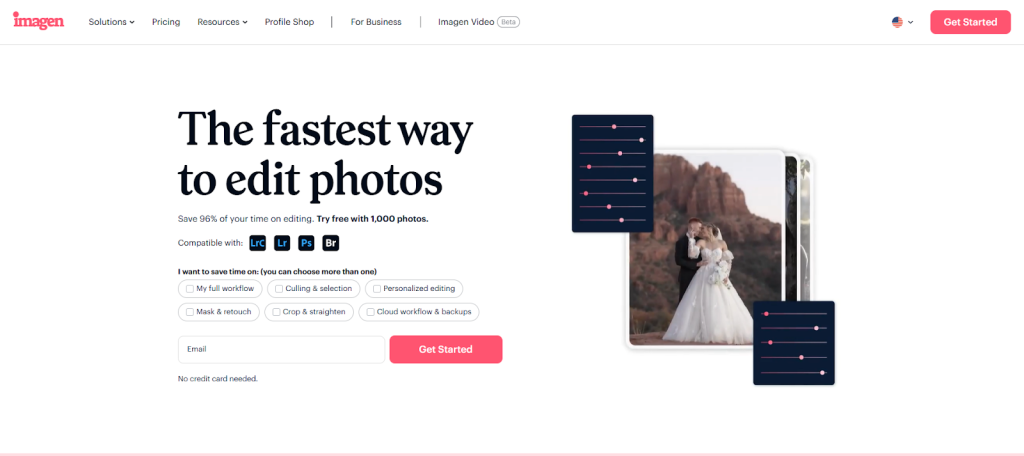
Imagen AI – Smart Learning for Wedding Photographers
Imagen AI is one of the most talked-about Wedding Photo Editing Ai tools among professional photographers. What makes it unique is its ability to learn your personal editing style. Instead of applying generic presets, Imagen studies your previous edits and recreates that look automatically.
Photographers who already have a consistent style find Imagen extremely useful for speeding up their workflow. It integrates smoothly with Lightroom and is designed specifically for high-volume photography, including weddings.
Once trained, Imagen AI can edit thousands of wedding images in a very short time. Exposure, color balance, and tonal consistency are handled efficiently, making it a strong choice for photographers shooting back-to-back weddings.
Pros
- Learns and replicates your personal editing style
- Excellent Lightroom integration
- Very fast batch processing for large wedding galleries
Cons
- Requires training time to get accurate results
- Struggles with complex retouching and skin work
- Subscription-based pricing can add up
Even Imagen users often send their final selects to Graphics Revive for professional retouching, album-level edits, and client-ready finishing.
AfterShoot Edits – Speed-Focused Wedding Photo Editing Ai
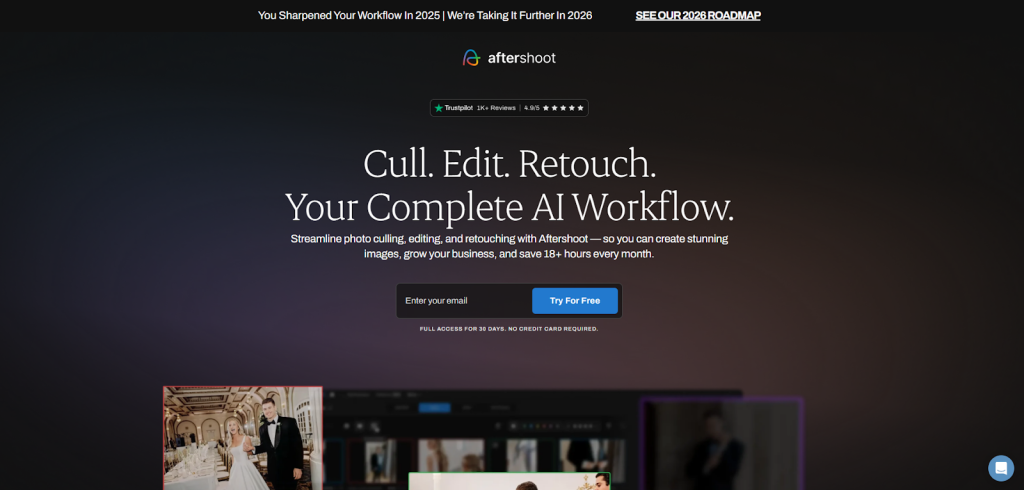
AfterShoot started as an AI culling tool and later expanded into full Wedding Photo Editing Ai. It’s designed for photographers who want fast results without spending hours tweaking settings.
AfterShoot Edits works well for basic corrections like exposure, contrast, and white balance. It’s especially popular among photographers who shoot in consistent lighting environments, such as outdoor daytime weddings.
However, while AfterShoot is fast, its edits can sometimes feel generic. Skin tones may require manual correction, and creative styling is limited. Many photographers use it as a starting point rather than a final solution.
Pros
- Extremely fast processing
- Good for basic color correction and exposure
- Simple and beginner-friendly interface
Cons
- Limited creative control
- Inconsistent results in mixed lighting
- Not ideal for detailed wedding retouching
This is where Graphics Revive adds real value. We take AI-edited images and elevate them with human precision, ensuring every wedding gallery looks premium and emotionally engaging.
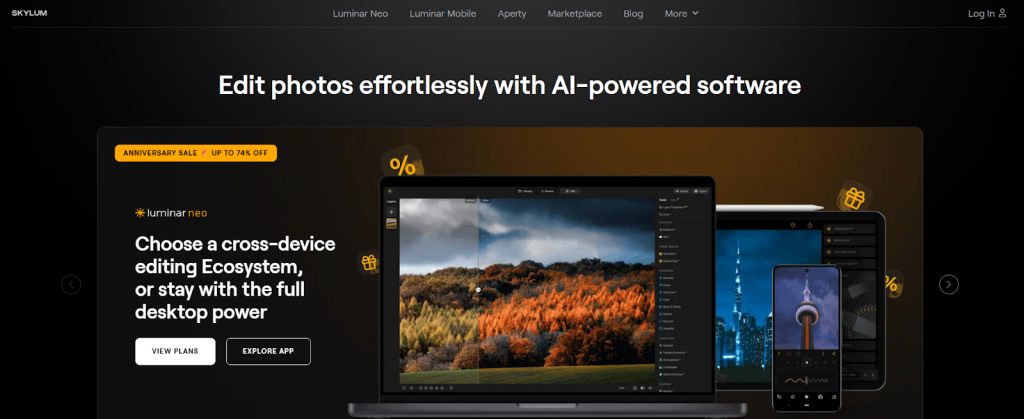
Luminar Neo – Creative Wedding Photo Editing Ai With Visual Impact
Luminar Neo is often described as a creative-first Wedding Photo Editing Ai. It’s not built only for wedding photographers, but many creatives use it because of its powerful AI tools and modern interface. Luminar Neo focuses heavily on enhancing mood, lighting, and atmosphere using artificial intelligence.
For wedding photographers, Luminar Neo works best when you want dramatic skies, soft portraits, or artistic edits. Its AI-powered features can automatically enhance skin, adjust lighting, and even replace dull skies in outdoor wedding photos. This can be a big time-saver for specific shots that need extra visual impact.
However, Luminar Neo is not designed for high-volume wedding workflows. Editing hundreds or thousands of images can feel slow, and consistency across large galleries requires manual effort.
Pros
- Strong AI tools for creative and artistic edits
- Excellent portrait enhancement features
- Beginner-friendly interface
Cons
- Not ideal for bulk wedding editing
- Slower workflow for large galleries
- Limited consistency across hundreds of images
Many photographers use Luminar Neo for hero shots or album images, then rely on Graphics Revive to professionally edit the full wedding gallery with consistency and storytelling in mind.
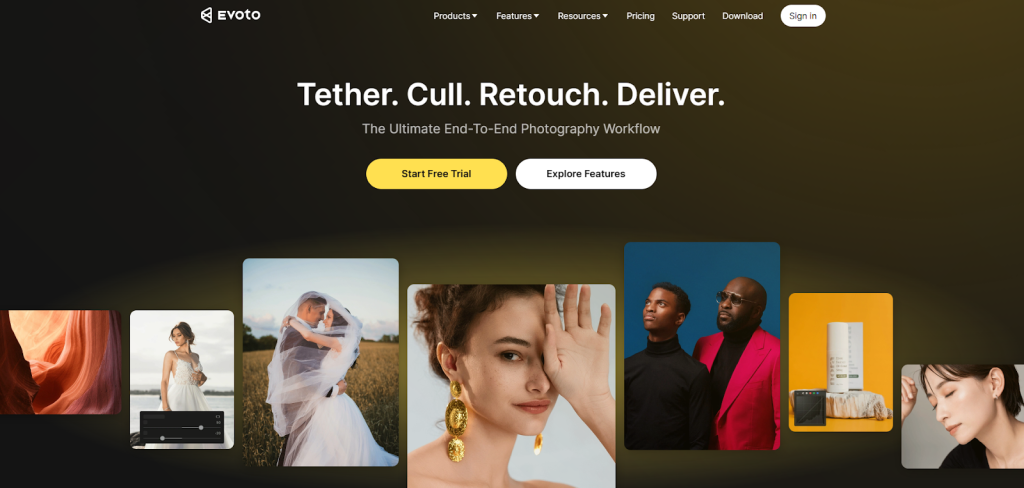
Evoto AI – Portrait-Focused Wedding Photo Editing Ai
Evoto AI is becoming popular as a Wedding Photo Editing Ai solution focused mainly on portrait retouching. It uses AI to smooth skin, enhance facial features, correct body proportions, and refine details like eyes and teeth-all with sliders that feel natural and controlled.
For wedding photographers, Evoto AI shines when editing couple portraits, bridal close-ups, and formal group photos. It can save a lot of time compared to manual Photoshop retouching. The results are often clean and polished when used carefully.
That said, Evoto AI is not a full wedding editing solution. It doesn’t handle color grading, exposure syncing, or storytelling edits across a full event. Most photographers use it alongside Lightroom or other tools.
Pros
- Excellent AI-based portrait retouching
- Natural-looking skin and facial adjustments
- Faster than manual Photoshop work
Cons
- Not designed for full wedding galleries
- Limited color grading and batch editing
- Requires another tool for complete workflow
At Graphics Revive, portrait retouching is handled by trained editors who ensure faces look natural, not artificial. While Evoto AI is fast, human judgment still makes a big difference in wedding portraits.
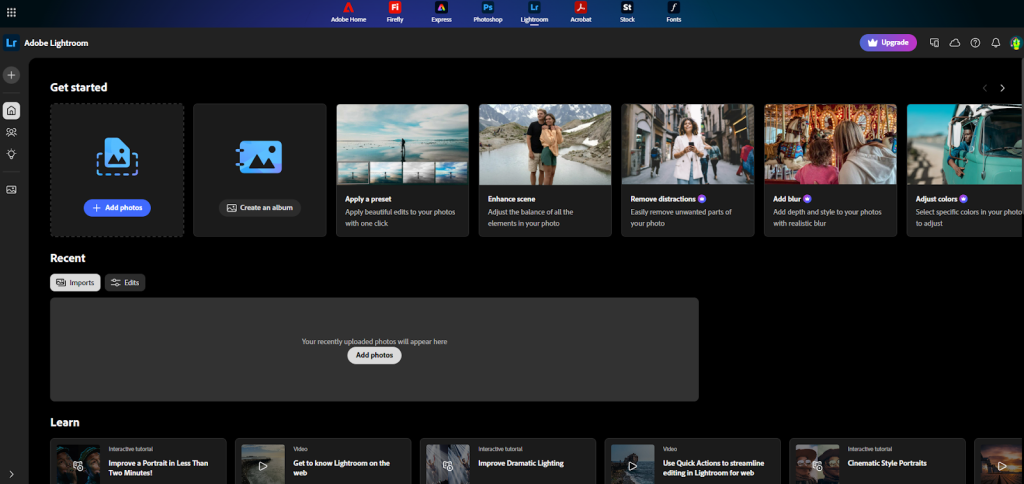
Adobe Lightroom AI – The Most Trusted Wedding Workflow Companion
Adobe Lightroom may not be marketed heavily as Wedding Photo Editing Ai, but its AI-powered features are deeply integrated into many professional workflows. Tools like AI masking, subject selection, and adaptive presets help photographers edit faster than ever before.
Lightroom AI excels at identifying subjects, isolating skin tones, and applying intelligent adjustments. When combined with presets, it becomes a powerful editing environment for wedding photography. Most AI tools on the market actually depend on Lightroom for final output.
However, Lightroom AI still requires hands-on work. It speeds things up but doesn’t fully automate the process. For photographers handling multiple weddings per week, this can still be overwhelming.
Pros
- Industry-standard software trusted by professionals
- Powerful AI masking and subject detection
- Excellent color control and consistency
Cons
- Still time-consuming for large weddings
- Requires editing knowledge and experience
- Not fully automated like dedicated AI tools
This is why many Lightroom users outsource to Graphics Revive. We work directly with Lightroom catalogs and presets, delivering consistent results while saving photographers dozens of hours per wedding.
Does Any Wedding Photo Editing Ai Truly Save 90% Time?
Now comes the honest answer. No Wedding Photo Editing Ai completely saves 90% of your time on its own. AI can reduce editing time significantly, but it often introduces new steps-reviewing, fixing mistakes, and correcting unnatural results.
Photographers who claim massive time savings usually use a hybrid workflow. They let AI handle the first pass and rely on professional editors for refinement. This is where Graphics Revive fits perfectly into modern wedding workflows.
Our clients often tell us that combining AI tools with our editing services saves more time than AI alone. Why? Because they don’t need to double-check every image. They trust us to deliver consistent, client-ready photos every time.
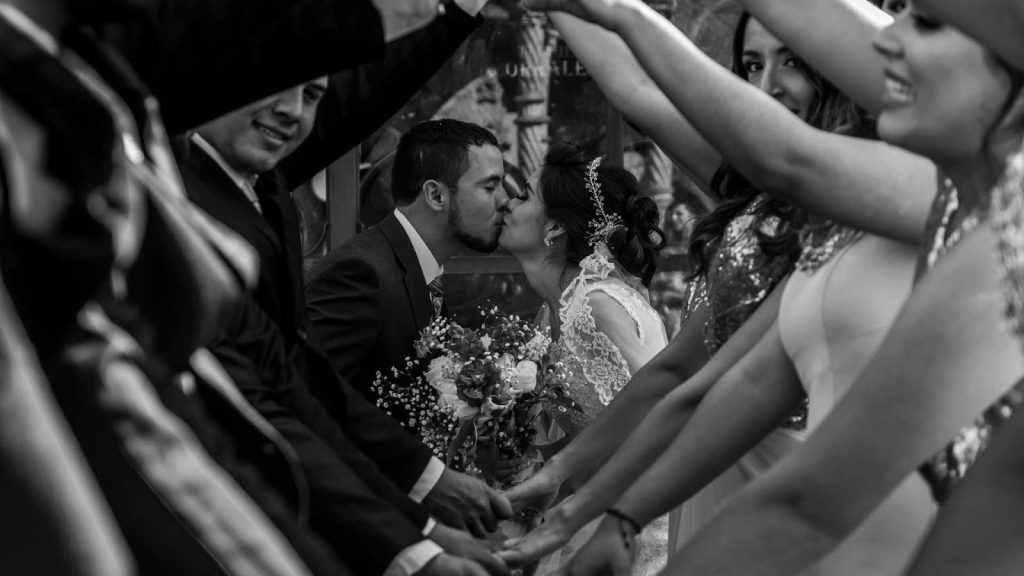
Why Graphics Revive Is the Smart Choice for Wedding Photographers
While Wedding Photo Editing Ai tools are impressive, Graphics Revive is built around one core idea: photographers deserve peace of mind. Editing weddings isn’t just about sliders and algorithms-it’s about understanding moments, emotions, and expectations.
At Graphics Revive, we handle everything from basic color correction to advanced retouching. We maintain consistent skin tones, accurate colors, and clean details across the entire wedding story. Our editors understand different cultural wedding styles, lighting challenges, and creative preferences.
We also offer flexible turnaround times, scalable pricing, and dedicated support. Whether you shoot one wedding a month or ten, our team adapts to your workflow. Unlike AI, we don’t guess-we communicate, follow instructions, and deliver exactly what you want.
Many photographers who experiment with Wedding Photo Editing Ai eventually realize that outsourcing to Graphics Revive gives them better results with less stress.
AI vs Human Editing: What Clients Actually Notice
Couples may not know what AI is, but they know when photos feel off. Over-smoothed skin, strange colors, or inconsistent lighting can reduce the emotional impact of wedding photos. AI can miss subtle details that humans instantly notice.
Graphics Revive ensures that every image feels natural and timeless. We don’t over-edit. We enhance while preserving authenticity. This is especially important for wedding albums, prints, and premium client deliveries.
Using Wedding Photo Editing Ai can speed things up, but human editors protect your brand reputation.
Final Verdict: Which Wedding Photo Editing Ai Is Best?
If your goal is speed, tools like Imagen AI and AfterShoot Edits are excellent starting points. If you want creative enhancements, Luminar Neo adds visual flair. For portraits, Evoto AI delivers fast retouching. And for full control, Lightroom AI remains essential.
But if your goal is truly saving time while delivering professional, emotional, client-ready wedding photos, Graphics Revive stands out as the smartest solution. AI helps, but expert human editing completes the job.
The most successful photographers don’t choose between AI and outsourcing-they combine both. Let Wedding Photo Editing Ai handle the technical groundwork, and let Graphics Revive bring your wedding stories to life.
If you’re serious about growing your photography business, protecting your style, and freeing up your time, Graphics Revive is ready to support you-wedding after wedding.
