
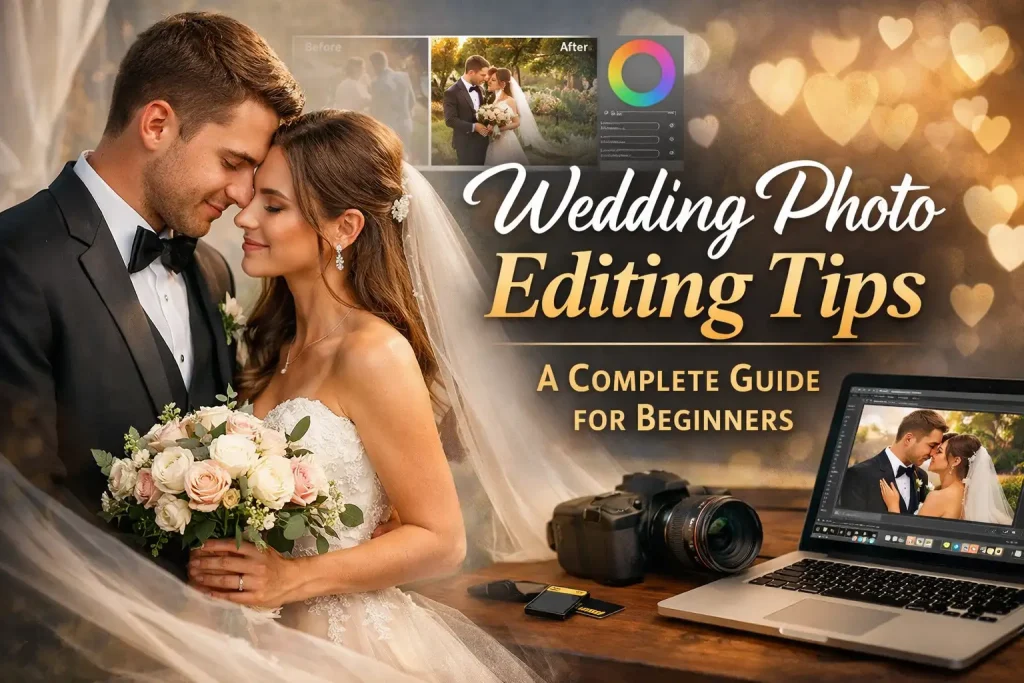
Wedding photography is all about emotions, memories, and timeless moments. Capturing those moments is only half the job. The real magic often happens after the photos are taken, during the editing process. For beginners, wedding photo editing can feel overwhelming because there are hundreds or even thousands of images to work with, and every couple expects perfection. That is why learning the right Wedding Photo Editing Tips from the start is so important.
Wedding photo editing is not just about making photos look bright or colorful. It is about telling a love story through images. Each edited photo should feel natural, emotional, and consistent with the overall wedding album. Beginners often struggle with issues like uneven lighting, skin tone problems, color mismatch, or over-editing. With the right approach and a clear workflow, these problems can be easily avoided. This guide is designed to help you understand wedding photo editing in a simple and practical way.
In this complete beginner’s guide, you will learn essential Wedding Photo Editing Tips that professionals use every day. The article is written in easy language, focuses on real-world editing practices, and avoids complicated technical jargon. Whether you are a new photographer, a freelance editor, or someone who wants to improve editing skills, this guide will help you build a strong foundation and edit wedding photos with confidence.
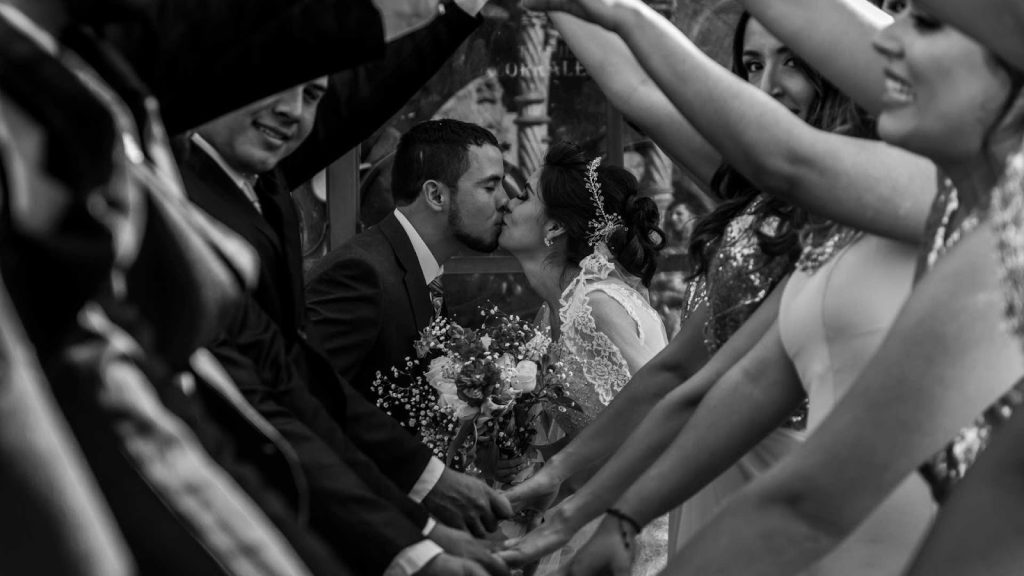
Understanding the Purpose of Wedding Photo Editing
Before jumping into tools and techniques, it is important to understand why wedding photo editing matters so much. Wedding photos are not just images; they are lifelong memories. Couples will look at these photos for years, share them with family, and pass them down through generations. Editing helps enhance the beauty of these moments without changing their authenticity.
One of the most important Wedding Photo Editing Tips for beginners is to aim for natural results. Over-editing can make photos look fake, while under-editing can leave images dull and unfinished. The goal is to balance color, light, and details so the photos look polished but still real. Good editing should never distract from the emotions in the photo.
Wedding photo editing also helps create consistency across the entire album. Weddings are photographed in different locations, lighting conditions, and times of day. Editing brings all these images together so they feel like part of one beautiful story. This consistency is what separates amateur editing from professional-quality results.
Choosing the Right Software for Wedding Photo Editing
Selecting the right editing software is a critical step for beginners. There are many editing tools available, but not all are suitable for wedding photography. Software like Adobe Lightroom and Photoshop are widely used by professionals because they offer powerful tools for color correction, skin retouching, and batch editing.
One of the most useful Wedding Photo Editing Tips is to start with Lightroom for basic adjustments. Lightroom allows you to edit multiple photos at once, which is extremely helpful for weddings with large photo sets. You can adjust exposure, contrast, white balance, and colors quickly while keeping the editing consistent.
Photoshop is usually used for more detailed retouching, such as removing distractions, fixing skin imperfections, or enhancing fine details. Beginners do not need to master every Photoshop feature right away. Learning basic tools and gradually improving your skills is the best approach. The key is to use software as a tool to enhance photos, not to completely change them.
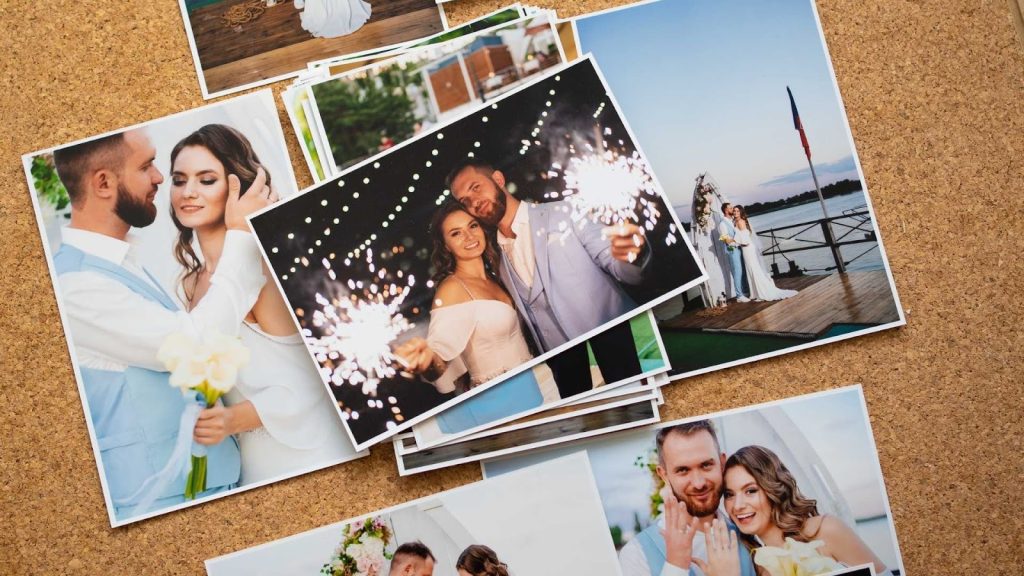
Organizing and Culling Wedding Photos Properly
One step that beginners often overlook is organizing and selecting the best photos before editing. A wedding shoot can easily produce thousands of images, and editing all of them is neither practical nor necessary. Proper culling saves time and improves the overall quality of the final album.
A valuable Wedding Photo Editing Tips strategy is to first remove blurry, duplicate, or poorly composed images. Focus only on photos that capture emotions, important moments, and strong compositions. This makes the editing process faster and more enjoyable.
Once the photos are selected, organizing them into folders based on events like ceremony, reception, portraits, and candid moments can help maintain a smooth workflow. A well-organized photo library allows you to edit more efficiently and ensures that no important moments are missed.
Adjusting Exposure and White Balance Correctly
Exposure and white balance are the foundation of good wedding photo editing. Many wedding photos are taken in challenging lighting conditions, such as dim churches, bright outdoor ceremonies, or mixed indoor lighting. Correcting exposure ensures that photos are neither too dark nor too bright.
One of the essential Wedding Photo Editing Tips is to fix white balance early in the editing process. Correct white balance makes skin tones look natural and removes unwanted color casts. For example, indoor lighting can make photos look yellow or orange, while shade can add a blue tone. Adjusting white balance brings the colors back to a realistic level.
Beginners should rely on their eyes rather than presets alone. While presets can speed up editing, each photo is unique and may require individual adjustments. Learning how to read light and color will greatly improve your editing results over time.

Enhancing Colors Without Overdoing Them
Color correction plays a huge role in wedding photo editing. Wedding photos should look vibrant, romantic, and elegant, but not overly saturated. One common beginner mistake is pushing colors too far, making skin tones unnatural and distracting.
A key Wedding Photo Editing Tips principle is to focus on natural skin tones first. Once skin tones look right, you can adjust other colors like dresses, flowers, and backgrounds. Subtle color enhancements often create a more professional look than extreme adjustments.
Using gentle contrast and soft tones helps create a timeless style that couples appreciate. Trends change, but natural and clean editing styles remain popular for years. Keeping colors balanced ensures that wedding photos age beautifully and remain enjoyable long after the wedding day.
Skin Retouching the Right Way
Skin retouching is one of the most sensitive aspects of wedding photo editing. Couples want to look their best, but they also want to look like themselves. Heavy retouching can remove natural texture and make faces look artificial.
One of the most important Wedding Photo Editing Tips for beginners is to keep skin retouching minimal. Focus on removing temporary imperfections like pimples or blemishes while preserving natural skin texture. Softening skin slightly is acceptable, but avoid blurring details completely.
Consistency is also important. Retouching should look similar across all photos so that the album feels cohesive. Learning non-destructive editing techniques allows you to make adjustments without permanently altering the original image, giving you more control and flexibility.
Cropping and Straightening for Better Composition
Cropping and straightening can dramatically improve the composition of wedding photos. Sometimes a small adjustment can turn an average photo into a strong one. Straightening horizons and aligning vertical lines helps photos look clean and professional.
One helpful Wedding Photo Editing Tips approach is to crop with purpose. Avoid cutting off important elements like hands, faces, or dresses. Cropping should enhance the subject, not distract from it. Maintaining consistent aspect ratios also helps when designing albums or prints.
Good composition draws attention to emotions and important moments. Beginners should take time to review each image and make thoughtful cropping decisions rather than applying the same crop to every photo.
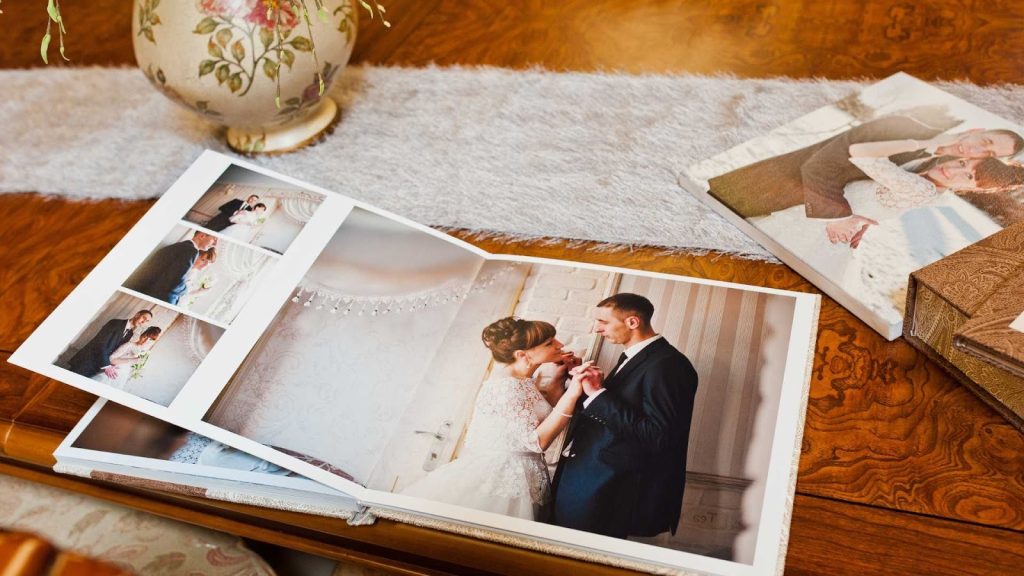
Creating a Consistent Editing Style
Consistency is what makes a wedding album feel complete. A consistent editing style ties all photos together and creates a visual story. This includes similar exposure levels, color tones, and contrast throughout the set.
One of the most practical Wedding Photo Editing Tips is to develop a simple editing workflow and stick to it. Start with basic adjustments, then move to color correction, and finally do retouching. Applying similar settings across photos helps maintain uniformity.
Using reference images can also help maintain consistency. Select a few key photos that represent your desired style and compare other edits to them. This ensures that your final delivery looks professional and well thought out.
Managing Time and Workflow as a Beginner
Wedding photo editing can be time-consuming, especially for beginners. Without a proper workflow, editing can feel exhausting and overwhelming. Learning how to manage time efficiently is crucial for long-term success.
One of the most valuable Wedding Photo Editing Tips is to edit in stages rather than trying to perfect each photo one by one. First, apply basic corrections to all images, then move on to detailed edits. This method speeds up the process and reduces burnout.
Taking breaks is also important. Editing for long hours can affect judgment and creativity. Short breaks help you return with fresh eyes and maintain editing quality throughout the project.
Avoiding Common Wedding Photo Editing Mistakes
As a beginner, mistakes are part of the learning process, but understanding common problems can help you improve much faster. One of the biggest mistakes in wedding editing is over-editing. Many beginners feel tempted to use heavy contrast, strong filters, or extreme skin smoothing. While these edits may look impressive at first glance, they often reduce the emotional value of the photo.
One of the most practical Wedding Photo Editing Tips is to always step back and review your work after editing. Ask yourself if the photo still looks natural. Wedding images should feel timeless, not trendy or artificial. Overusing presets without fine-tuning them is another common issue. Presets are helpful tools, but they should be adjusted to fit each lighting situation and skin tone.
Another mistake beginners make is ignoring background distractions. Small elements like stray objects, uneven shadows, or cluttered backgrounds can take attention away from the couple. Learning to spot and gently correct these issues will greatly improve the overall quality of your wedding edits.
Editing Wedding Photos for Storytelling
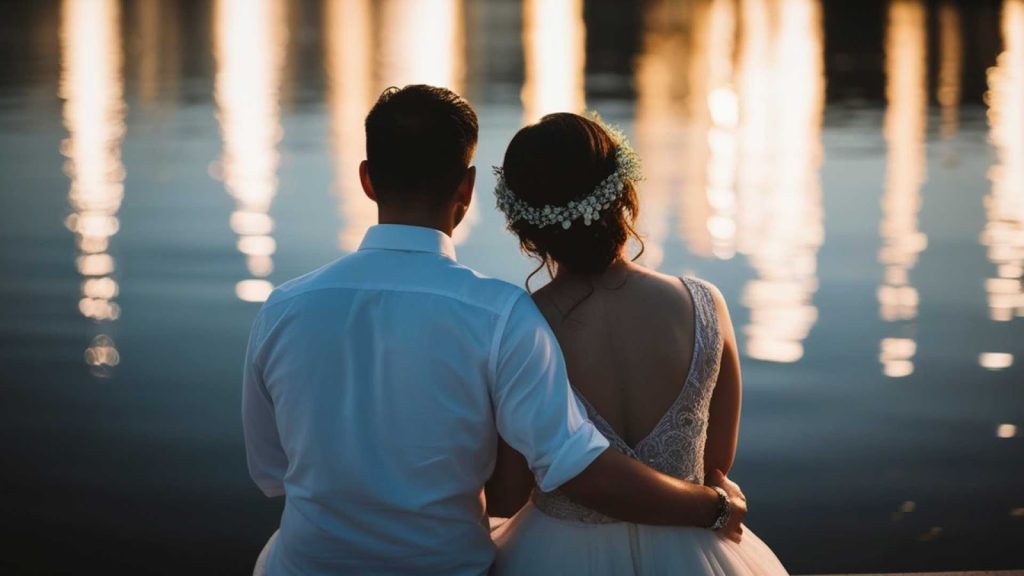
Wedding photo editing is not just about individual images; it is about storytelling. Each photo should connect with the next to create a smooth and emotional flow. This storytelling aspect is often overlooked by beginners, but it is one of the most important Wedding Photo Editing Tips to master.
When editing, think about the sequence of events. The getting-ready moments should feel soft and calm, the ceremony images should feel emotional and respectful, and the reception photos can be more vibrant and energetic. Adjusting tones and contrast slightly based on the mood of each moment helps strengthen the story.
Consistency in storytelling does not mean every photo should look exactly the same. It means that the emotional tone should feel connected. By editing with intention, you can transform a collection of images into a meaningful wedding narrative that couples truly appreciate.
Preparing Wedding Photos for Albums and Prints
Editing for digital viewing and editing for print are not always the same. Wedding albums and prints require special attention to detail. Colors, brightness, and sharpness may look different on paper compared to a screen.
One important Wedding Photo Editing Tips is to avoid extremely dark edits if photos are meant for printing. Prints often appear darker, so slightly brighter edits usually work better. Checking color balance is also essential to ensure that whites look clean and skin tones remain natural in print.
When preparing photos for albums, consistency becomes even more important. Albums tell a story page by page, so images should blend well together. Cropping images carefully to fit album layouts helps maintain visual harmony and avoids awkward cuts in important details.

Understanding Client Expectations in Wedding Editing
Even when the intent of your article is informational, it is important for beginners to understand how client expectations influence wedding photo editing. Couples often have emotional attachments to their photos and may have specific preferences for editing style.
One of the smartest Wedding Photo Editing Tips is to keep editing clean and balanced unless otherwise requested. Natural tones, soft contrasts, and realistic skin retouching are generally appreciated by most couples. Avoid experimenting with dramatic styles on full wedding sets unless the couple specifically asks for it.
Clear communication also helps avoid misunderstandings. Knowing what couples typically expect can guide beginners toward safer and more professional editing decisions, even when working on practice projects or learning assignments.
Batch Editing and Maintaining Quality
Batch editing is a powerful technique that saves time, especially for large wedding galleries. However, beginners must be careful not to sacrifice quality for speed. Applying the same settings to all photos without reviewing them individually can lead to inconsistent results.
A useful Wedding Photo Editing Tips approach is to batch edit photos taken in similar lighting conditions. After applying general adjustments, review each image and make small corrections as needed. This method combines efficiency with attention to detail.
Batch editing also helps maintain a consistent style across the entire wedding. When done correctly, it ensures that all photos feel cohesive while still allowing room for individual refinement.
Knowing When to Outsource Wedding Photo Editing
As beginners grow and take on more projects, editing can become overwhelming. Outsourcing wedding photo editing is a practical solution used by many photographers and studios. It allows you to focus on shooting, marketing, and client communication while professionals handle the editing.
One of the most realistic Wedding Photo Editing Tips is to recognize your limits. Outsourcing does not mean you lack skills; it means you value time and consistency. Professional editing services follow structured workflows and maintain high-quality standards across large photo sets.
For photographers and studios looking for reliable editing support, professional image editing services can be a game changer. Outsourcing helps maintain fast delivery times without compromising quality, especially during peak wedding seasons.
Learning and Improving Your Wedding Editing Skills
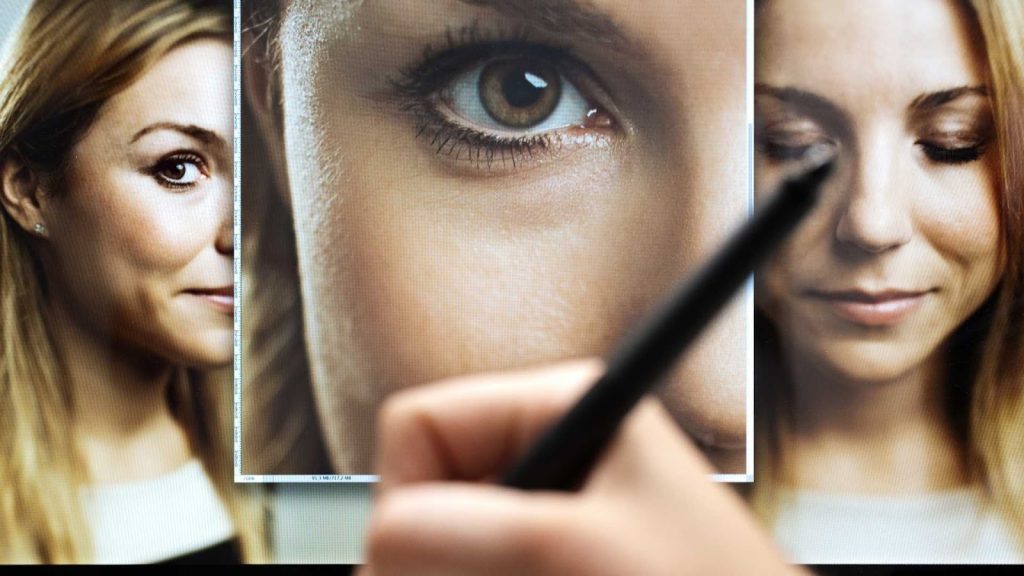
Wedding photo editing is a skill that improves with practice and patience. Beginners should not rush the learning process. Every wedding is different, and each editing experience teaches something new.
One of the best Wedding Photo Editing Tips is to review your older edits and compare them with your recent work. This helps you understand your progress and identify areas for improvement. Studying professional wedding edits and practicing on sample images can also accelerate learning.
Consistency, attention to detail, and a focus on natural results will help beginners build confidence over time. Editing is not about perfection; it is about creating meaningful images that couples will treasure forever.
Final Thoughts on Wedding Photo Editing Tips for Beginners
Wedding photo editing may seem complex at first, but with the right approach, it becomes an enjoyable and rewarding process. By focusing on natural tones, emotional storytelling, and consistent editing, beginners can produce professional-looking results without feeling overwhelmed.
These Wedding Photo Editing Tips are designed to guide you step by step, from organizing photos to delivering a complete wedding album. Remember that every edit should enhance the moment, not overpower it. With patience and practice, your editing skills will continue to grow.
Professional Wedding Photo Editing Services by Graphics Revive
If you are a photographer, studio owner, or creative professional who wants to save time and ensure consistent, high-quality results, Graphics Revive is here to help. We provide professional image editing services, including wedding photo editing, retouching, color correction, and album-ready enhancements.
At Graphics Revive, our experienced editors follow industry-standard workflows to deliver natural, clean, and emotionally rich wedding photos. Whether you need help with large wedding galleries or want to outsource editing to focus on your business, our team can support your needs with precision and care.
Visit Graphics Revive to learn more about our wedding photo editing solutions and discover how professional editing can elevate your work, improve turnaround times, and delight your clients.
