When you want to make your Discord server more fun and expressive, using custom emojis is one of the easiest ways to stand out. But before you upload anything, you need to Resize Image for Discord Emoji properly-because Discord has very specific size requirements. Many users struggle with this part, especially if they don’t know how to resize images manually or don’t want to use complicated tools like Photoshop.
That’s exactly why you’re here-to learn how to Resize Image for Discord Emoji quickly, smoothly, and without dealing with heavy, confusing software. The great news? You don’t need any advanced editing skills at all. You just need a simple method that makes your image ready for Discord in seconds.
In this article, I’ll guide you step-by-step and show you an easy way to Resize Image for Discord Emoji instantly. I’ll also introduce you to Graphics Revive, our image editing service where you can get perfect Discord-ready emojis, icons, avatars, and more. Whether you’re a server owner, gamer, or community builder, this guide will save you time and make your Discord experience smoother.
Why You Need to Resize Image for Discord Emoji
If you’ve tried uploading an emoji to Discord before, you probably noticed that some images get rejected or look pixelated. That’s because Discord follows strict size rules. When you Resize Image for Discord Emoji, you make sure it fits within Discord’s limits so it uploads cleanly and still looks sharp.
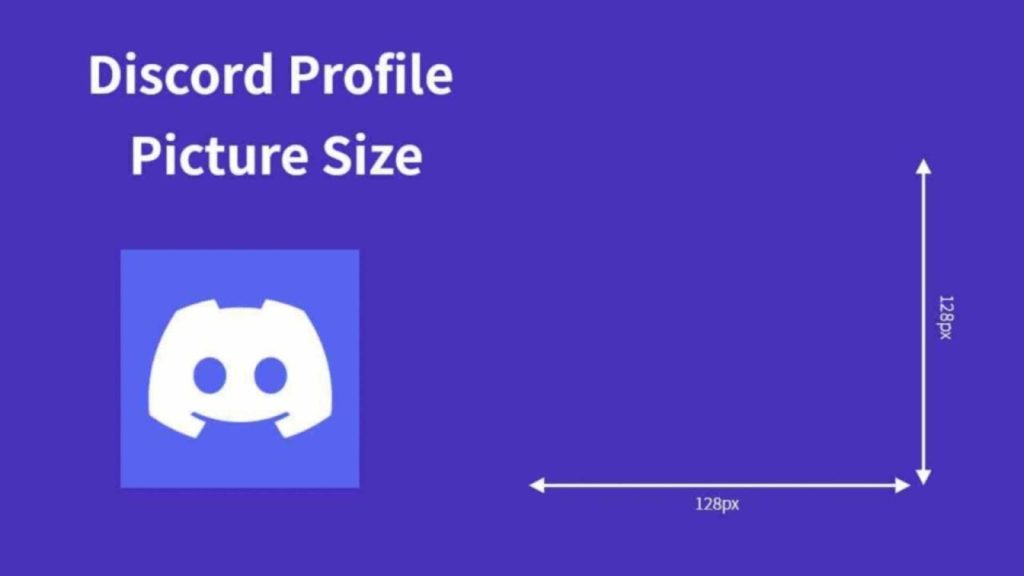
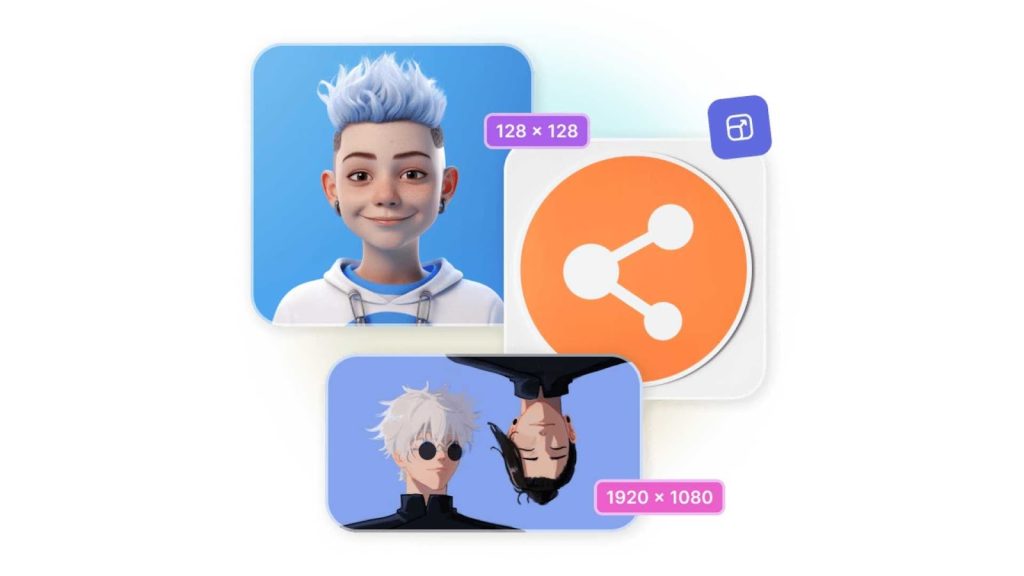
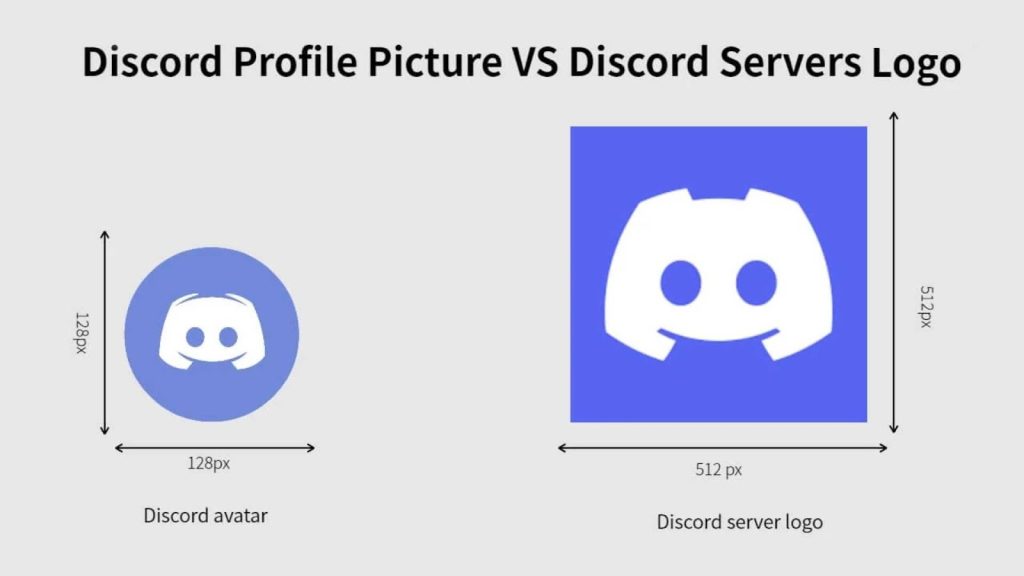
Discord typically requires emojis to be 128 × 128 pixels, although you can upload larger images up to 256 KB and Discord will compress them automatically. But if you upload something too large, too wide, or with the wrong proportions, Discord either denies the upload or ruins the quality.
This is why knowing how to Resize Image for Discord Emoji correctly matters. It gives you full control over how the emoji looks, helping your server appear clean, organized, and visually appealing.
Common Problems When Resizing Images for Discord
Many creators and server owners run into similar issues when they attempt to Resize Image for Discord Emoji manually. Some upload emojis that come out blurry. Others struggle because the image doesn’t crop properly or loses important parts. And some just find the entire process too technical.
If you’re using tools like Photoshop, GIMP, or advanced apps, resizing might feel overwhelming. You navigate through layers, compression settings, and export presets-all for a small emoji. Not everyone has time for that.
That’s why finding a simple, fast alternative is important when your main goal is just to Resize Image for Discord Emoji without stress.
The Easiest Way to Resize Image for Discord Emoji
When your goal is speed and simplicity, you want a method that doesn’t require installation, doesn’t confuse you with complex tools, and still gives you the right Discord emoji size.
Most people prefer online resizing tools because they allow you to Resize Image for Discord Emoji instantly. You upload your image, adjust the size, download, and you’re done. No software. No editing experience needed.
But even with online tools, some struggle with distorted images, poor compression, or unclear resizing options. That’s why professional help can make the biggest difference.
Why Graphics Revive Is the Best Choice to Resize Image for Discord Emoji
If you don’t want to deal with resizing yourself-or want pixel-perfect emoji quality-Graphics Revive is here to help.
We specialize in all kinds of image editing services, including preparing icons, avatars, badges, and emojis for Discord. When you trust Graphics Revive to Resize Image for Discord Emoji, you get:
Extremely Clean Quality
Your resized emoji looks smooth and sharp, even when viewed inside chat or on a server list. Many free tools compress too much, hurting the quality. We avoid that.
Perfect Discord Dimensions
We prepare your emoji at the exact size-128 × 128 pixels-unless you request a custom size. This ensures instant upload success.
Background Removal & Cleanup
If your emoji needs a transparent background or cleanup work, we take care of that professionally so your emoji looks polished.
Fast Delivery
Most emojis can be resized and delivered quickly, making it ideal when you’re customizing a new Discord server.
Bulk Emoji Resizing
If you’re creating a full emoji collection for your community, brand, or friend group, we can handle batch resizing so everything looks consistent.
Affordable Service
Graphics Revive keeps pricing reasonable so anyone-gamers, creators, communities-can access professional-quality results.
When you choose Graphics Revive, you don’t just Resize Image for Discord Emoji… you get a cleaner, more professional version of your emoji that reflects your server’s identity.
How Discord Emoji Size Works
Before you Resize Image for Discord Emoji, it helps to understand how Discord handles emoji display. When you upload an emoji, Discord automatically compresses and resizes it to fit chat messages.
This means that starting with the correct dimensions is essential. If you upload something stretched or too large, Discord squeezes it down, making it appear blurry. But when you begin with a properly sized 128 × 128 image, the final display looks clean.
This is why creators always resize ahead of time. And if this sounds too technical, Graphics Revive handles all of it for you.
How to Resize Image for Discord Emoji Without Photoshop
Most people think resizing requires Photoshop-but you can do it perfectly without ever installing it.
When you want to Resize Image for Discord Emoji instantly, you simply need a tool that crops and resizes images while giving you control over width and height. The process usually looks like this:
You upload your photo, adjust size, preview the final emoji, then download. That’s it. No layers, no plugins, no confusing menus.
If your image doesn’t fit the right shape (for example, if it’s a tall image), you might need to crop it into a square. Free tools often struggle with this or end up cutting important parts. Graphics Revive can handle these adjustments cleanly and professionally so your emoji looks perfect instead of awkward.
Making Your Emoji Stand Out After Resizing
Simply resizing isn’t enough if your emoji looks dull or unclear. A great emoji should be clean, colorful, and easy to understand at small sizes.
When you Resize Image for Discord Emoji, consider:
- contrast
- clarity
- background removal
- brightness
- saturation
Small adjustments help the emoji pop inside Discord chat. Graphics Revive includes these enhancement options so your emoji doesn’t just fit Discord’s requirements-it shines.
Why You Should Avoid Overly Large Images
Many users try to upload large images, thinking Discord will automatically scale them. While Discord does compress them, big uploads often result in blurry emojis.
That’s why resizing manually-or having Graphics Revive do it for you-is the smarter choice. You get control over quality, format, dimensions, and transparency.
This is the main reason why thousands of creators prefer to Resize Image for Discord Emoji before uploading rather than relying on Discord’s compression.
Best Formats When Resizing Images for Discord
When you Resize Image for Discord Emoji, choosing the right file format is just as important as choosing the right dimensions.
- PNG is best for emojis because it’s crisp and supports transparency.
- JPEG reduces quality slightly but is fine for photos.
- WebP offers good compression but sometimes loses clarity.
Graphics Revive exports emojis in the cleanest, sharpest formats optimized for Discord so you never have to worry about compression issues.
How Graphics Revive Enhances Discord Emoji Quality
We go beyond simple resizing. Your emoji can get extra treatment for clarity, sharpness, and balance-making your final result look premium.
Our enhancement includes:
- noise removal
- edge refinement
- color correction
- sharpening
- smoothing
- background polish
These small details matter because Discord emojis are tiny. When you Resize Image for Discord Emoji manually, these details are easy to miss. We make sure your emoji stays crisp no matter how small it appears.
When You Should Hire a Professional Instead of Using Free Tools
Using free online tools is fine for quick resizing. But if you want your emoji to look high-quality or if you’re building a brand, professional editing is the better option.
If your emoji contains:
- detailed art
- logos
- characters
- mascots
- branding
- shading
…then relying on a basic tool may reduce quality or destroy the details. Graphics Revive ensures your emoji stays sharp and visually appealing even after resizing.
This is especially important for streamers, Discord community owners, YouTubers, and gaming brands that want to look polished.
Custom Emoji Packs at Graphics Revive
Many communities want more than one emoji-they want a full set. Graphics Revive can create or resize:
- reaction emojis
- meme emojis
- mascot emojis
- server-themed icons
- subscriber badges
- brand icons
If you want a consistent emoji style across your server, our editors can design everything with matching colors, borders, and quality.
That’s something free tools can’t offer. And it’s why so many gamers and server admins choose Graphics Revive when they need to Resize Image for Discord Emoji professionally.
Final Thoughts
Resizing your images for Discord doesn’t have to be confusing. Whether you’re creating fun reaction emojis, server badges, or branding icons, the key is proper dimensions, clarity, and clean formatting.
When you take the time to Resize Image for Discord Emoji correctly, your server instantly looks more polished and more fun to interact with. And if you want the fastest, cleanest, and most professional results, Graphics Revive is always ready to help.
We provide high-quality image editing, emoji resizing, background removal, color correction, and much more-all done with precision and care. If you want emojis that truly stand out, let us craft them for you.
Your Discord community deserves the best. Let Graphics Revive help you make it happen.
