
Preparing photos for TNPSC applications often feels harder than it should be, especially when every detail must match the official guidelines. Many applicants spend hours trying different online editors, only to end up with images that get rejected due to incorrect resolution, file size, or dimensions. That’s exactly why finding the best tnpsc photo resize tool matters-because accuracy can make or break your submission.
In this article, we’ll walk through everything you need to know about choosing the right online tool for tnpsc photo resize, what features actually matter, and how to avoid the common frustrations most applicants face. Think of this guide as a friendly conversation where we help you get the perfect size every time without stress, confusion, or trial-and-error.
While reviewing the best tools available, we’ll also show how Graphics Revive, a professional image editing service, can help you go beyond simple resizing-because sometimes you need expert precision, especially when your application’s approval depends on it. Whether you’re preparing a passport-size image, signature scan, or ID photo, this guide will help you compare tools and choose the most reliable option for tnpsc photo resize.
Why TNPSC Photo Resize Matters for Every Applicant
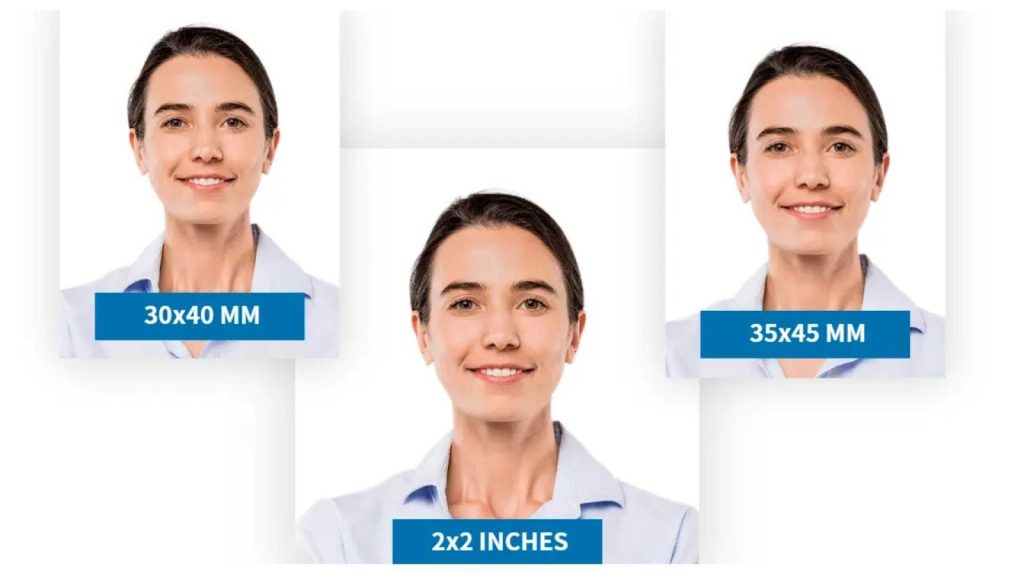
TNPSC (Tamil Nadu Public Service Commission) has strict rules for photo and signature uploads. The file size should fall within a specific limit, the dimensions must match exactly, and the image must look clear and professional. Many applicants fail verification simply because their image wasn’t formatted properly.
This is why using a dependable tnpsc photo resize solution is essential. A good tool should maintain clarity, adjust file size without ruining quality, provide accurate width & height settings, and ensure that the final image meets all TNPSC requirements. If the tool fails on any of these points, the application may face delays or rejection.
A proper TNPSC-ready image must be sharp, evenly cropped, well-lit, and correctly aligned. If your source image is dark, noisy, or improperly framed, resizing alone won’t save it. That’s where professional editing services-like Graphics Revive-can make a huge difference, especially when you need perfection.
What Makes a Good TNPSC Photo Resize Tool?
When comparing tools, there are a few essential qualities that matter for tnpsc photo resize. A good online tool should provide precise dimension controls so you can match TNPSC size requirements accurately. Many free tools do not allow exact input and instead use presets, which might not align with TNPSC rules.
Another important factor is file compression. TNPSC has strict upload size limitations, so the tool must reduce file weight without creating blur or pixelation. Tools with poor compression algorithms often degrade image quality, leading to rejected uploads.
You should also look for ease of use, because not everyone has experience handling digital photos. The best tnpsc photo resize tools keep things simple, uncluttered, and intuitive so you can resize and download your image in a minute. No ads, no confusing menus, no forced account creation-just clean functionality.
If the tool gives you manual cropping, background cleaning, and preview before download, that’s a big advantage. And if you want enhanced editing-such as brightness correction, color cleanup, or professional retouching-Graphics Revive offers premium-quality solutions far beyond what free tools can deliver.
How to Choose the Best TNPSC Photo Resize Tool for Accurate Results
Picking the right tool for tnpsc photo resize is not just about shrinking or expanding an image. It’s about getting the exact size, perfect clarity, and clean formatting that meets TNPSC’s strict upload standards. Many applicants choose a tool simply because it is popular, but popularity doesn’t always guarantee accuracy. When choosing a resizing tool, you must think about precision, ease of use, support for custom dimensions, and how well the image retains its clarity after compression.
Some tools compress aggressively, which makes the photo grainy or blurry. Others distort the image because they don’t maintain the aspect ratio. A reliable tnpsc photo resize tool will allow you to manually input exact height and width, reduce file size without hurting quality, and show a preview of the final output. These features are essential because even tiny distortions or clarity issues can lead to rejection during TNPSC verification. If you want a quick method with zero technical steps, free online tools are helpful. But if your photo needs deeper correction, professional editing becomes the safest choice.
When comparing tools, pay attention to the working speed. A fast-loading tool saves time, especially when you’re preparing multiple documents or making last-minute corrections. You should also look at whether the tool supports JPG and JPEG formats, as TNPSC usually requires these formats. Many candidates upload PNG files unknowingly, and they get rejected. A high-quality tnpsc photo resize tool prevents these mistakes by guiding you through proper file settings or converting automatically when needed.
Top Online Tools for TNPSC Photo Resize
Below we explore some of the most popular and reliable online tools for tnpsc photo resize. Each section contains two paragraphs to describe the tool in detail, including how it works and why applicants commonly choose it.
1. IMResizer
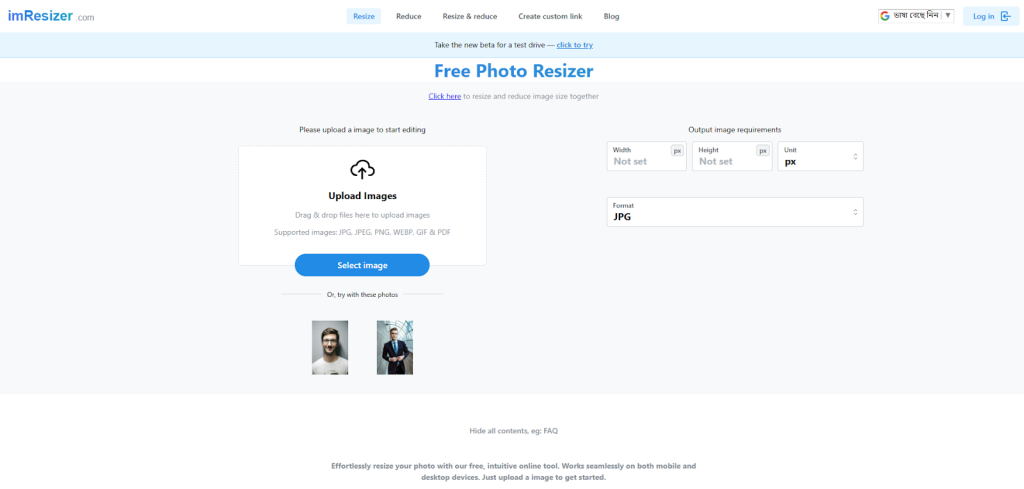
IMResizer is a widely used tool for resizing images, and it works smoothly for TNPSC requirements. The interface is simple, letting users upload an image and set the exact dimensions needed. The resizing engine preserves clarity, ensuring the photo doesn’t become distorted or pixelated after compression. Many applicants prefer IMResizer because it can reduce file size without affecting the overall quality too much.
Another great benefit is its speed-everything happens instantly, and you don’t need technical knowledge to use it. This makes IMResizer helpful for beginners who want a clean and reliable option for tnpsc photo resize. Since TNPSC guidelines require specific measurements, the tool’s custom dimension input is extremely useful. You can also use its cropping tool to keep your face centered and properly framed.
2. IMG2Go
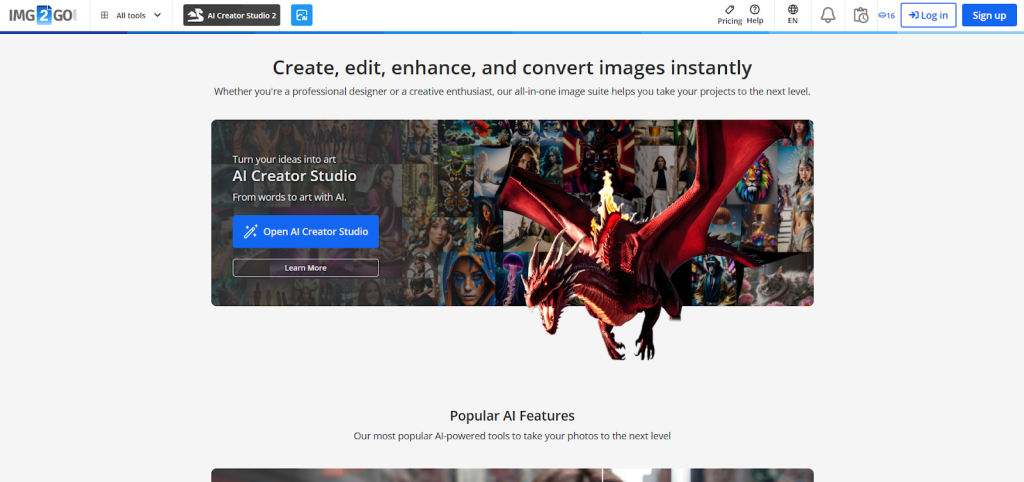
IMG2Go is a versatile editor that supports resizing, compressing, converting, and enhancing photos. When resizing for TNPSC, users can manually adjust height, width, and DPI. The tool also offers advanced settings like aspect-ratio lock, enabling you to maintain natural image proportions. These features make it a great choice when your photo requires fine adjustments while staying within TNPSC rules.
The platform supports multiple file formats and gives you high-quality output suitable for digital applications. Its compression feature ensures your TNPSC upload stays within the required file size limit without becoming blurry. For anyone who wants more control over their image settings, IMG2Go delivers a powerful yet beginner-friendly experience for tnpsc photo resize tasks.
3. Adobe Express (Free Resize Tool)
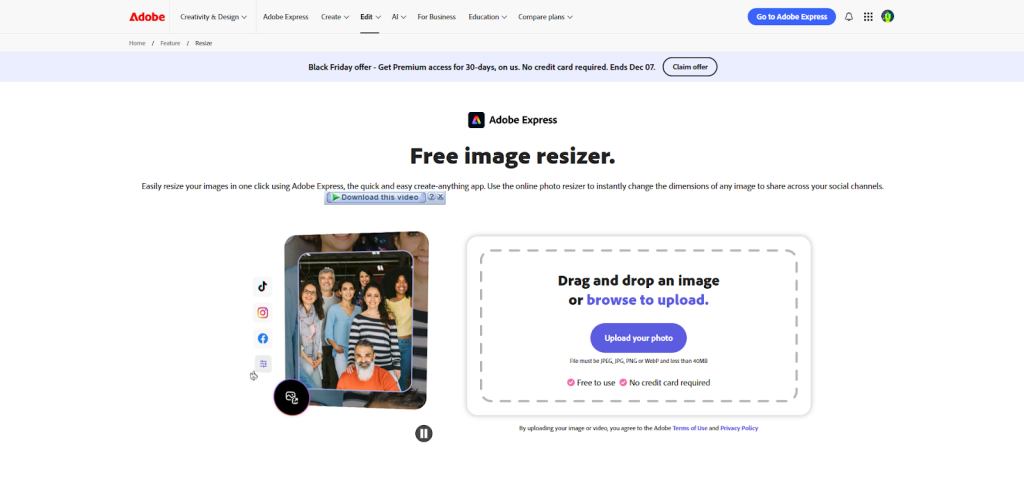
Adobe Express provides a professional-level resizing engine with excellent clarity preservation. Even when you reduce the image significantly, the quality remains sharp. This makes Adobe Express ideal for resizing TNPSC images, especially when you want a clean, polished final result. It also includes auto-enhancement features that subtly improve lighting and tone.
You can quickly upload your photo, set custom dimensions, and download the resized image in seconds. The platform feels premium and is trusted by many because of Adobe’s long-standing reputation. For applicants who value accuracy and professional output, Adobe Express stands out as a top option for tnpsc photo resize.
4. ResizePixel
ResizePixel is simple, fast, and perfect for people who want a no-fuss experience. The website lets you adjust pixel size, file size, and aspect ratio with ease. It also offers basic editing tools like crop, rotate, and flip-making it a lightweight but helpful tool for TNPSC preparation.
Another advantage of ResizePixel is that it displays real-time preview, allowing users to confirm quality before downloading. This reduces the chance of errors, especially when preparing official images. Since the TNPSC image must be clear and properly framed, this preview-based workflow helps applicants verify everything instantly.
Why Graphics Revive Is the Best Professional Option
While online tools provide quick fixes, many applicants need more than a simple resize. If your original image is dark, blurry, unevenly cropped, or low-quality, a standard tool won’t fix the underlying problems. That’s where Graphics Revive truly stands out.
Graphics Revive provides expert-level image editing services tailored specifically for government form submissions. Our team manually adjusts clarity, lighting, cropping, and alignment to ensure your image meets TNPSC standards perfectly. When applicants use random online tools, the results often get rejected because the quality or proportions are off-something that doesn’t happen with professional editing.
Another major advantage of Graphics Revive is personalized support. Instead of automated tools, you get real image specialists who understand TNPSC requirements and adjust your image accordingly. Whether you need retouching, background cleanup, dimension correction, or file optimization, our team ensures a polished, accurate, and compliant image every time.
We also deliver fast turnaround, making us a dependable service for last-minute submissions. With Graphics Revive, your tnpsc photo resize is handled with precision and care-not left to guesswork. For applicants who want guaranteed approval, choosing a professional service is the smartest decision.
How Graphics Revive Helps You Get the Perfect TNPSC Photo
Every TNPSC applicant wants a photo that looks clean, sharp, and professional. Graphics Revive ensures this by using expert retouching techniques. Even if your raw image has shadows, uneven brightness, or low clarity, we fix everything while maintaining a natural appearance. Our goal is to make you look neat and presentable in your application-not overly edited or artificial.
We also handle signature resizing, background corrections, important cropping adjustments, and size compression. TNPSC sometimes rejects images due to incorrect framing or unclear signatures, but our team makes sure every detail follows the official guidelines. Instead of worrying whether your image will pass the verification stage, you can submit with confidence.
Graphics Revive is built on reliability, quality, and professional accuracy. The difference between a free tool and a professional service becomes clear the moment you compare the results. If you want your tnpsc photo resize handled with complete precision, Graphics Revive is the best solution available.
Common Problems Applicants Face During TNPSC Photo Uploads
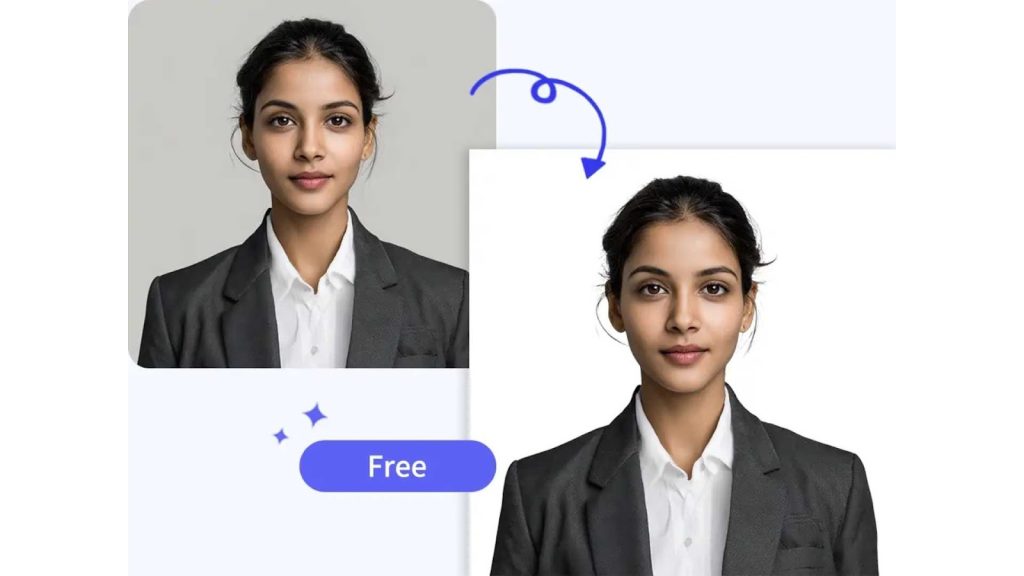
Even though resizing seems simple, most TNPSC applicants run into similar issues every year. The first and most common problem is incorrect dimensions. Many tools give you outputs that are slightly off, and even one pixel difference can cause an error. Another issue is incorrect file size-your photo needs to be within TNPSC’s specific KB range. If the tool compresses too much, the face becomes unclear. If it compresses too little, the upload gets rejected for being too big.
Another frequent problem is blurry or dark images. Resizing alone doesn’t fix poor lighting, shadows, or low resolution. These issues require professional enhancement. Many applicants try fixing these through free apps, but those apps often smooth out the entire image unnaturally, making your face appear artificial or unclear. TNPSC systems are strict, and unnatural images may raise flags during verification.
Cropping is another major problem. A properly cropped TNPSC photo must show your face clearly in the center, with enough space around the head. People often crop too tightly or leave too much background, which goes against TNPSC guidelines. A good tnpsc photo resize tool will help maintain proper framing, but if the original photo is poorly taken, cropping alone won’t save it. This is when professional services like Graphics Revive step in to manually correct framing and make the image clean, balanced, and centered.
How Graphics Revive Solves These Common Problems
Graphics Revive is designed for people who want error-free, clean, professional TNPSC-ready images without any stress. Our team manually checks each detail, ensuring your photo fits TNPSC’s requirements accurately. Instead of relying on auto-resize, we perform manual corrections for dimension accuracy, brightness, sharpness, color balance, cropping, and overall presentation. This ensures that your image not only passes the TNPSC upload check but also looks polished and professional.
While free tools only give you resizing, Graphics Revive offers complete photo correction. If your image is too dark, we brighten it naturally. If it’s too grainy, we enhance clarity. If your background is uneven, we clean it smoothly. TNPSC doesn’t allow overly edited or unrealistic photos-but it expects a clear, visible face. That balance is exactly what our editors specialize in. We don’t over-edit; we improve quality while keeping your photo natural, clean, and compliant.
Another advantage of choosing Graphics Revive is consistency. If you need both photo and signature resized for TNPSC, we deliver them with matching formatting, proper proportions, and accurate sizing. You don’t need to struggle with multiple tools, measurements, or repeated uploads. Everything is handled professionally, saving you time and preventing unnecessary rejection risks. When it comes to tnpsc photo resize, Graphics Revive ensures perfection every time.
Why Professional Editing Is Better Than Free Online Tools
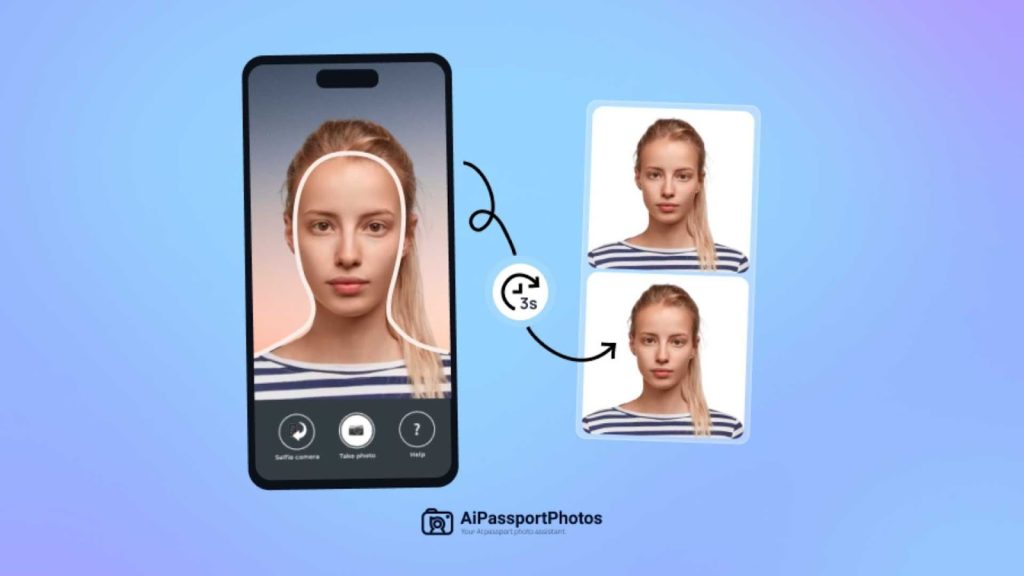
Free tools are helpful for quick resizing, but they can’t fix underlying issues. They don’t correct lighting, they don’t remove shadows, they don’t fix grainy photos, and they don’t check your image manually. TNPSC demands clarity, proper framing, and correct size. If your original image has problems, even the best tool cannot produce a professional result.
Professional editing brings human attention, precision, and expertise. Graphics Revive uses skilled editors who understand government application requirements. We make sure your image still looks natural-not overly edited or smoothened. We protect your facial clarity, maintain natural skin tones, and clean the background gently without making it look fake.
For applicants who want a polished and guaranteed-acceptable result, professional services always outperform automated tools. And since TNPSC applications are extremely important, treating your photo seriously is a wise decision. With Graphics Revive, your tnpsc photo resize becomes more than just resizing-it becomes a professional-level preparation step.
Final Thoughts: Choose the Best TNPSC Photo Resize Solution
When it comes to TNPSC applications, your photo is one of the most important details. Using a reliable tnpsc photo resize tool ensures your submission goes smoothly. Free tools like IMResizer, IMG2Go, Adobe Express, and ResizePixel are great for quick adjustments, and they work well for people with already-perfect photos. But if your photo has quality issues-or if you want guaranteed approval-professional editing is the best path.
Graphics Revive provides everything you need for a clean, sharp, accurate TNPSC photo. We make sure your image meets all guidelines, is clear and properly compressed, and looks professional enough for official documentation. With our support, you can submit your TNPSC application confidently, knowing your image will not be rejected.
If you’d like, I can now generate meta title, meta description, image prompt ideas, or internal linking suggestions for this article as well.


