
Posting sharp, perfectly sized visuals on Twitter (now X) has become more important than ever in 2025. Whether you’re managing a personal brand, running ads, posting product photos, or sharing professional content, having the right Image Resizer for Twitter makes a huge difference. Twitter compresses images heavily, so using the right tool ensures your posts stay crisp, clear, and eye-catching on every device.
Many users struggle because they upload photos straight from their phone or camera, only to see them appear blurry, cropped wrong, or compressed into a low-quality mess. This happens when the dimensions don’t match Twitter’s recommended sizes. That’s why choosing the best Image Resizer for Twitter matters-it lets you optimize your visuals correctly so Twitter doesn’t over-compress them.
In 2025, there are dozens of tools claiming to offer easy resizing, but not all of them deliver the same quality, speed, or reliability. Some tools offer presets specifically made for Twitter posts, Twitter headers, and Twitter ads. Others are more advanced, offering bulk resizing, smart compression, image enhancement, and custom export settings.
In this article, we’ll take a deep dive into the best Image Resizer for Twitter tools available today. We’ll compare their features, ease of use, speed, pricing, and real-world performance. Whether you’re a beginner or a marketing expert, this guide will help you choose the right tool that actually fits your workflow. And if you ever want professional-quality image optimization, retouching, or resizing, Graphics Revive is always here to help with our advanced image editing services.

Why You Need a Powerful Image Resizer for Twitter in 2025
Twitter is a fast-paced platform, which means your visuals need to stand out immediately. With millions of posts shared every hour, the images that perform best are those that look polished and accurate in size. Using an Image Resizer for Twitter ensures that your images maintain quality and don’t get distorted or cut off by Twitter’s strict aspect ratios.
A powerful Image Resizer for Twitter also helps maintain brand consistency. If you’re posting product listings, announcements, promotional banners, or ads, having perfectly sized images helps your page look professional. It also strengthens trust among viewers who judge your brand by the clarity, formatting, and presentation of your visuals.
Another big reason to use an Image Resizer for Twitter is speed. Posting high-resolution images directly from your camera slows down uploading and increases compression. But resizing them properly gives you fast uploads and better visual output. For creators, agencies, and businesses, this optimization saves time and improves engagement.
What Makes a Good Image Resizer for Twitter?
A great Image Resizer for Twitter in 2025 should be more than just a tool that shrinks images. It must ensure clarity, maintain aspect ratio, support various Twitter formats, and reduce file size without losing sharpness.
The top tools also give you creative control. Some allow you to tweak brightness, adjust color, crop professionally, or even apply light compression for maximum clarity. Others include “Twitter-safe presets” that automatically adjust your image dimensions to standard sizes like:
- 1200 × 675 pixels (tweet images)
- 1500 × 500 pixels (header images)
- 1080 × 1080 pixels (ad images)
The best Image Resizer for Twitter tools also support batch resizing-useful when preparing a full set of brand posts for the week or optimizing ad creatives in bulk. And beyond resizing, the top tools ensure minimal quality loss, making sure your images still look great after Twitter applies its own compression algorithm.

Top Image Resizer for Twitter Tools in 2025
Below, we compare the leading tools in depth. Each one stands out for different reasons-some are fast and simple, some are feature-rich, and some offer professional-level editing for brands and creators.
1. Graphics Revive Online Image Resizing & Editing Service
(Perfect for brands, creators, agencies & high-quality Twitter visuals)
If you want the most polished output possible, Graphics Revive is one of the best all-in-one solutions. Unlike typical apps, this is a professional image editing service designed for businesses, social media creators, marketers, and agencies that need consistent quality.
As an advanced Image Resizer for Twitter, Graphics Revive can adjust dimensions, sharpen details, enhance images, remove distractions, correct color issues, fix lighting, and deliver perfectly optimized files ready to upload.
Because this is a done-for-you service, it removes the learning curve and ensures your images always meet Twitter’s exact requirements. Brands especially love using Graphics Revive when preparing weekly content, product promotions, or high-conversion ads.
Why Graphics Revive Stands Out
Graphics Revive provides more than resizing:
- Custom optimization for every Twitter format
- Manual retouching and enhancement for sharper, more engaging visuals
- Bulk resizing for creators or businesses posting regularly
- Perfect aspect ratio adjustments without distortion
- Noise reduction, color improvement, and clarity enhancement
- Fast delivery with 100% professional accuracy
If your goal is to make every post look premium, Graphics Revive is easily one of the top choices for a professional Image Resizer for Twitter.
2. Adobe Express
Adobe Express continues to be a favorite for creators who want simple design templates paired with resizing tools. It has dedicated Twitter presets that automatically configure sizes and crop areas, making it easy for beginners to manage.
The downside? The free version adds limitations, and the paid version can be expensive for casual users. Still, its quality and user-friendly interface earn it a strong place on this list.
Adobe Express supports:
- Twitter post size presets
- Header resizing
- Powerful export options
- Basic image enhancement
It’s a strong Image Resizer for Twitter if you want something reliable and backed by Adobe’s brand.
3. Canva
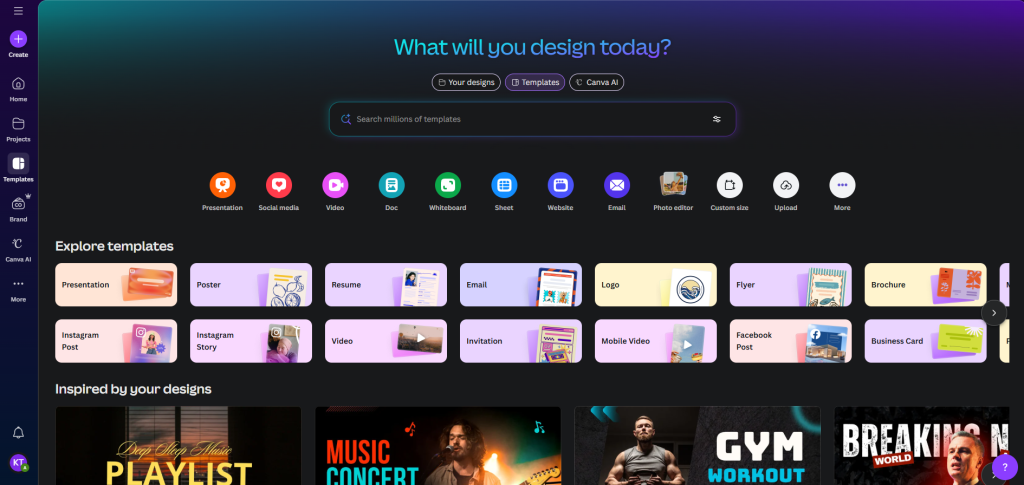
Canva is one of the most popular design platforms for quick social media graphics, and its resizing tool is very easy to use. It offers preset Twitter dimensions that make image adjustment simple, especially if you’re creating posts, banners, or promotional visuals.
The only issue many users face is slight compression during export, and some features require the paid plan. Still, Canva remains a strong choice because of its simple interface and wide range of ready-made layouts.
Canva supports:
- Twitter image size presets
- Social media templates
- Quick resize tool
- Basic color and clarity adjustments
It’s a great Image Resizer for Twitter if you prefer drag-and-drop editing with beginner-friendly controls.
4. Preview (Mac Built-In)
Preview is a built-in macOS tool that handles image resizing fast and without any complicated steps. It’s perfect for users who want a quick, offline way to enter exact Twitter dimensions and resize images in batches.
The limitation is that Preview doesn’t include creative tools or templates, and you must manually enter dimensions like 1200×675 or 1500×500. Despite that, its speed and simplicity make it very dependable.
Preview supports:
- Batch resizing
- Manual pixel adjustments
- Aspect ratio control
- Quick exports
It’s a reliable Image Resizer for Twitter if you want something simple and already built into your Mac.
5. Fotor
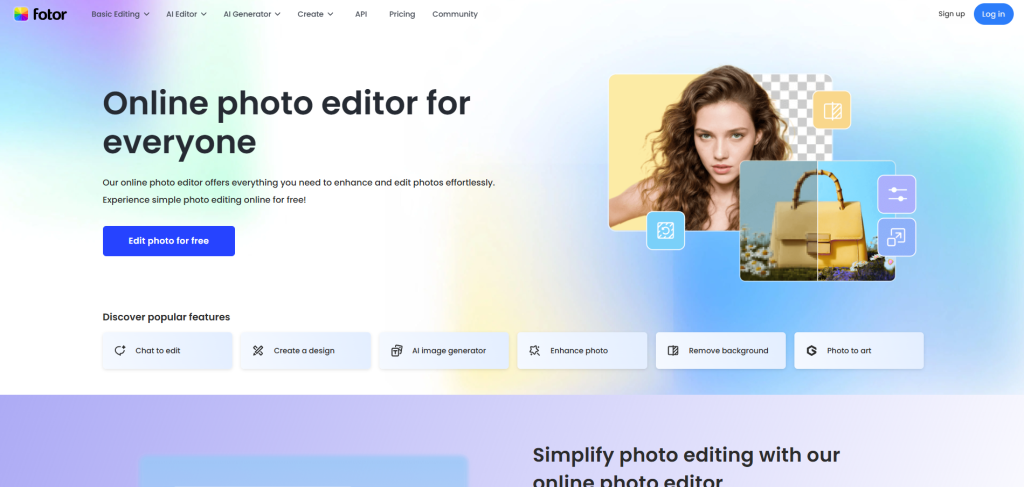
Fotor is a clean, beginner-friendly editor that combines resizing with helpful enhancement tools. It improves brightness, sharpness, and color while letting you quickly set Twitter-friendly dimensions.
Some advanced features require a subscription, and the interface is more limited compared to Canva or Adobe Express. But for straightforward resizing with a bit of enhancement, it performs very well.
Fotor supports:
- Twitter resizing options
- Basic photo enhancement
- Simple editing tools
- Fast exporting
It’s a solid Image Resizer for Twitter if you want quick improvements alongside resizing.
6. BeFunky
BeFunky has an easy interface with resizing tools and creative effects, making it useful for both simple and fun edits. It also supports batch editing, which helps when preparing multiple Twitter posts at once.
While some design tools feel a bit playful and not as professional as other platforms, its simplicity and batch features keep it practical for everyday social media work.
BeFunky supports:
- Batch resizing
- Crop and dimension control
- Artistic filters and effects
- Social media export settings
It’s a handy Image Resizer for Twitter if you want simple resizing combined with creative options.
7. Pixlr
Pixlr is a browser-based editor that works like a lightweight version of Photoshop. It offers precision resizing, manual adjustments, and sharper control over export quality.
The interface may feel advanced for beginners, and some features require ads or a subscription. But for users who want more technical control, Pixlr delivers strong performance.
Pixlr supports:
- Exact pixel resizing
- Advanced cropping
- Quality and compression control
- Layer-based editing
It’s a powerful Image Resizer for Twitter if you want more control over sharpness and final image quality.

Choosing the Best Image Resizer for Twitter Based on Your Needs
The perfect tool depends on what kind of Twitter user you are. If you’re a casual poster, Canva or Adobe Express might be enough. But if you’re a brand, creator, or business that wants premium-quality visuals every time, a professional solution like Graphics Revive will give you the best results.
A strong Image Resizer for Twitter should fit your workflow. If you’re always posting product photos, choose a tool that supports bulk resizing. If you’re a designer, choose something that supports creative editing. If you’re a beginner, choose a tool with Twitter presets.
Image Quality Matters More Than Ever on Twitter
With so much competition for attention, blurry or poorly cropped images can reduce engagement by a large margin. The right Image Resizer for Twitter helps you avoid these issues while maximizing reach, clicks, and overall impressions. High-resolution photos that fit the correct dimensions are more likely to:
- Get retweeted
- Rank higher in algorithmic feeds
- Generate more profile visits
- Boost brand credibility
That’s why many brands invest in professional editing, especially when posting ads or promotional images.

Why Graphics Revive Is the Best Professional Option
If your goal is to look polished, deliver high clarity, and create a strong brand identity on Twitter, Graphics Revive stands out because of its high-level manual editing approach. Instead of using automatic resizing tools, Graphics Revive uses real professionals to adjust image dimensions, lighting, shadows, colors, clarity, and overall composition.
Graphics Revive is especially powerful for:
- Ecommerce brands
- Influencers
- Product photographers
- Marketing agencies
- Businesses running paid Twitter ads
- Corporate brands needing consistent visual identity
You can rely on Graphics Revive for:
- High-end resizing
- Color correction
- Background cleanup
- Clarity enhancement
- Professional retouching
- Twitter-optimized file delivery
This makes Graphics Revive much more than a basic Image Resizer for Twitter-it becomes your partner in creating posts that look premium and professional every single time.
Final Thoughts: Choose the Image Resizer for Twitter That Fits Your Style
There are many tools available in 2025, but the right Image Resizer for Twitter depends on your needs. Canva and Adobe Express work well for beginners. Pixlr and BeFunky offer more advanced editing. Preview is simple and free for Mac users.
But if you want premium-quality results without spending hours editing, Graphics Revive delivers professional, studio-grade resizing and enhancement to help your Twitter visuals stand out.
For high-quality image resizing, editing, retouching, or Twitter-ready visuals, visit Graphics Revive today and let us transform your images into powerful, scroll-stopping content.


