
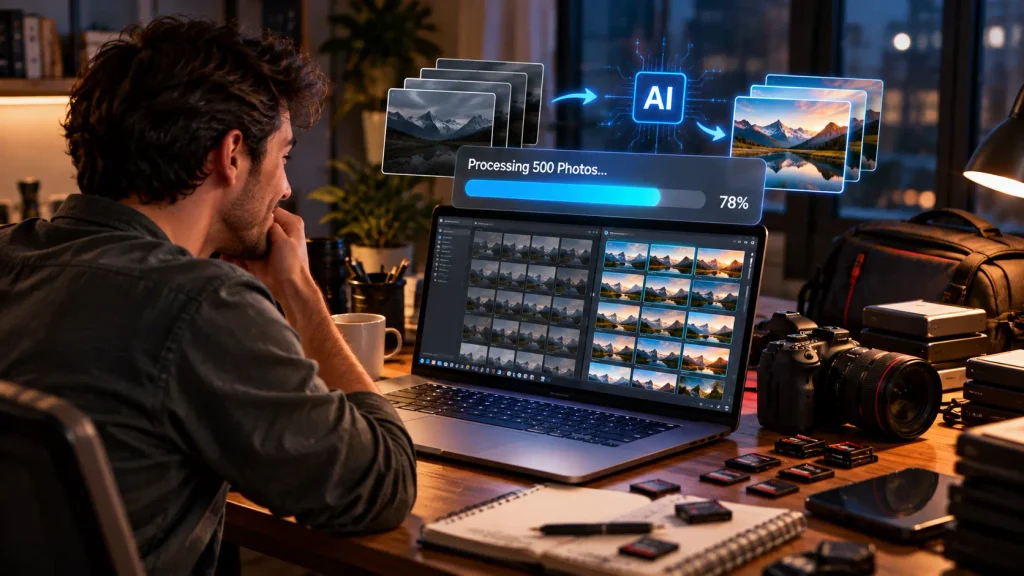
If you have ever come back from a wedding, a product shoot, or a busy real estate weekend with thousands of images, you already know the feeling. The shoot was the fun part. Now comes the editing pile, and it never seems to shrink. A few years ago, the only way out was to hire a team or give up your evenings. In 2026, AI bulk photo retouching tools can handle a big share of that work in minutes, and the best ones do it surprisingly well.
But here is the catch. The market is crowded, and every tool promises “perfect results in one click.” Some deliver. Others leave you with plastic skin, strange color shifts, or a subscription you barely use. That is why we put this guide together. We want to help you compare your options calmly, see what each tool is actually good at, and pick the one that fits your workflow and your budget.
In this article, we walk through the AI bulk photo retouching tools we think are worth your attention this year. We explain how we judged them, what to look for before you pay, and where each tool shines or falls short. We also talk honestly about the times when software alone is not enough, and a human editor is the smarter call. Grab a coffee, and let’s get into it.
How We Tested and Ranked These Tools
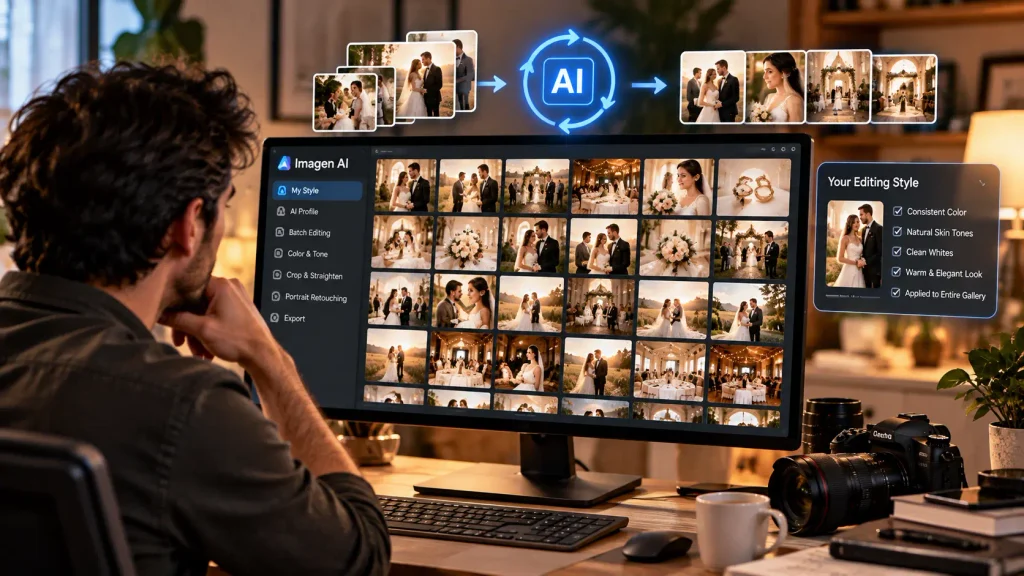
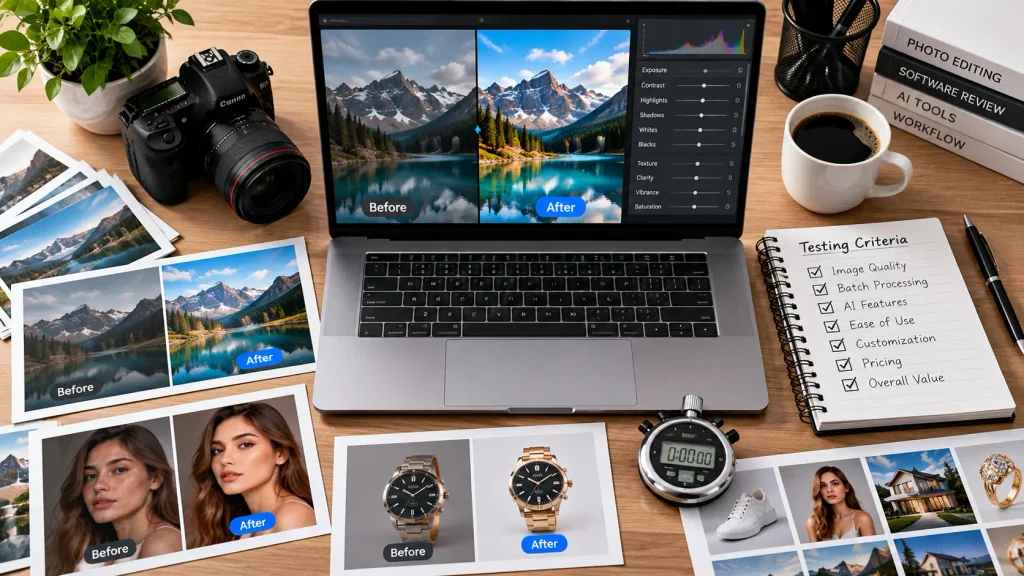
We wanted this ranking to feel useful, not like a list of paid mentions. So we used the same approach for every tool. We prepared a mixed batch of images: portraits in soft window light, event photos with harsh flash, jewelry and product shots on white backgrounds, and a few tricky landscape frames with strong shadows. Then we ran the same batches through each tool and compared the output side by side.
We paid attention to five things. First was quality, meaning how natural the final images looked after a bulk run, not just a single lucky frame. Second was consistency, because a tool that gets image one right and image four hundred wrong is not much help. Third was speed, from import to export. Fourth was how easy the tool was to learn, since nobody wants to watch tutorials for a week. Fifth was value, which means what you really get for the money once you factor in limits, add-ons, and extra steps.
One more thing we kept in mind: the best AI bulk photo retouching tools do not replace your eye. They take over the boring, repetitive parts so you can spend time on the images that matter most. A tool that respects your style and still lets you tweak the result earned extra points from us.

What to Look for Before You Choose a Tool
Before we jump into the reviews, it helps to know what separates a great tool from an average one. The first thing to check is whether the tool learns your style or just applies a generic preset. Tools that study your past edits and copy your look feel much more personal, and they save you from fixing every image by hand afterward.
Next, think about the type of work you do. Portrait retouching, culling, color correction, background removal, and noise reduction are all different jobs. Some tools are great at one and weak at the rest. A wedding photographer needs very different features from an online store owner cleaning up hundreds of product shots.
Pricing is the other big one. Many AI bulk photo retouching tools charge per image, others charge per month, and a few mix both. If you edit in big bursts, a per-image plan can be cheaper. If you shoot every week, a flat plan usually wins. Always do the math with your real monthly volume, not your best guess.
Finally, look at how the tool fits into your current workflow. If you already live inside Lightroom or Capture One, a plugin that plays nicely with them will feel smoother than a standalone app. Smooth beats flashy every time when you are editing late at night with a deadline looming.
1. Imagen AI: Best for Personalized Batch Editing
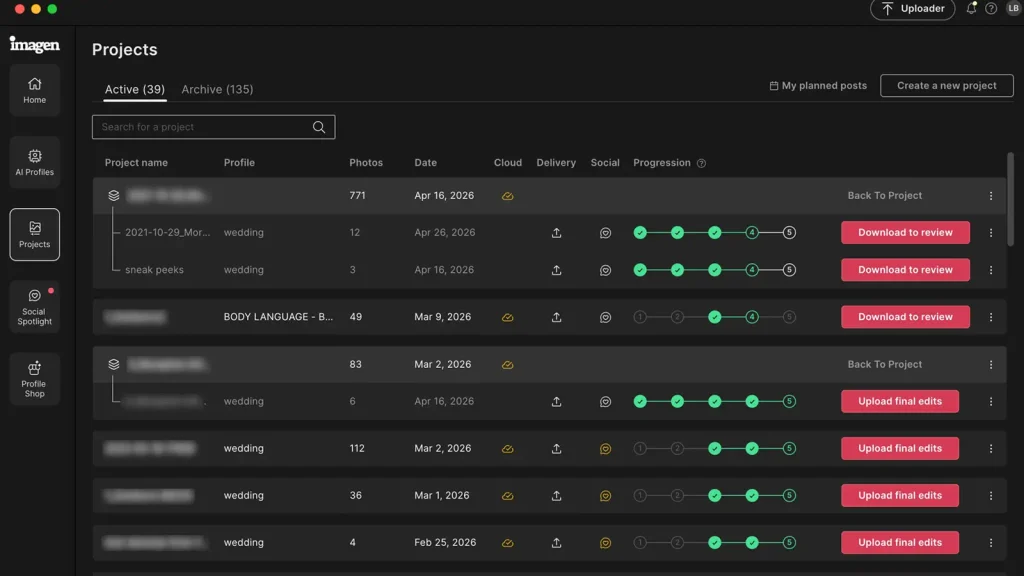
Imagen AI takes the top spot in our ranking, and the reason is simple: it learns how you edit. You upload a set of your previously edited photos, and the system builds a personal profile that mimics your color, contrast, and exposure choices. When we ran a large wedding-style batch through it, the results felt like our own edits rather than a stranger’s filter, which is exactly what you want from a bulk tool.
It also handles a lot of the fiddly work in the background. Straightening, cropping, and subject-aware adjustments can happen automatically, and the output drops back into your usual editing software so you can polish the few images that need extra love. For photographers who deliver big galleries on tight timelines, this combination is hard to beat.
Where it is less impressive is deep retouching. If you need detailed skin work or heavy cleanup on individual images, you will still do that yourself or hand it off. It is also priced for people who edit regularly, so very occasional shooters may find it more than they need.
Pros
- Learns your personal editing style from past work
- Very consistent results across large batches
- Works smoothly with popular editing software
- Saves a huge amount of time on big galleries
- Handles basic corrections like straightening and cropping
Cons
- Limited for detailed, image-by-image retouching
- Best value only if you edit often
- Quality depends on the examples you train it with
2. Aftershoot: Best for Culling Plus Editing in One Place
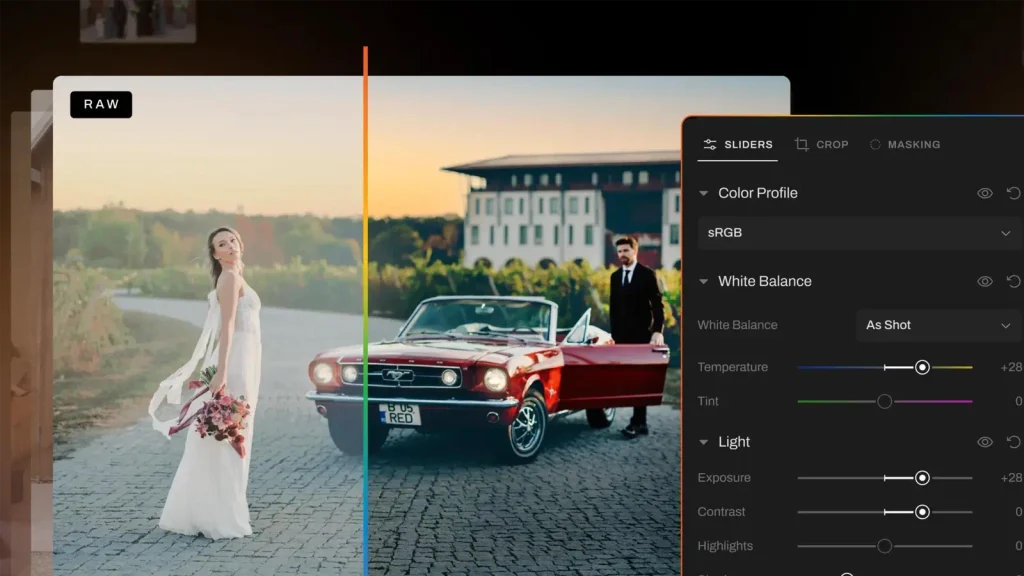
Aftershoot earns second place because it solves two problems at once. Before you retouch anything, you have to decide which photos are worth keeping, and that culling stage can eat hours. Aftershoot looks for closed eyes, blur, and duplicates, then groups the keepers so you can move on quickly. After that, its editing side applies your style across the whole set.
In our testing, the culling was the standout. It caught most of the obvious rejects and saved us from scrolling through near-identical frames. The editing profiles were solid too, though we found we still needed to nudge a handful of images, especially ones shot in mixed lighting. That is normal for any of the AI bulk photo retouching tools we tried, so we did not hold it against the software.
It is a great fit for event and wedding photographers who drown in volume. It is a little less exciting if you only need retouching, because you would be paying for features you may never touch.
Pros
- Strong culling that removes blurry and duplicate shots
- Editing profiles that match your style
- Cuts total turnaround time from shoot to delivery
- Friendly for beginners and busy professionals alike
Cons
- Mixed lighting can still need manual fixes
- Less useful if you only want retouching
- Plans may feel pricey for light users
3. Evoto: Best for Portrait and Beauty Retouching
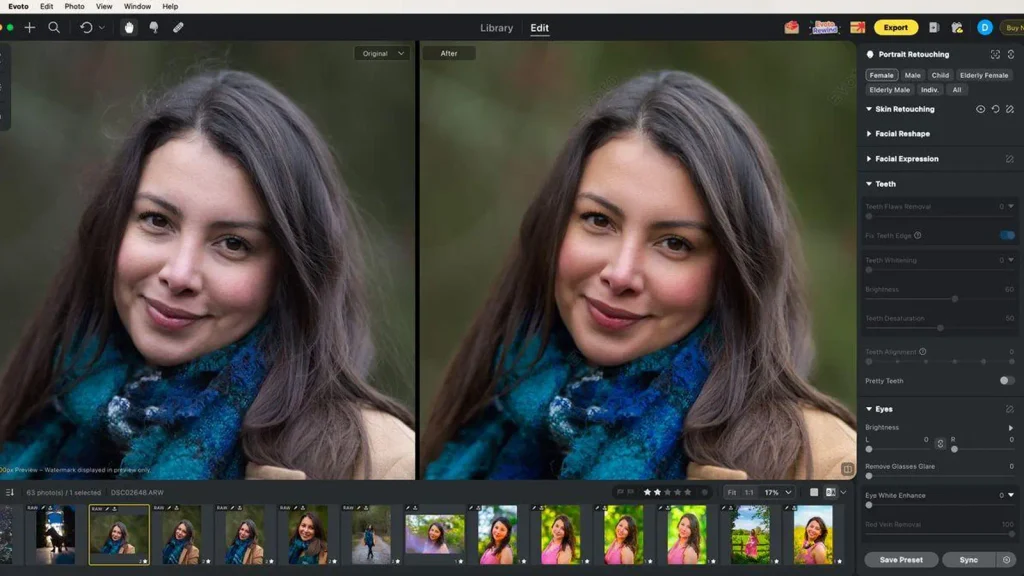
Evoto is built around people. If your work is headshots, family sessions, fashion, or beauty, this tool feels like it was designed for you. It detects faces and body shapes, then lets you smooth skin, brighten eyes, adjust lighting on the face, and clean up small distractions. The best part is that you can sync those settings across a whole batch, so a full session gets a consistent look in a few clicks.
When we tested it, the skin work looked natural when we kept the sliders gentle. Push them too far and you get that over-smoothed look everyone dislikes, so a light touch really matters here. The batch syncing worked well, and it was especially handy for group shoots where lighting stayed steady from frame to frame.
It is less suited to product, real estate, or landscape work, since its strengths are clearly aimed at portraits. If people are your subject, though, it is one of the most practical AI bulk photo retouching tools you can pick up this year.
Pros
- Excellent face and skin tools for portraits
- Settings can be synced across many images at once
- Natural results when used with a gentle hand
- Simple layout that is easy to learn
Cons
- Not designed for product or landscape photography
- Easy to over-edit if you push the sliders
- Some advanced features sit behind higher plans
4. Retouch4me: Best for High-End Skin and Detail Work
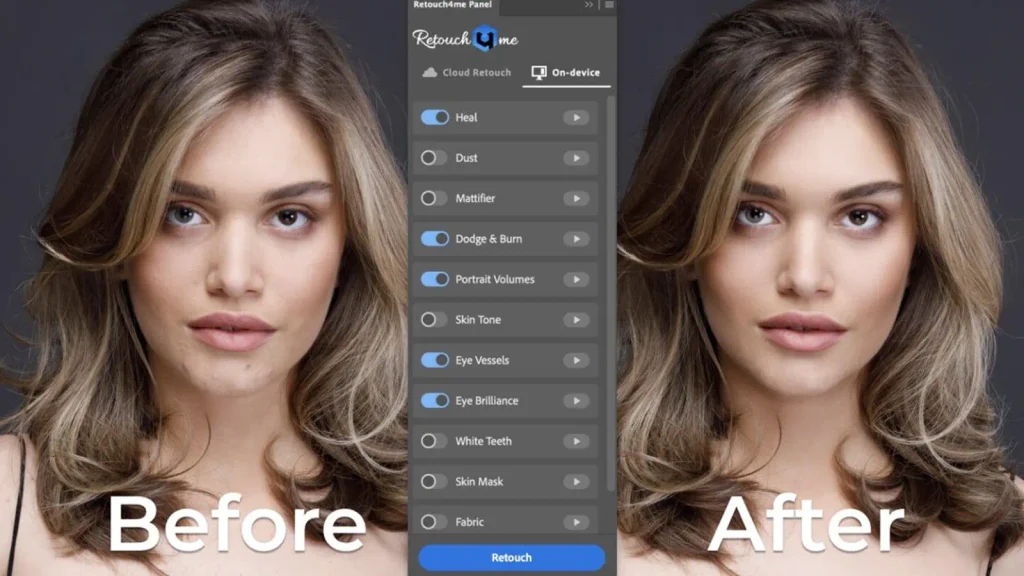
Retouch4me takes a different path from the tools above. Instead of one big app that does everything, it offers a set of focused plugins, each trained for a single job, such as skin tone evening, blemish cleanup, dodge and burn, or eye brightening. You stack the ones you need, run them, and get a result that looks close to what a skilled retoucher would produce by hand.
In our tests, the quality was impressive. Skin kept its natural texture instead of turning waxy, which is where many AI bulk photo retouching tools stumble. Batch processing worked well once we set it up, and the results held up even on close-up beauty shots. For studios that care about a polished, magazine-style finish, this is a serious option.
The trade-off is cost and setup. Buying several plugins adds up, and your computer needs to be reasonably powerful to run them quickly. It also takes a little time to learn which plugin does what. If you want a simple one-click workflow, other tools on this list will feel friendlier.
Pros
- Very natural skin and detail retouching
- Each plugin is focused and does its job well
- Works for batch processing once configured
- Great for beauty, fashion, and high-end portraits
Cons
- Costs can add up when you need several plugins
- Needs a fairly capable computer
- Slightly steeper learning curve than all-in-one apps
5. Luminar Neo: Best for Creative Edits and Landscapes
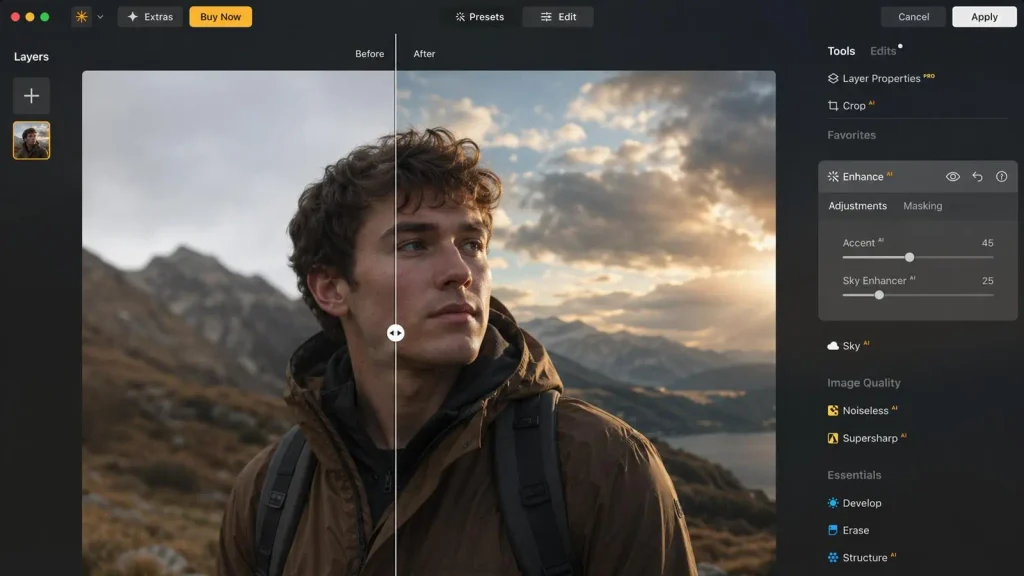
Luminar Neo is the fun one. It leans into creative AI features like sky replacement, relighting, structure enhancement, and quick portrait touch-ups. If you shoot landscapes, travel, or lifestyle content and want your images to pop without spending ages in layers, this tool gets you there fast. It also supports batch editing, so you can apply a look to a whole folder and then fine-tune favorites.
We enjoyed how quickly we could get a dramatic result. A dull, flat sky became a moody sunset in a couple of clicks, and the landscape batches looked lively and rich. The interface is clean and encourages experimenting, which beginners tend to love.
The flip side is that its bulk workflow is not as deep as the dedicated tools above. Heavy creative effects can look overdone if you are not careful, and for commercial work that needs strict consistency, such as product catalogs, it is not our first pick. Think of it as a creative playground first and a production engine second.
Pros
- Fun, powerful creative tools like sky replacement and relighting
- Beginner-friendly interface
- Batch editing for applying looks across folders
- Great for landscape, travel, and lifestyle photography
Cons
- Bulk workflow is less advanced than specialist tools
- Effects can look heavy-handed if overused
- Not ideal for strict, catalog-style consistency
6. Topaz Photo AI: Best for Sharpening, Noise, and Upscaling
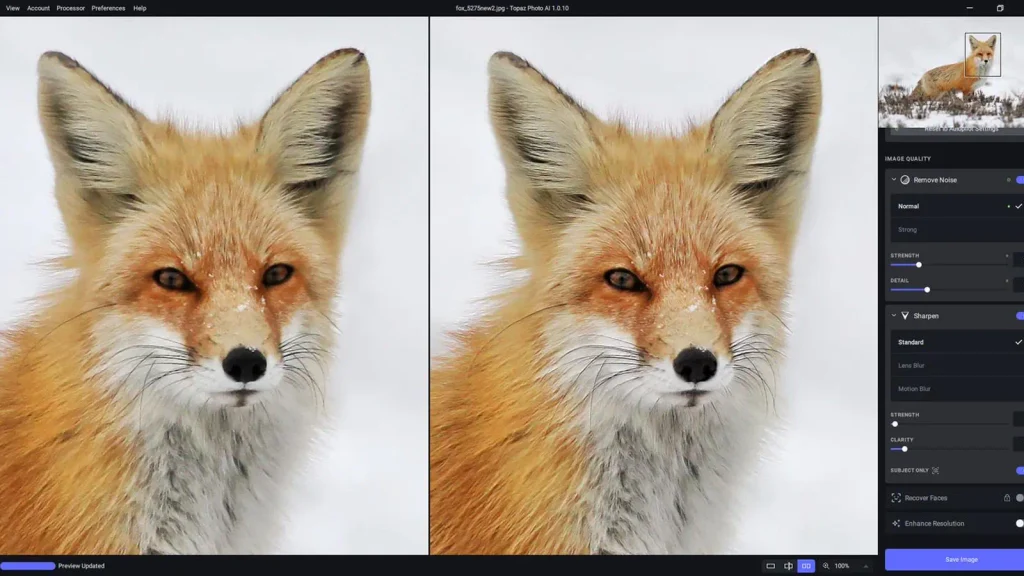
Topaz Photo AI is not a style-matching tool, and it does not try to be. Its job is to rescue images that have technical problems: noise from high ISO shooting, soft focus, small resolution, or compression damage. It analyzes each photo and applies the right fix automatically, and it can process many files in one run.
When we fed it a batch of grainy low-light frames, the cleanup was striking. Noise dropped, edges got crisper, and details we thought were lost came back. For photographers who shoot in tough conditions, or anyone preparing older images for large prints, this is one of the most useful AI bulk photo retouching tools you can have in your kit.
Keep in mind that it works best alongside other editors. It will not match your color style or retouch skin the way Evoto or Retouch4me do. It can also be demanding on your computer when you process a lot of files, so expect longer waits on older machines.
Pros
- Excellent noise reduction and sharpening
- Upscaling that keeps detail believable
- Handy for rescuing difficult, low-light shots
- Automatic analysis saves manual tweaking
Cons
- Does not handle style matching or skin retouching
- Heavy on computer resources for big batches
- Works best as a companion to another editor
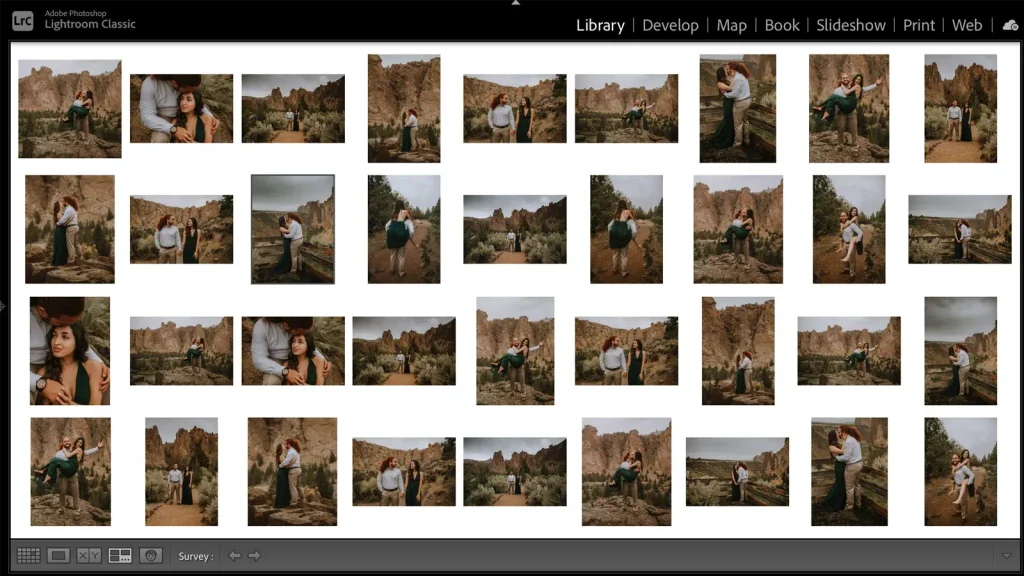
7. Adobe Lightroom Classic: Best for Workflow You Already Know
Lightroom Classic may not feel like a flashy newcomer, but it earns a place here because so many photographers already use it. Its AI masking can select subjects, skies, and backgrounds in seconds, and its denoise feature has become a strong all-rounder. Better still, you can sync adjustments across hundreds of photos, which turns it into a reliable bulk editing home base.
During testing, we liked how predictable it was. Presets and synced settings gave consistent results, and the AI masks saved a lot of tedious brushing. It also pairs nicely with the other tools in this guide, since many of them export back into Lightroom for finishing.
Where it falls behind is automation. Unlike Imagen AI or Aftershoot, it does not learn your style on its own, so you still do more manual work. It is a dependable foundation rather than a fully automatic solution, and a subscription is required.
Pros
- Familiar, trusted workflow for many photographers
- Smart AI masking for subjects, skies, and backgrounds
- Easy syncing of settings across large batches
- Plays well with plugins and other tools
Cons
- Less automatic than style-learning tools
- Requires an ongoing subscription
- Still needs hands-on adjustments for consistent results
Quick Comparison: Which Tool Fits Which Photographer?
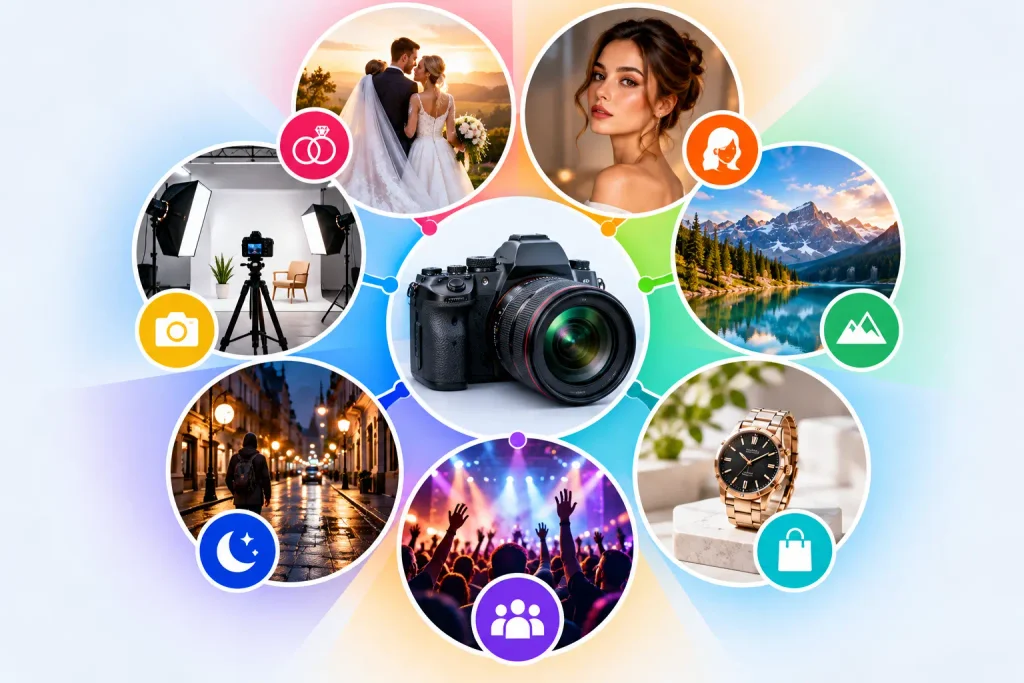
Now that you have seen each option, let’s put them side by side in plain language. If you shoot weddings or events and want speed above all, Imagen AI and Aftershoot are the strongest picks, with Aftershoot ahead when culling is a big pain for you. As If portraits and beauty work pay your bills, Evoto and Retouch4me are the stars, and the choice often comes down to budget and how much control you want.
If you love creative looks and travel imagery, Luminar Neo is the most enjoyable to use. If your problem is technical quality, such as grainy or soft files, Topaz Photo AI is the specialist you want. And if you prefer to stay in a familiar workspace and build your own system, Lightroom Classic remains a solid foundation that works with everything else.
The honest truth is that many working photographers use two tools together. A style-learning tool handles the first pass, and a specialist handles the finishing. Do not feel pressured to find one app that does it all, because that app does not really exist yet. Even the best AI bulk photo retouching tools have limits.
When Software Is Not Enough: The Case for a Human Editing Partner
Here is something many comparison articles skip. AI is fast, but it does not understand your client, your brand, or the story behind a photo. It can miss a stray reflection in a jewelry shot, flatten the texture of fabric, or handle a tricky background poorly. When the images are for a paying client, a product listing, or a property sale, small mistakes cost real money.
That is where a human editing team earns its keep, and it is exactly why we built Graphics Revive. We provide professional image editing services for photographers, online sellers, real estate teams, and businesses that need polished images without the burden of editing them in-house. Our editors use smart tools to move quickly, then check every image by eye so the final result looks natural and consistent.
We think you will like how simple it is to work with us. You send your files, tell us the look you want, and we deliver edits that match your style across the whole batch. We can handle color correction, background removal, skin retouching, product cleanup, HDR real estate blending, and architectural photo editing. Because we focus on bulk volume, big projects do not slow us down, and your turnaround stays predictable even in your busiest season.
A few things our clients tell us they value most: clear communication, consistent results from the first image to the last, fair pricing, and revisions when something is not quite right. We also keep your files private, because we know your photos are your work. Many photographers tell us that handing off the editing gave them their weekends back, and that is a feeling we love to help create.
You do not have to choose between software and service, either. A lot of our clients use AI bulk photo retouching tools for quick first passes and send the important or tricky jobs to us for a final polish. That mix gives you speed where it is safe and care where it counts.
How to Decide: A Simple Way to Choose
If you are still unsure, try this simple approach. Start by listing the kind of images you edit most and how many you handle each month. Then match that to the tool strengths we covered above. Test one or two options with a small batch before committing, since most of these tools offer a trial. Look closely at the results at full size, not just on a phone screen, because flaws hide in small previews.
Next, add up your true costs. Include the subscription, any extra plugins, and the time you still spend fixing results by hand. Sometimes the cheapest tool on paper ends up costing more once your hours are counted. If the numbers show you are still spending too many evenings editing, that is a good sign it is time to bring in outside help for the heavy lifting.
Final Thoughts on the Best AI Bulk Photo Retouching Tools in 2026
The good news is that you have more choices than ever. Imagen AI leads for personalized batch work, Aftershoot is a superb all-in-one for culling and editing, Evoto shines for portraits, Retouch4me delivers premium detail, Luminar Neo makes creative edits easy, Topaz Photo AI rescues technical problems, and Lightroom Classic remains a dependable base. Each one earns its place, and the right pick depends on your photos, your budget, and how you like to work.
Whichever way you go, remember that the goal is not to edit faster for its own sake. The goal is to deliver images you are proud of while keeping your time and energy for the parts of the job you enjoy. Use AI bulk photo retouching tools to carry the repetitive load, and lean on a trusted human team when quality cannot be compromised. If you would like a hand with your next big batch, we would be glad to help at Graphics Revive. Happy editing!
