
Wedding photography is more than just capturing moments. It’s about emotion, storytelling, and delivering images that couples will treasure for a lifetime. In 2026, couples expect wedding photos to look polished, romantic, and magazine-ready. This is why choosing the Best Wedding Photo Editing App matters more than ever, whether you’re a professional photographer, a small studio owner, or even a couple editing their own memories.
Today’s wedding photo editing apps are smarter, faster, and more powerful than before. Many now use AI to fix lighting, smooth skin, enhance colors, and even apply wedding-style presets with a single click. But not all apps deliver professional-level results, and some are better suited for quick edits rather than full wedding albums. That’s where this guide helps.
In this in-depth article, I’ll walk you through the Best Wedding Photo Editing App options available in 2026. These tools have been tested with real wedding images, including indoor ceremonies, outdoor shoots, low-light receptions, and portrait sessions. I’ll explain what each app does best, where it falls short, and who it’s ideal for.
You’ll also notice that even the best apps have limitations. That’s why many photographers still rely on professional services like Graphics Revive, where experienced editors handle complex wedding edits such as advanced retouching, color correction, background cleanup, and album-ready consistency. Editing apps are great tools, but combining them with expert human editing often delivers the best results.
Let’s start exploring the apps and see which Best Wedding Photo Editing App fits your workflow and budget best.
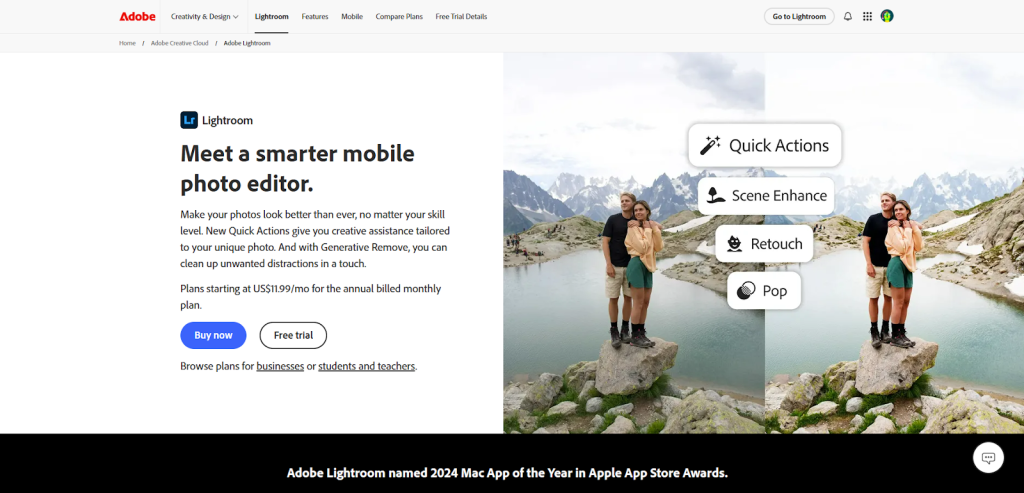
Adobe Lightroom (Mobile & Desktop)
Adobe Lightroom continues to dominate wedding photo editing in 2026, and for good reason. It’s one of the most trusted tools among wedding photographers worldwide. Lightroom is designed to handle large batches of photos, making it ideal for full wedding albums where consistency in color and tone is critical.
Lightroom shines when it comes to exposure correction, white balance adjustments, skin tone accuracy, and professional color grading. Wedding photographers love how easily they can sync edits across hundreds of images, ensuring the ceremony, portraits, and reception photos all feel cohesive. The mobile version is surprisingly powerful, allowing quick edits on the go, while the desktop version gives full control for detailed post-production.
However, Lightroom still requires editing knowledge. Beginners may feel overwhelmed at first, especially when dealing with curves, masks, and color grading panels. This is why many photographers use Lightroom for basic adjustments and then outsource detailed retouching to services like Graphics Revive for flawless final results.
Pros
- Excellent color accuracy for wedding photography
- Powerful batch editing for large wedding albums
- Available on mobile and desktop
Cons
- Subscription required
- Learning curve for beginners
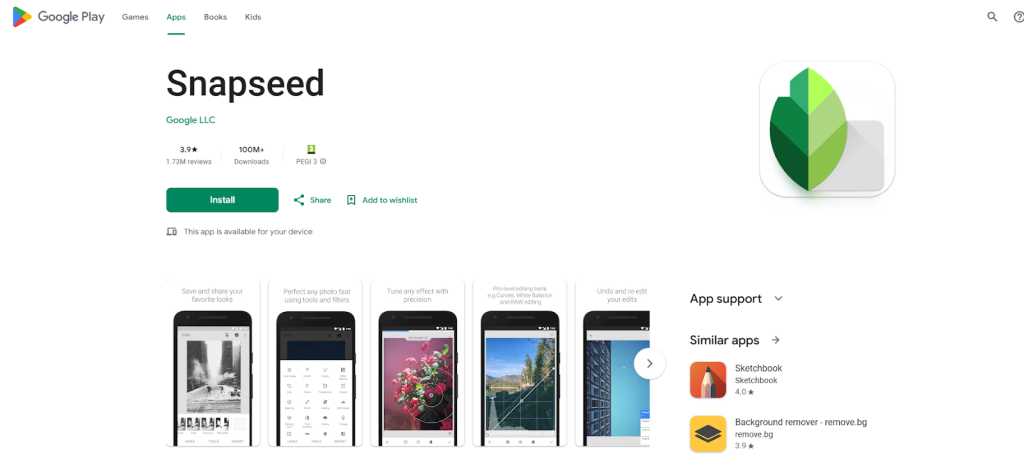
Snapseed
Snapseed remains a popular free option and is often recommended as a Best Wedding Photo Editing App for beginners. Developed by Google, Snapseed offers surprisingly advanced tools in a clean, easy-to-use interface.
For wedding photos, Snapseed is great for quick touch-ups. You can brighten faces, enhance details in dresses, fix minor distractions, and adjust mood with subtle filters. The selective editing feature is especially useful for improving specific areas, like brightening the bride’s face without affecting the background.
That said, Snapseed is best suited for editing individual photos rather than full wedding collections. It lacks batch processing and advanced color grading tools. Many photographers use Snapseed for social media previews and then rely on professional editors like Graphics Revive for album-level consistency and advanced retouching.
Pros
- Completely free
- Simple interface for quick wedding edits
- Selective editing works well for portraits
Cons
- No batch editing
- Limited advanced retouching tools
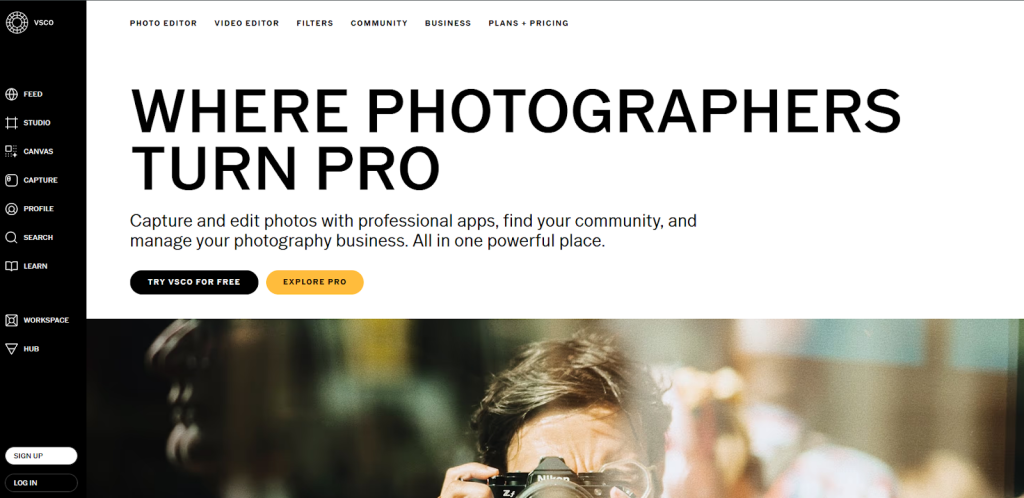
VSCO
VSCO is known for its beautiful, film-inspired presets, making it a strong contender for the Best Wedding Photo Editing App if you love a soft, romantic look. Many wedding photographers use VSCO to give their images a timeless, emotional feel that clients adore.
VSCO works best when you want consistent tones across a wedding shoot. Its presets are subtle and elegant, which suits weddings perfectly. The app is especially popular for outdoor weddings and golden-hour portraits, where color harmony matters most.
However, VSCO is more about style than precision. It doesn’t offer deep retouching tools or advanced masking. This is where combining VSCO’s aesthetic presets with professional editing from Graphics Revive can elevate results, ensuring both beauty and technical perfection.
Pros
- Stunning wedding-style presets
- Easy to maintain a consistent mood
- Great for portraits and outdoor weddings
Cons
- Limited retouching controls
- Subscription needed for premium presets
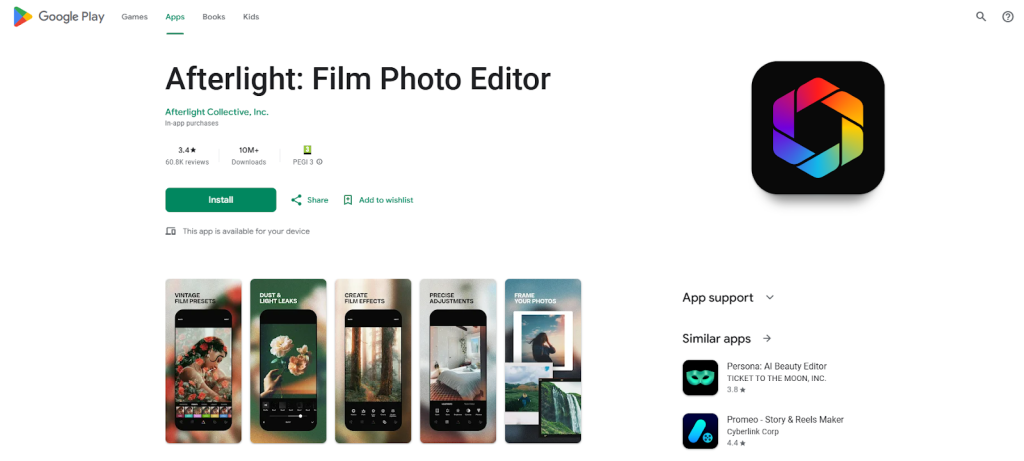
Afterlight
Afterlight has grown into a solid wedding editing option in 2026. It’s designed for photographers who want creative control without complicated workflows. The app includes textures, light overlays, and subtle color tools that work beautifully for wedding photography.
For couples who want a slightly artistic or editorial feel, Afterlight can be a great Best Wedding Photo Editing App choice. It’s especially useful for highlight images such as bridal portraits or couple shots.
Still, Afterlight is not ideal for full wedding albums. It’s better as a creative tool rather than a complete solution. Many professionals prefer to finish their images with expert services like Graphics Revive to ensure skin retouching, background cleanup, and album consistency are handled professionally.
Pros
- Creative overlays and textures
- Easy to use for artistic edits
- Good for highlight wedding photos
Cons
- Not ideal for large albums
- Limited professional retouching tools
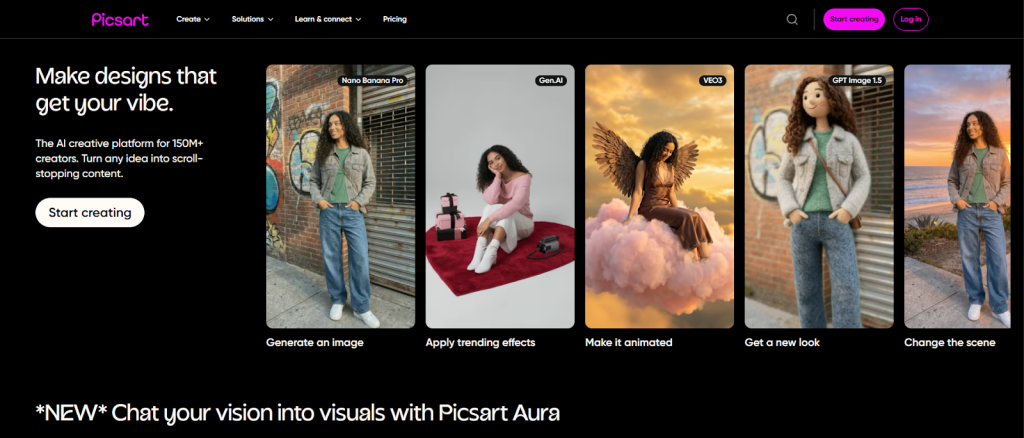
PicsArt
PicsArt might not be the first name you think of for wedding photography, but in 2026 it has become surprisingly capable. It’s often used for creative wedding edits, invitation designs, and social media posts.
For wedding photos, PicsArt offers tools for background removal, object cleanup, and creative enhancements. It’s useful when you need quick fixes or fun edits, especially for engagement photos or reels.
However, PicsArt is not designed for professional album editing. It lacks precise color correction and skin retouching accuracy. That’s why many photographers use it alongside professional services like Graphics Revive, which focuses on high-end wedding image editing rather than creative effects alone.
Pros
- Strong creative tools
- Background removal and cleanup
- Useful for social media wedding content
Cons
- Not built for professional albums
- Less accurate color control
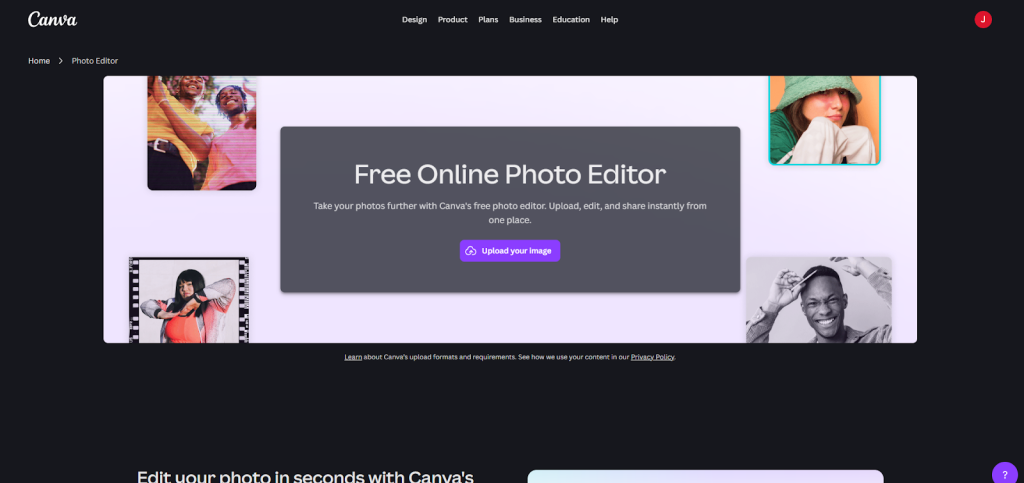
Canva Photo Editor
Canva has evolved far beyond simple graphic design, and in 2026 it stands as a surprisingly capable option for wedding photo editing. While it may not replace advanced professional tools, Canva is often considered a Best Wedding Photo Editing App for couples, small studios, and photographers who want fast, visually pleasing results without technical complexity.
Canva works especially well for wedding photos that will be shared online, printed in albums, or used in wedding invitations and slideshows. Its strength lies in simplicity. You can adjust brightness, contrast, warmth, and apply soft wedding-style filters in just a few clicks. Canva’s interface is beginner-friendly, which makes it appealing for couples who want to edit their own wedding photos.
However, Canva lacks advanced retouching features like precise skin smoothing, color grading, or detailed masking. This is why many photographers use Canva for design-related tasks while outsourcing final image refinement to professional services like Graphics Revive, where wedding photos are edited with care, precision, and consistency.
Pros
- Very easy to use
- Ideal for wedding albums, invites, and social sharing
- No advanced editing knowledge required
Cons
- Limited professional retouching tools
- Not suitable for full wedding album color matching
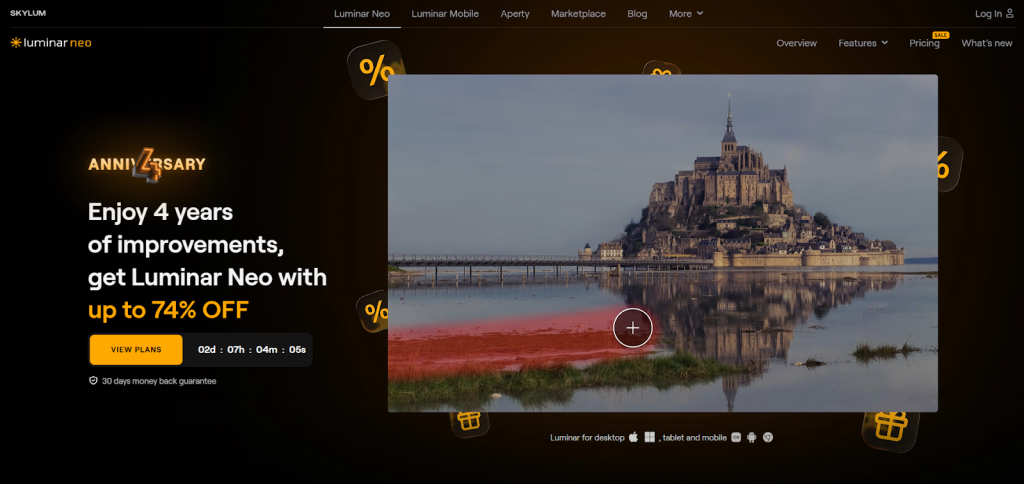
Luminar Neo
Luminar Neo has gained strong popularity among wedding photographers who want AI-powered editing without the complexity of traditional software. In 2026, Luminar Neo positions itself as a smart Best Wedding Photo Editing App alternative for photographers who want speed and creativity.
The app excels at enhancing skies, balancing lighting, improving portraits, and fixing common wedding photography issues like harsh shadows or dull colors. Its AI portrait tools are especially useful for weddings, helping improve skin tones and facial features quickly.
Despite its power, Luminar Neo sometimes over-processes images if not handled carefully. Wedding photos require subtlety, and that’s where human expertise still matters. Many professionals combine Luminar Neo with Graphics Revive’s image editing services to ensure every wedding photo looks natural, elegant, and client-ready.
Pros
- AI-powered wedding enhancements
- Strong portrait and lighting tools
- One-time purchase option
Cons
- Can over-edit if used carelessly
- Limited manual precision compared to pro tools
Pixlr
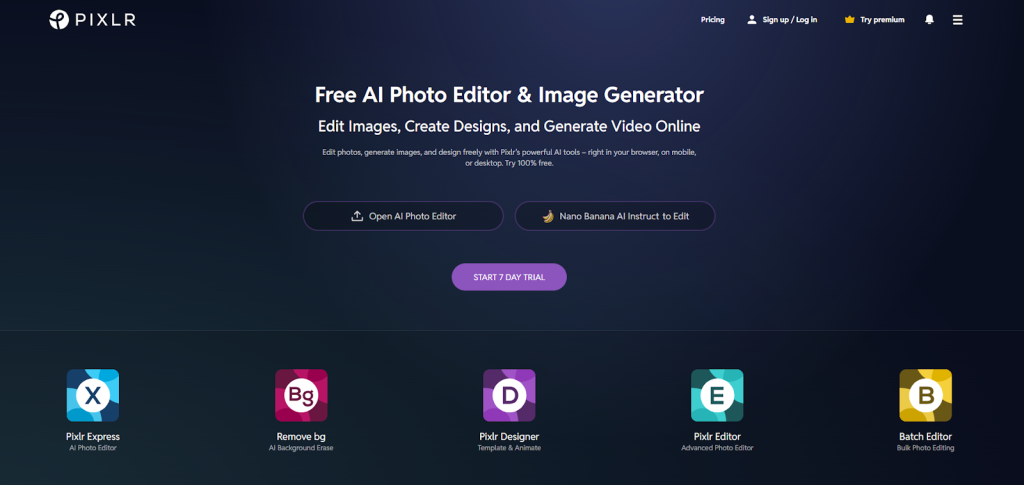
Pixlr is a browser-based photo editor that has improved significantly over the years. In 2026, it’s often considered a quick-access Best Wedding Photo Editing App for photographers who need fast edits without installing heavy software.
Pixlr is useful for basic wedding photo corrections like exposure adjustment, color tuning, and minor retouching. It works well for photographers who want to edit from any device, especially when traveling or working remotely.
However, Pixlr is not designed for high-end wedding retouching. It lacks advanced skin smoothing, detailed color grading, and album-level consistency tools. This is why many professionals rely on Pixlr for temporary edits and trust Graphics Revive for final wedding photo perfection.
Pros
- Works directly in a browser
- Fast and lightweight
- Useful for quick wedding edits
Cons
- Not suitable for professional albums
- Limited advanced editing tools
Fotor
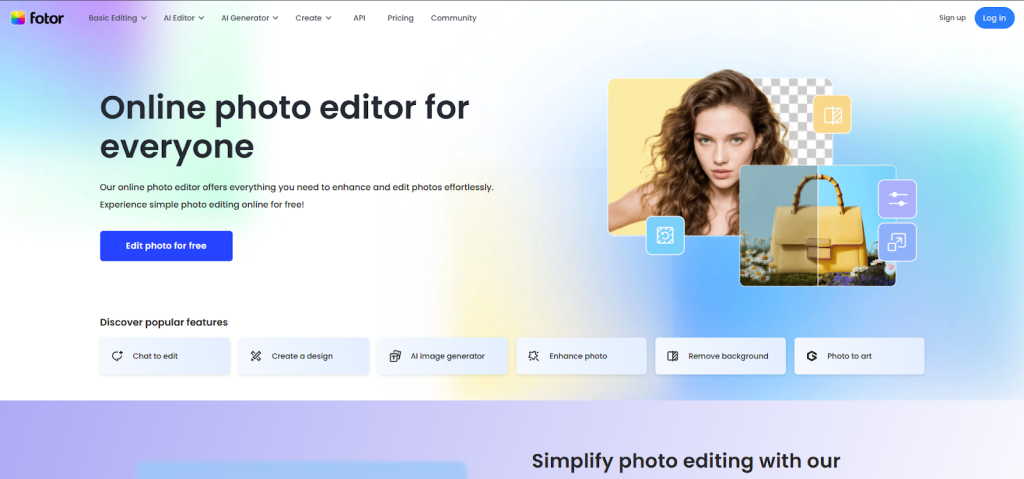
Fotor is another app that blends simplicity with decent editing power. It’s often recommended as a Best Wedding Photo Editing App for beginners who want quick improvements without learning complex software.
For wedding photography, Fotor handles basic retouching, brightness correction, and color enhancement quite well. It also includes preset styles that suit wedding aesthetics, especially for portrait images.
The downside is that Fotor struggles with batch editing and professional-level control. For photographers managing hundreds of wedding images, this can be a limitation. That’s where Graphics Revive becomes essential, offering scalable, professional image editing services that save time and ensure consistent quality.
Pros
- Beginner-friendly interface
- Quick portrait enhancements
- Affordable pricing
Cons
- Weak batch processing
- Limited control for professionals
Darkroom
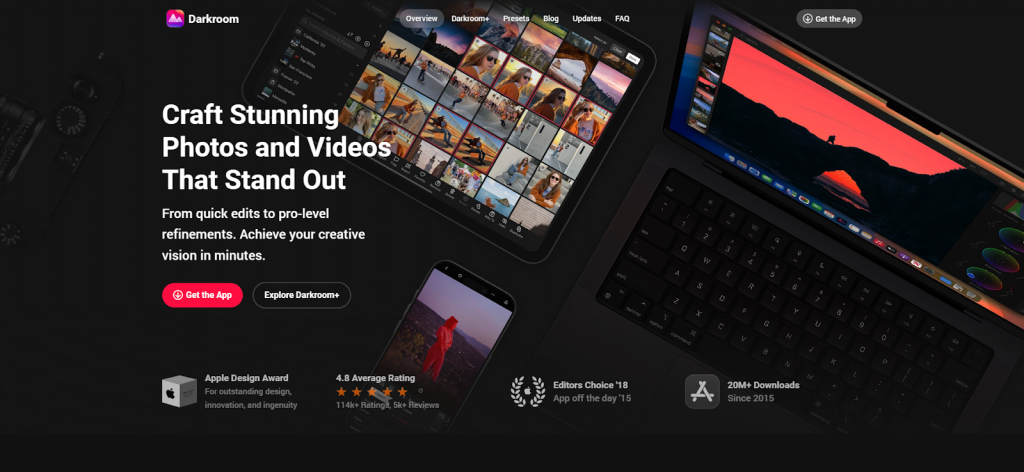
Darkroom has become a favorite among iOS users and is now widely regarded as a mobile-focused Best Wedding Photo Editing App. It’s designed for photographers who want powerful editing tools on their phones or tablets.
Darkroom offers strong color correction, curve adjustments, and batch editing on mobile devices. This makes it ideal for wedding photographers who want to edit previews quickly or share sneak peeks with clients shortly after the event.
Still, mobile editing has its limits. While Darkroom is impressive, final wedding albums often require more detailed retouching and human judgment. Many photographers finalize their workflow by outsourcing to Graphics Revive, ensuring every image meets professional wedding standards.
Pros
- Powerful mobile editing
- Batch editing on iOS
- Clean and intuitive interface
Cons
- Limited desktop integration
- Not ideal for deep retouching
Comparing the Best Wedding Photo Editing App Options in 2026
Choosing the Best Wedding Photo Editing App depends heavily on your role and workflow. If you’re a professional photographer handling large weddings, apps like Adobe Lightroom and Luminar Neo offer the control and speed you need. For couples and beginners, Snapseed, Canva, and Fotor provide accessible tools that make wedding photos look better without complexity.
However, one thing remains consistent across all these tools. Apps are tools, not replacements for professional editing expertise. Wedding photos carry emotional value, and small mistakes in skin tone, lighting, or background cleanup can affect how clients perceive your work.
This is why many photographers are shifting toward hybrid workflows. They use editing apps for initial adjustments and previews, then partner with professional services like Graphics Revive for final delivery.
Why Graphics Revive Is the Smart Choice for Wedding Photo Editing
Graphics Revive is not just another editing service. It’s a dedicated image editing partner for photographers who care about quality, consistency, and client satisfaction. While the Best Wedding Photo Editing App can help you edit faster, Graphics Revive helps you edit better.
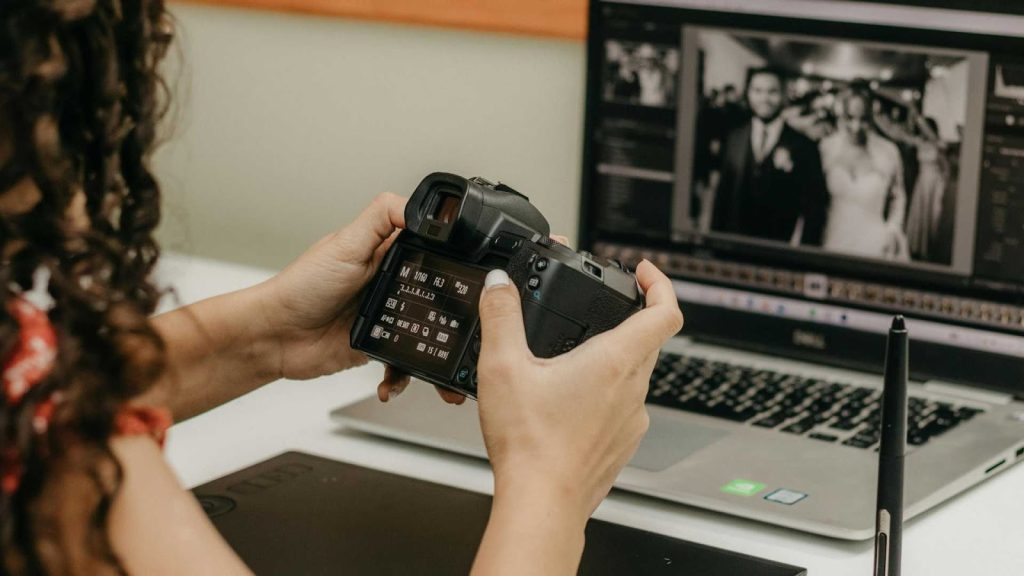
At Graphics Revive, wedding photos are handled by skilled human editors who understand wedding aesthetics. They focus on natural skin retouching, accurate color correction, exposure balancing, background cleanup, and album-level consistency. Every image is edited with care, ensuring it reflects the emotion and beauty of the wedding day.
Another major advantage of Graphics Revive is scalability. Whether you have a small wedding shoot or a massive destination wedding with thousands of images, Graphics Revive can handle the workload efficiently. This allows photographers to focus more on shooting, client communication, and business growth.
To learn more about professional wedding image editing services, you can visit https://graphicsrevive.com and explore how their solutions support photographers worldwide.
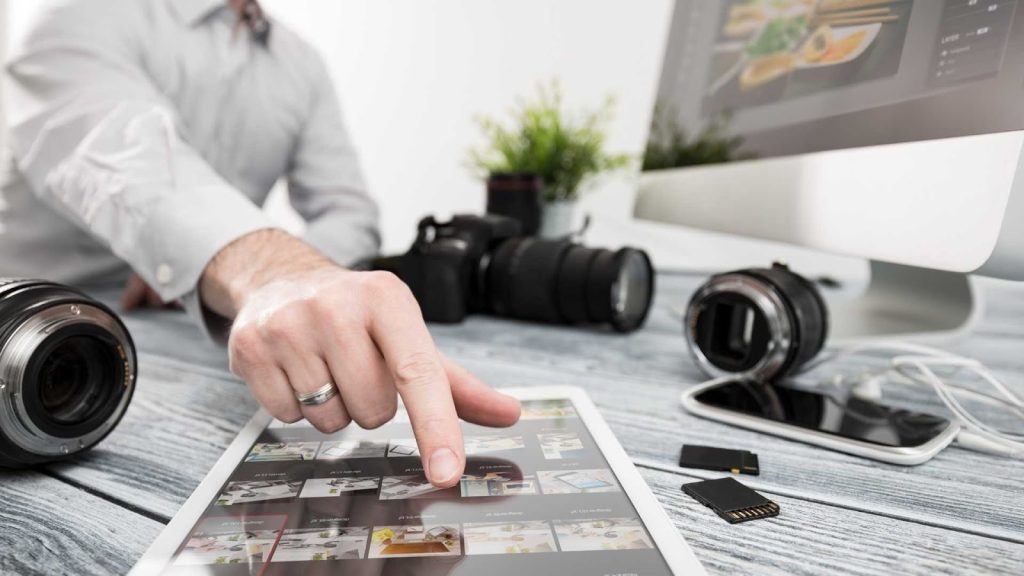
Editing Apps vs Professional Services: What’s Best for You?
If you’re editing a few wedding photos for social media or personal use, a Best Wedding Photo Editing App might be all you need. These apps are fast, affordable, and easy to use. But if you’re delivering full wedding albums to paying clients, professional editing becomes essential.
Many photographers now use a combination of both. They rely on apps like Lightroom or VSCO for initial edits and previews, then trust Graphics Revive to handle the final polishing. This approach saves time, reduces burnout, and ensures every wedding photo meets professional standards.
Graphics Revive also offers consistent turnaround times, which is crucial when clients are eagerly waiting for their wedding photos. Faster delivery without sacrificing quality gives photographers a competitive edge in 2026.
Final Thoughts on the Best Wedding Photo Editing App in 2026
There is no single Best Wedding Photo Editing App that fits everyone perfectly. Each app excels in different areas, whether it’s speed, creativity, AI tools, or simplicity. The key is understanding your needs and choosing tools that support your workflow rather than slow it down.
For photographers who want to stand out, combining editing apps with professional services like Graphics Revive is the ultimate solution. Apps help you work faster, while Graphics Revive ensures your final images look flawless, natural, and emotionally powerful.
In the competitive wedding photography market of 2026, quality is everything. Use the right tools, partner with the right professionals, and deliver wedding photos that couples will cherish for a lifetime.
