

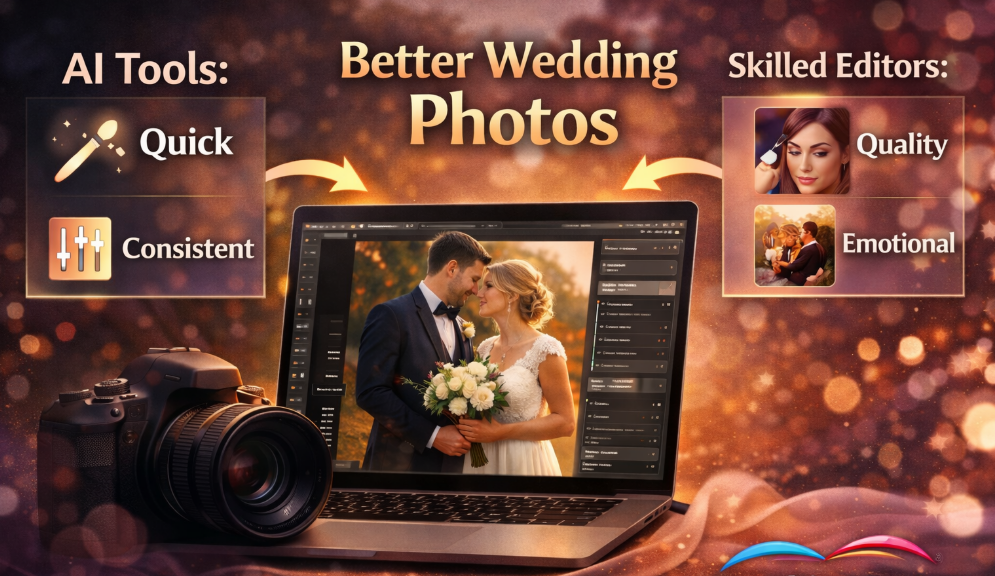
Weddings are magical. They’re emotional, beautiful, fast-moving, and completely unpredictable. As a photographer, you capture hundreds or even thousands of images in just one day. But the real work often begins after the wedding ends. That’s where Ai Tools for Wedding Photo Editing come into the picture.
In 2026, artificial intelligence has changed the way photographers edit wedding photos. Tasks that once took hours – skin retouching, background cleanup, color correction, object removal, and lighting adjustments – can now be done in minutes. The right Ai Tools for Wedding Photo Editing don’t just save time. They improve consistency, reduce stress, and help you deliver stunning albums faster.
But here’s the problem: there are too many options. Every software claims to be the best. Every website promises faster workflows and flawless results. So how do you choose?
That’s exactly why this guide exists. Before you spend money on any subscription or software, read this carefully. We’ll break down the most powerful Ai Tools for Wedding Photo Editing, compare their strengths and weaknesses, and help you understand which one fits your workflow.
And if you ever feel overwhelmed by editing – especially during peak wedding season – remember that we are here to help. At Graphics Revive, we provide professional wedding photo editing services powered by both expert editors and advanced AI workflows. We help photographers deliver breathtaking results without burning out.
Now let’s dive deep into the best options available today.
Why AI Is Transforming Wedding Photo Editing
Before we review individual tools, let’s talk about why Ai Tools for Wedding Photo Editing are becoming essential.
Wedding photography is not like other types of photography. Lighting changes constantly. Indoor ceremonies, outdoor portraits, reception dance floors – every environment demands different adjustments. AI helps analyze scenes automatically, detect subjects, enhance skin tones, balance exposure, and remove distractions.
Instead of manually masking every bride and groom, AI can detect them in seconds. Instead of individually adjusting hundreds of similar shots, AI can apply intelligent batch corrections.
However, not all AI tools are equal. Some focus on automation, while others give you creative control. The best solution depends on your editing style and business goals.
Adobe Photoshop with AI Features
Adobe Photoshop remains one of the most powerful Ai Tools for Wedding Photo Editing in 2026. With its advanced AI-driven features like Generative Fill, automatic subject selection, and neural filters, Photoshop has evolved far beyond traditional editing.
Photoshop’s AI can remove unwanted guests from the background, extend canvases seamlessly, and even reconstruct missing details. For wedding photographers, this is incredibly useful when dealing with crowded venues or unexpected distractions.
The neural filters allow subtle skin smoothing, facial adjustments, and lighting corrections while maintaining a natural look. That’s critical in wedding photography where authenticity matters.
At the same time, Photoshop still offers full manual control. This combination of automation and precision makes it one of the most versatile Ai Tools for Wedding Photo Editing available.
Pros
- Advanced AI tools like Generative Fill
- Precise retouching and masking capabilities
- Industry-standard software
- Huge plugin ecosystem
Cons
- Subscription-based pricing
- Steeper learning curve
- Can be overwhelming for beginners
If you want maximum control with AI assistance, Photoshop is hard to beat.
Adobe Lightroom with AI Masking
Adobe Lightroom is another leader among Ai Tools for Wedding Photo Editing. Unlike Photoshop, Lightroom focuses heavily on workflow efficiency and batch editing.
The AI masking tools in Lightroom can automatically detect subjects, skies, backgrounds, and even individual objects. For wedding photographers managing thousands of images, this saves enormous time.
You can apply presets across entire galleries, and the AI ensures that adjustments adapt intelligently to each image. This is especially helpful when lighting conditions change throughout the wedding day.
Lightroom also excels in color grading. Creating consistent tones across a full wedding album becomes simple and efficient.
Pros
- Excellent batch editing with AI
- Automatic subject and sky detection
- Strong preset ecosystem
- User-friendly interface
Cons
- Limited deep retouching
- Requires subscription
- Less powerful for complex edits
For many photographers, Lightroom is one of the most practical Ai Tools for Wedding Photo Editing because it balances speed and quality.
Luminar Neo
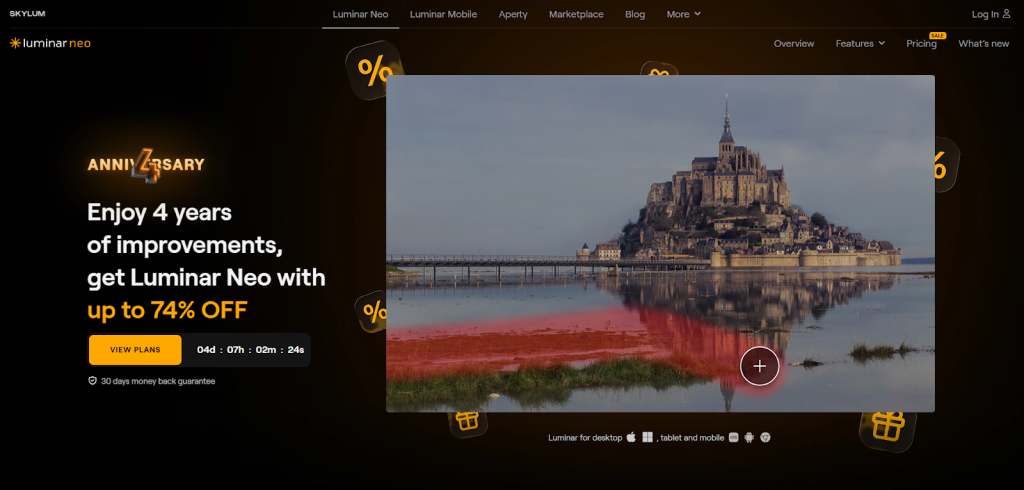
Luminar Neo is built specifically around AI automation. It’s designed for photographers who want powerful results without spending hours on manual adjustments.
Luminar Neo can automatically enhance portraits, smooth skin, adjust lighting direction, replace skies, and remove power lines or unwanted elements. For wedding photos taken outdoors, its sky replacement tool can dramatically improve dull weather shots.
What makes Luminar Neo stand out among Ai Tools for Wedding Photo Editing is its simplicity. You don’t need advanced technical skills to get beautiful results.
However, professionals who require extremely detailed control might find it slightly limiting compared to Photoshop.
Pros
- Strong AI portrait enhancement
- Easy to use interface
- One-time purchase option available
- Fast object removal
Cons
- Less manual precision
- Limited advanced workflow tools
- Can feel overly automated
If you prioritize speed and ease of use, Luminar Neo is worth considering.
Topaz Photo AI
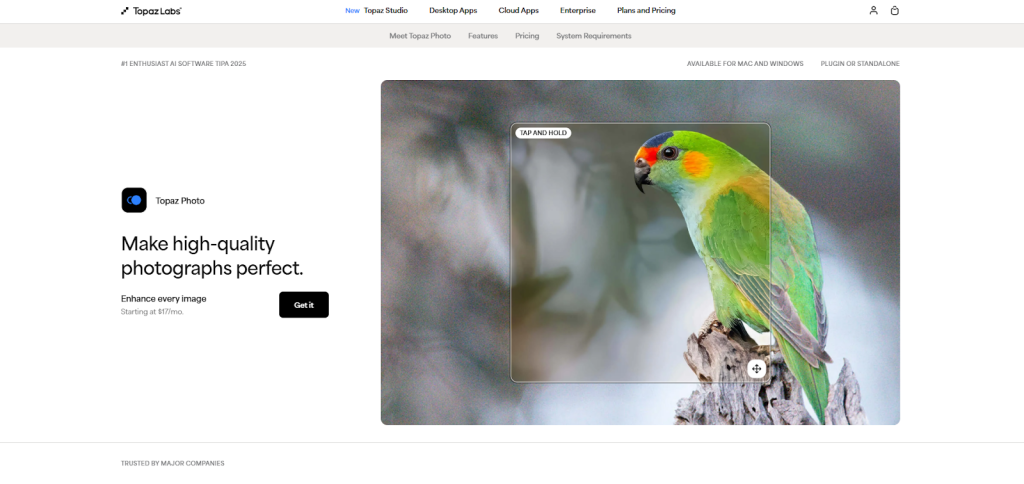
Topaz Photo AI focuses primarily on sharpening, noise reduction, and image quality enhancement. While it’s not a full editing suite, it’s one of the most specialized Ai Tools for Wedding Photo Editing.
Wedding photographers often deal with low-light conditions, especially during receptions. Topaz Photo AI can dramatically reduce noise while preserving details. It also enhances soft images caused by slight motion blur.
This makes it a perfect companion tool rather than a standalone solution. Many photographers integrate it into their workflow alongside Lightroom or Photoshop.
Pros
- Exceptional noise reduction
- Powerful sharpening algorithms
- Easy integration into workflow
- Great for low-light weddings
Cons
- Not a full editing platform
- Additional cost on top of other software
- Limited creative tools
If image clarity and quality are your main concerns, Topaz Photo AI is one of the most valuable Ai Tools for Wedding Photo Editing available today.
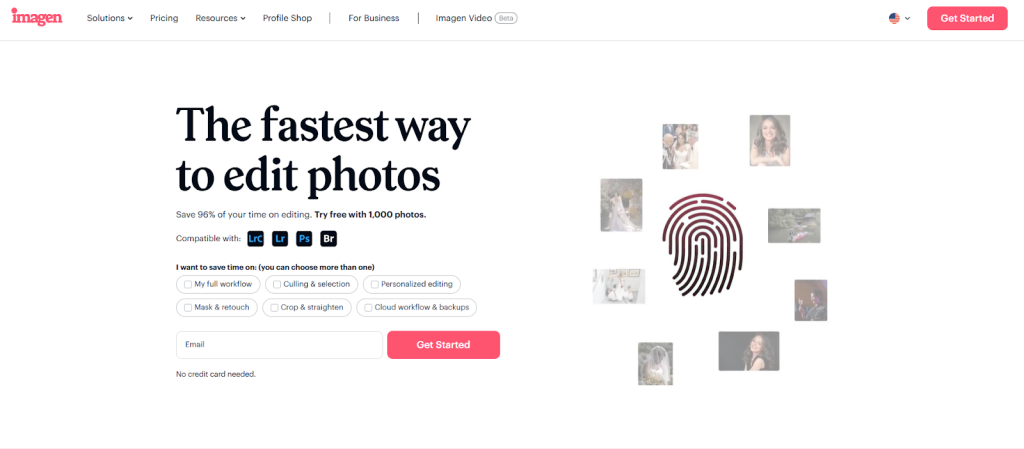
Imagen AI
Imagen AI is designed specifically for professional photographers who want automated editing based on their personal style.
Unlike traditional editing software, Imagen AI learns from your previous edits. It analyzes your style and applies consistent adjustments across new wedding galleries. This makes it incredibly powerful for photographers who want to scale their business.
Instead of manually editing thousands of photos, you can upload your RAW files and let the AI process them according to your signature look.
Among modern Ai Tools for Wedding Photo Editing, Imagen AI stands out for its personalization capabilities.
Pros
- Learns and replicates your editing style
- Massive time savings
- Ideal for high-volume photographers
- Cloud-based automation
Cons
- Ongoing usage costs
- Less hands-on creative control
- Requires initial training phase
For busy wedding professionals, this tool can completely transform productivity.
Aftershoot AI
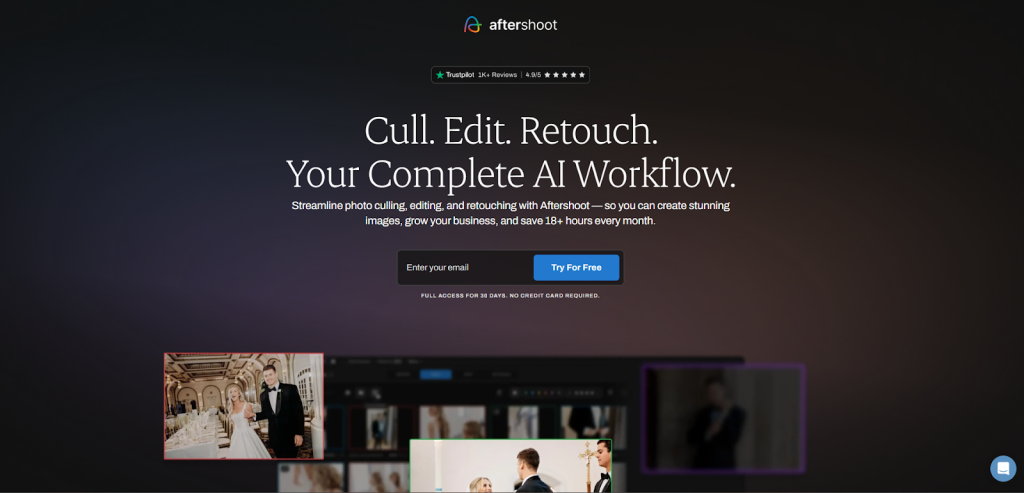
Aftershoot is widely known for AI-powered photo culling, but in recent years it has expanded into automated editing as well. While many photographers first use Aftershoot to eliminate duplicate or blurry images, its editing capabilities are now making it one of the rising Ai Tools for Wedding Photo Editing.
Weddings generate massive image collections. Going through thousands of RAW files can take hours before editing even begins. Aftershoot uses AI to analyze facial expressions, focus sharpness, and composition to select the best images automatically. This alone can save photographers days of work each month.
When it comes to editing, Aftershoot applies AI-powered color corrections and exposure balancing based on learned styles. It works especially well for photographers who want speed and consistency over detailed manual adjustments.
Pros
- Excellent AI culling saves huge amounts of time
- Learns and applies your editing style
- Designed specifically for photographers
- Great for high-volume wedding workflows
Cons
- Limited advanced retouching tools
- Requires initial setup and style training
- Ongoing subscription cost
For photographers shooting 30–40 weddings per year, Aftershoot can be a powerful addition to your list of Ai Tools for Wedding Photo Editing.
ON1 Photo RAW with AI Tools
ON1 Photo RAW has built a reputation for blending traditional editing with modern AI capabilities. It offers AI masking, sky replacement, noise reduction, and portrait enhancement tools inside a single platform.
For wedding photographers, ON1’s AI masking can automatically detect subjects and backgrounds, allowing precise local adjustments without complex selections. Its portrait AI tools smooth skin and enhance facial features while maintaining a natural look – something extremely important in wedding photography.
Unlike some cloud-based Ai Tools for Wedding Photo Editing, ON1 works primarily on your local system, which appeals to photographers who prefer keeping files offline.
Pros
- All-in-one editing solution
- Strong AI masking tools
- Flexible purchase options
- Good balance of automation and control
Cons
- Can be slower on older computers
- Interface may feel busy
- Smaller community compared to Adobe
If you’re looking for a non-Adobe alternative with solid AI features, ON1 deserves serious consideration.
Capture One with AI Enhancements
Capture One has always been known for exceptional color science. Now, with AI-powered masking and intelligent adjustments, it competes strongly among premium Ai Tools for Wedding Photo Editing.
Capture One’s AI can automatically detect subjects, create precise masks, and apply local corrections in seconds. For wedding portraits, this means faster skin tone balancing and more accurate color control.
Many high-end wedding photographers prefer Capture One because of its professional-level RAW processing. It preserves detail in wedding dresses and dark suits without losing dynamic range.
Pros
- Superior color rendering
- AI masking with precision
- Professional-grade RAW processing
- Customizable interface
Cons
- Higher price compared to alternatives
- Learning curve for beginners
- Smaller preset ecosystem
If your brand focuses on luxury wedding photography, Capture One could be one of the most refined Ai Tools for Wedding Photo Editing available.
The Real Cost of AI Editing Software
When comparing Ai Tools for Wedding Photo Editing, price matters. Some tools require monthly subscriptions. Others charge per image processed. Some offer one-time purchases but charge extra for updates.
It’s easy to underestimate long-term costs. For example, using multiple AI tools together – Lightroom, Topaz, and Imagen AI – can quickly add up. Over a year, you may spend thousands of dollars on subscriptions alone.
That’s why many photographers start rethinking their workflow. Instead of investing heavily in multiple software platforms, they look for smarter solutions.
This is where Graphics Revive becomes a powerful alternative.

Why Outsourcing Can Be Smarter Than Buying More AI Tools
Let’s be honest. Even the best Ai Tools for Wedding Photo Editing cannot fully replace human creativity. AI can speed up exposure adjustments and noise reduction, but it cannot fully understand emotional storytelling.
At Graphics Revive, we combine advanced AI technology with skilled professional editors. We don’t just automate your wedding images – we carefully enhance them. We adjust skin tones naturally. And we balance lighting artistically. We remove distractions seamlessly. And we ensure every image matches your signature style.
When you partner with https://graphicsrevive.com, you get:
Consistent wedding album editing
Professional-grade retouching
Time savings during busy wedding seasons
Affordable pricing compared to multiple subscriptions
Personalized service tailored to your brand
Instead of spending hours learning new Ai Tools for Wedding Photo Editing, you can focus on shooting, marketing, and growing your business.
Many of our clients say outsourcing gives them more freedom and less stress – especially during peak wedding months.
How to Choose the Right AI Tool for Your Workflow
Choosing among the many Ai Tools for Wedding Photo Editing depends on your needs.
If you want complete control and detailed retouching, Photoshop might be your best choice. If speed and batch editing are your priorities, Lightroom or Imagen AI may suit you better. If noise reduction and sharpening are critical, Topaz Photo AI can enhance your results.
But before buying anything, ask yourself a few honest questions.
Do you enjoy editing, or does it drain your energy?
Do you have time to learn complex software?
Are you spending more time editing than shooting?
Would outsourcing free up valuable hours for business growth?
Sometimes the smartest decision isn’t buying another tool – it’s partnering with experts who already know how to use the best Ai Tools for Wedding Photo Editing efficiently.
Final Thoughts: Don’t Buy Until You’re Sure
The world of Ai Tools for Wedding Photo Editing is exciting. Technology has made editing faster and more powerful than ever before. From Photoshop’s Generative Fill to Lightroom’s AI masking and Imagen AI’s personalized automation, photographers now have incredible options.
But software alone doesn’t guarantee beautiful wedding albums.
Before investing in subscriptions or one-time purchases, consider your workflow, budget, and long-term goals. Compare features carefully. Think about hidden costs. And remember that sometimes professional editing services can offer more value than software alone.
At Graphics Revive, we’re here to support wedding photographers who want stunning results without endless editing hours. Visit to see how we can help you elevate your wedding photography with expert-level editing and AI-powered precision.
The best decision isn’t always the newest tool. It’s the one that helps you grow your business, deliver breathtaking images, and enjoy your creative journey.
Now that you’ve read this guide, you’re ready to make a smarter choice about Ai Tools for Wedding Photo Editing.
