
Wedding photography is more than just taking beautiful photos. The real magic often happens after the wedding, during the editing process. This is where emotions are refined, colors are balanced, skin tones are perfected, and every special moment is transformed into a timeless memory. Choosing the Best Wedding Photo Editing Software can make a huge difference in how fast you work, how professional your final images look, and how happy your clients feel when they receive their photos.
In 2026, wedding photographers will have more editing tools than ever before. Some software focuses on speed and automation, while others give you full creative control. Many photographers also combine software with professional editing services to save time and maintain consistent quality. That’s where expert services like Graphics Revive come into play, helping photographers deliver stunning results without spending endless hours in front of a screen.
This guide is written for photographers who are comparing tools before making a purchase decision. Whether you are a beginner wedding photographer or an experienced professional managing hundreds of images per event, this article will help you choose the Best Wedding Photo Editing Software for your workflow. We’ll go deep into features, strengths, and limitations, while keeping everything easy to understand and practical.
What Makes the Best Wedding Photo Editing Software in 2026
Before diving into the reviews, it’s important to understand what truly defines the Best Wedding Photo Editing Software today. Wedding photography has unique demands. You are often editing thousands of images under tight deadlines, and clients expect flawless results.
The best tools offer powerful color correction, skin retouching, lighting adjustments, and preset-based workflows to speed things up. At the same time, they need to feel intuitive, not overwhelming. Software that integrates well with professional services like Graphics Revive also stands out, because it allows photographers to scale their business without sacrificing quality.
In 2026, AI-powered tools, batch editing, and cloud-based workflows are more important than ever. Photographers are no longer just looking for editing tools, they are looking for complete solutions.
Adobe Lightroom Classic – A Wedding Photographer’s Everyday Tool
Adobe Lightroom Classic remains one of the most popular choices when discussing the Best Wedding Photo Editing Software. It’s widely used by wedding photographers because it balances power and simplicity extremely well.
Lightroom is especially loved for its batch editing capabilities. You can apply consistent edits across hundreds of wedding photos, which is essential when working with large galleries. The color grading tools are refined, and the preset system allows photographers to maintain a consistent style across different weddings.
Lightroom also pairs perfectly with professional editing services. Many photographers edit key images themselves and outsource the rest to services like Graphics Revive, which works seamlessly with Lightroom-based workflows.
Pros
- Easy-to-use interface for beginners and professionals
- Powerful batch editing and preset system
- Excellent color correction and exposure tools
- Strong integration with Photoshop and third-party services
Cons
- Subscription-based pricing
- Limited advanced retouching compared to Photoshop

Adobe Photoshop – Ultimate Control for Detailed Wedding Retouching
When precision matters, Adobe Photoshop is still considered part of the Best Wedding Photo Editing Software lineup. While it’s not ideal for editing thousands of images, it’s unmatched for detailed retouching.
Wedding photographers use Photoshop for skin retouching, background cleanup, object removal, and creative edits. If you want magazine-quality wedding portraits, Photoshop is often the final step.
Many professionals combine Photoshop with Graphics Revive services, especially for high-end wedding albums where every image needs careful attention. This hybrid approach saves time while maintaining premium quality.
Pros
- Unmatched retouching and editing precision
- Advanced layer-based workflow
- Ideal for album-worthy wedding portraits
Cons
- Steep learning curve
- Not designed for bulk wedding photo editing
Capture One Pro – Professional Color Accuracy for Weddings
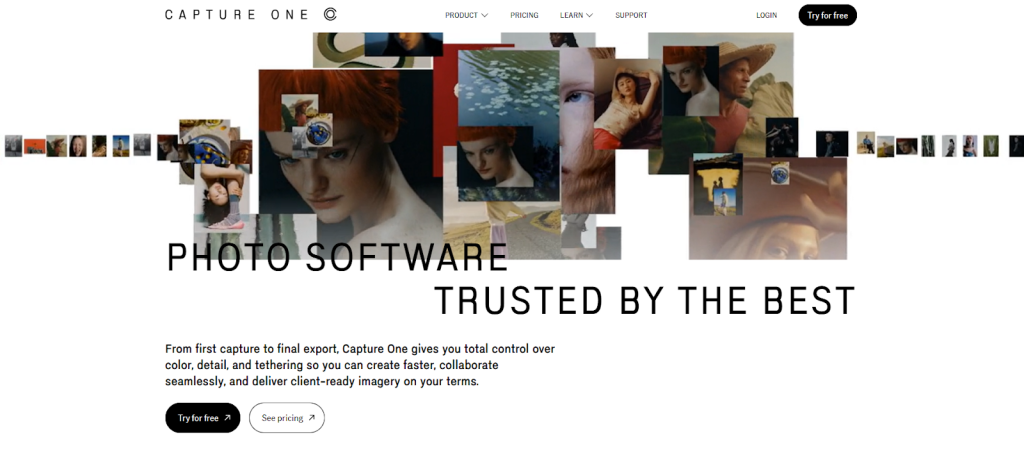
Capture One Pro has earned its reputation among professionals and is often listed as one of the Best Wedding Photo Editing Software options for photographers who care deeply about color accuracy.
Wedding photographers who shoot in challenging lighting conditions appreciate Capture One’s superior color rendering. Skin tones look natural, and highlights are handled beautifully. The software also offers advanced tethering and customizable workspaces.
Although Capture One is powerful, it’s often paired with external services like Graphics Revive for bulk editing. This combination allows photographers to focus on creative decisions while outsourcing repetitive tasks.
Pros
- Exceptional color grading and skin tone accuracy
- Highly customizable workspace
- Strong RAW file handling
Cons
- Higher cost compared to alternatives
- Learning curve for new users
Luminar Neo – AI-Powered Editing for Faster Wedding Turnaround
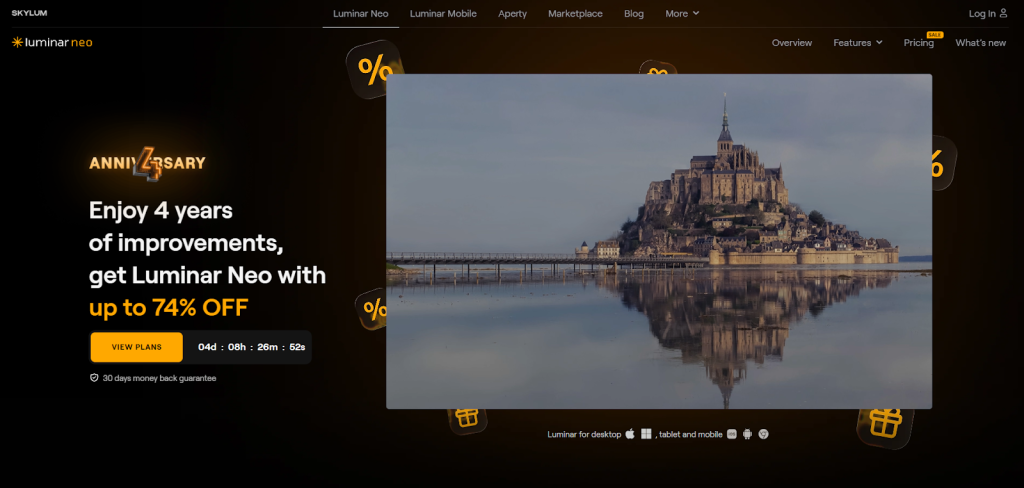
Luminar Neo has become a strong contender in the Best Wedding Photo Editing Software category, especially for photographers who value speed. Its AI-powered tools simplify complex edits like sky replacement, skin smoothing, and lighting adjustments.
Wedding photographers who want fast results without deep technical knowledge often enjoy Luminar Neo. It’s especially helpful for social media previews and quick client deliveries.
However, many professionals still rely on services like Graphics Revive for full wedding galleries, using Luminar Neo mainly for creative enhancements or quick edits.
Pros
- AI-powered tools save time
- Beginner-friendly interface
- One-time purchase option
Cons
- Less control for advanced retouching
- Limited batch editing compared to Lightroom
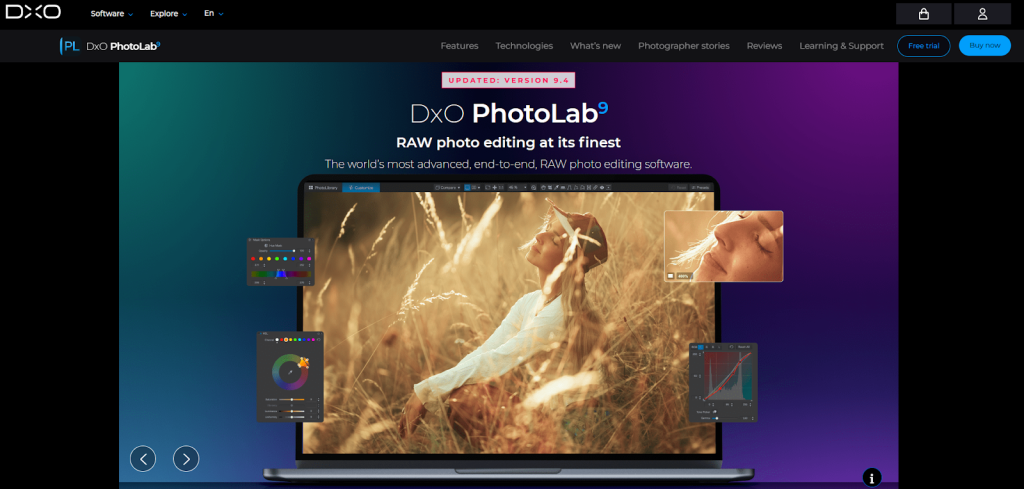
DxO PhotoLab – Clean Images and Natural Wedding Looks
DxO PhotoLab is often overlooked, but it deserves recognition when talking about the Best Wedding Photo Editing Software. It excels in noise reduction, lens correction, and image clarity.
Wedding photographers shooting in low light environments, such as receptions and evening ceremonies, benefit greatly from DxO’s noise reduction technology. The results look clean and natural without over-processing.
DxO PhotoLab works best as part of a broader workflow, often alongside Lightroom and professional services like Graphics Revive for final polishing.
Pros
- Outstanding noise reduction
- Accurate lens and camera corrections
- Natural-looking edits
Cons
- Interface can feel technical
- Less popular preset ecosystem
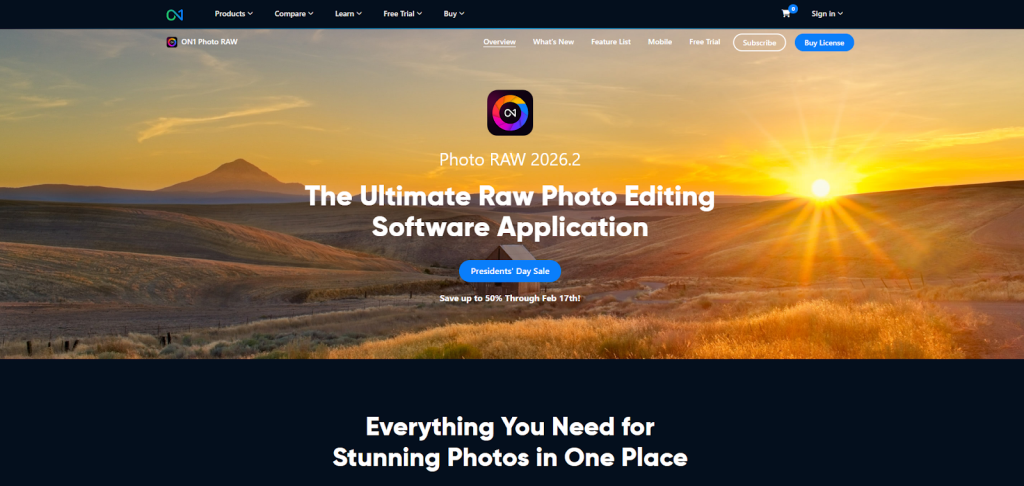
ON1 Photo RAW – A Complete Editing Suite for Wedding Photographers
ON1 Photo RAW is often included in discussions about the Best Wedding Photo Editing Software because it tries to do everything in one place. It combines photo organization, RAW processing, retouching, effects, and presets without requiring multiple programs.
Wedding photographers who prefer a one-time purchase instead of subscriptions are especially drawn to ON1 Photo RAW. It offers strong portrait tools, natural skin retouching, and solid batch processing, which is useful when working with large wedding galleries. The software also supports layers, making it more flexible than many Lightroom-style editors.
That said, many photographers still outsource final refinements to services like Graphics Revive. Using ON1 for initial edits and letting professionals handle consistency and polish can be a very efficient workflow.
Pros
- One-time purchase with no subscription
- All-in-one editing and organization tool
- Good portrait and skin retouching tools
Cons
- Performance can be slower on older systems
- Interface may feel crowded at first
Affinity Photo – Budget-Friendly Precision Editing
Affinity Photo has earned a solid reputation as a professional-grade editor without a monthly fee. While it’s not designed for bulk wedding edits, it still earns a place among the Best Wedding Photo Editing Software for photographers on a budget.
Wedding photographers often use Affinity Photo for detailed retouching tasks such as skin cleanup, object removal, and creative effects. It works similarly to Photoshop but at a much lower cost, which makes it appealing for freelancers and small studios.
Because Affinity Photo lacks strong batch processing, many photographers pair it with external services like Graphics Revive. This way, they handle hero images themselves while outsourcing the rest of the gallery.
Pros
- Affordable one-time purchase
- Powerful retouching and layer tools
- No subscription required
Cons
- Limited batch editing features
- Not ideal for full wedding workflows
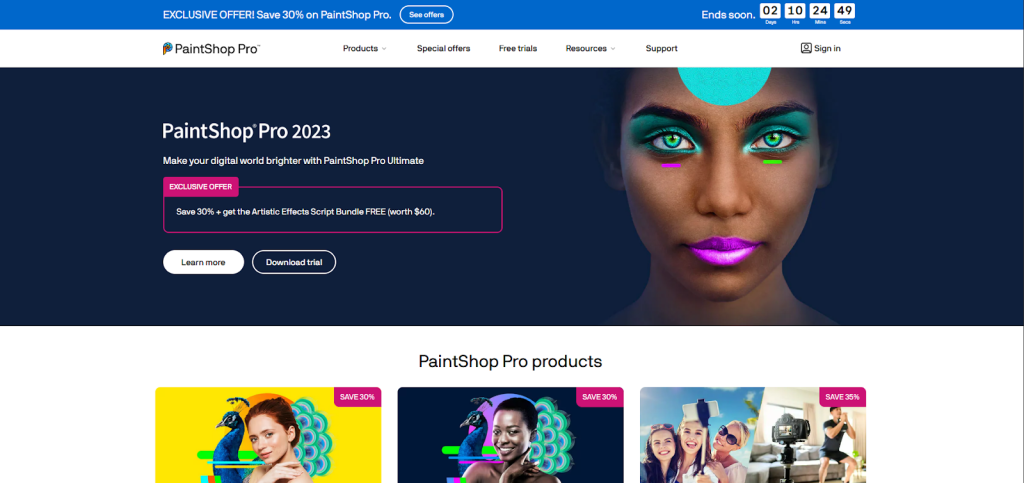
Corel PaintShop Pro – Windows-Only Wedding Editing Solution
Corel PaintShop Pro is a Windows-only alternative that many photographers consider when searching for the Best Wedding Photo Editing Software without recurring costs. It provides solid photo editing tools, portrait enhancements, and creative effects.
For wedding photographers who prefer a simpler interface and one-time pricing, PaintShop Pro can be a practical choice. It handles standard wedding edits well, including color correction and basic retouching.
However, it is less commonly used in professional wedding studios, which is why many photographers rely on Graphics Revive to ensure consistent, industry-standard results across all client galleries.
Pros
- One-time purchase
- Beginner-friendly interface
- Good basic editing tools
Cons
- Windows only
- Limited professional ecosystem
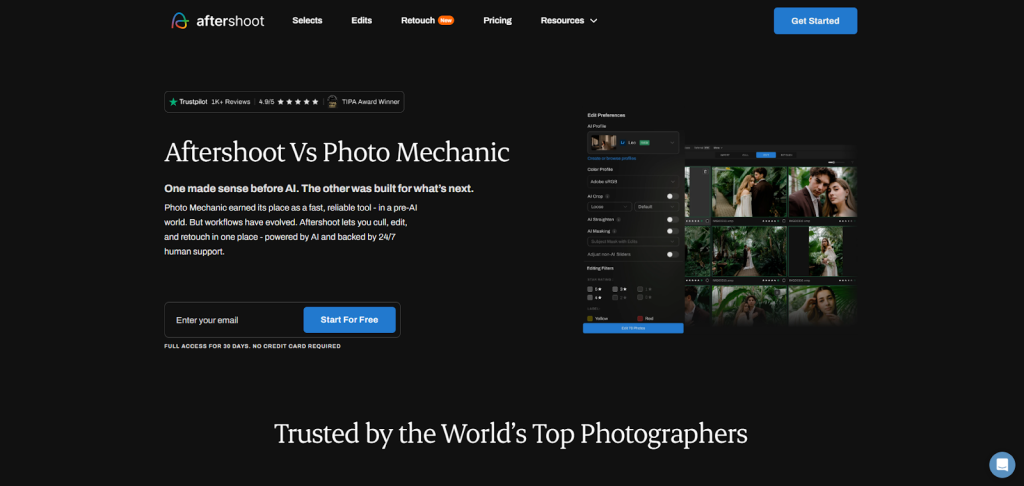
Photo Mechanic Plus – Speed First, Editing Second
While Photo Mechanic Plus is not a traditional editor, it still plays an important role in the Best Wedding Photo Editing Software ecosystem. It’s mainly used for fast photo culling and organization.
Wedding photographers dealing with thousands of images love Photo Mechanic for its speed. It allows you to quickly select the best shots before moving into editing software or outsourcing to services like Graphics Revive.
Most professionals use Photo Mechanic alongside Lightroom and professional editing services to streamline their workflow.
Pros
- Extremely fast image culling
- Ideal for large wedding shoots
- Simple and efficient
Cons
- Limited editing capabilities
- Requires other software for full editing
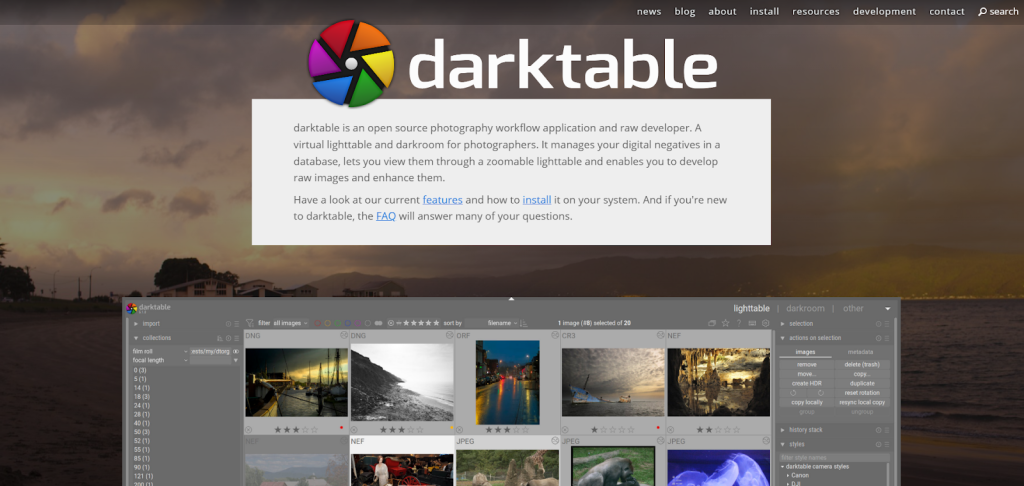
Darktable – Free and Open-Source Wedding Editing Software
Darktable is a free, open-source option that sometimes surprises photographers looking for the Best Wedding Photo Editing Software on a tight budget. It offers advanced color correction, masking, and RAW editing tools.
For tech-savvy photographers, Darktable can handle wedding photo editing quite well. However, it requires time to learn and doesn’t offer the polished experience of paid software.
Because of its complexity, many photographers using Darktable still choose Graphics Revive to maintain consistent quality and reduce editing time.
Pros
- Completely free
- Advanced editing capabilities
- Strong RAW support
Cons
- Steep learning curve
- Less user-friendly interface
How to Choose the Best Wedding Photo Editing Software for Your Business
Choosing the Best Wedding Photo Editing Software depends on more than just features. You need to consider your shooting volume, deadlines, budget, and long-term business goals.
If you shoot many weddings each year, speed and consistency matter more than creative experimentation. Software like Lightroom combined with professional editing services often delivers the best balance. If you focus on high-end boutique weddings, tools like Photoshop and Capture One give you creative control.
Many successful photographers in 2026 are not relying on software alone. They are building hybrid workflows that include trusted services like Graphics Revive. This approach allows them to grow their business without burnout.
Why Graphics Revive Is a Smart Choice for Wedding Photographers
Even with access to the Best Wedding Photo Editing Software, editing weddings is time-consuming. That’s where Graphics Revive becomes a powerful partner rather than just a service provider.
Graphics Revive specializes in professional image editing services for wedding photographers. Their team understands wedding aesthetics, natural skin tones, consistent color grading, and storytelling through images. They work with your preferred editing style and deliver edits that match your brand.
By outsourcing to Graphics Revive, photographers save countless hours per wedding. This time can be reinvested into booking more clients, improving marketing, or simply maintaining a healthier work-life balance. Many photographers find that using professional services actually improves client satisfaction because galleries are delivered faster and with consistent quality.
Graphics Revive also supports scalable workflows. Whether you shoot five weddings a year or fifty, their service adapts to your needs. This makes them an ideal partner for photographers who want to grow without hiring in-house editors.
Software Alone vs Software Plus Editing Services
In 2026, the smartest wedding photographers understand that the Best Wedding Photo Editing Software is only part of the equation. Software gives you tools, but services give you time.
Using software alone means long editing hours and potential burnout. Combining editing tools with Graphics Revive allows photographers to focus on creativity and client experience instead of repetitive tasks.
This hybrid approach is becoming the industry standard, especially for photographers who value quality, consistency, and efficiency.
Final Thoughts on the Best Wedding Photo Editing Software in 2026
There is no single winner when it comes to the Best Wedding Photo Editing Software. The best choice depends on how you work, what you value, and how you want to grow your business.
Lightroom and Photoshop remain industry staples. Capture One offers premium color control. AI tools like Luminar Neo bring speed and simplicity. Budget-friendly options like Affinity Photo and ON1 Photo RAW offer flexibility without subscriptions.
However, the most successful photographers are not choosing software alone. They are pairing powerful tools with trusted services like Graphics Revive to deliver stunning wedding galleries faster and more efficiently.
If your goal is to impress clients, meet deadlines, and scale your wedding photography business in 2026, combining the Best Wedding Photo Editing Software with professional image editing services from Graphics Revive may be the smartest decision you make.
